
ONE CREATIVE WORKBENCH · 17 IMAGE MODELS · 21 VIDEO MODELS
Nano Banana AI Image Generator & Editor
Turn rough ideas into campaign-ready visuals.
Create, edit, compare, and keep every result in one place. Pick the model by outcome—not by guesswork.
16 free credits = 2 standard images. No card required.
Output board
Your generated variations will appear here.
Choose by outcome
Every model shows its best use and real credit cost.
Generate 1–4 variations
Each variation is a real task, not a decorative control.
Failed generations are refunded
If a generation fails on our side, its credits go back to your balance automatically.
Nano AI Showcase
AI-Generated Image Gallery
Explore stunning images created by our AI models
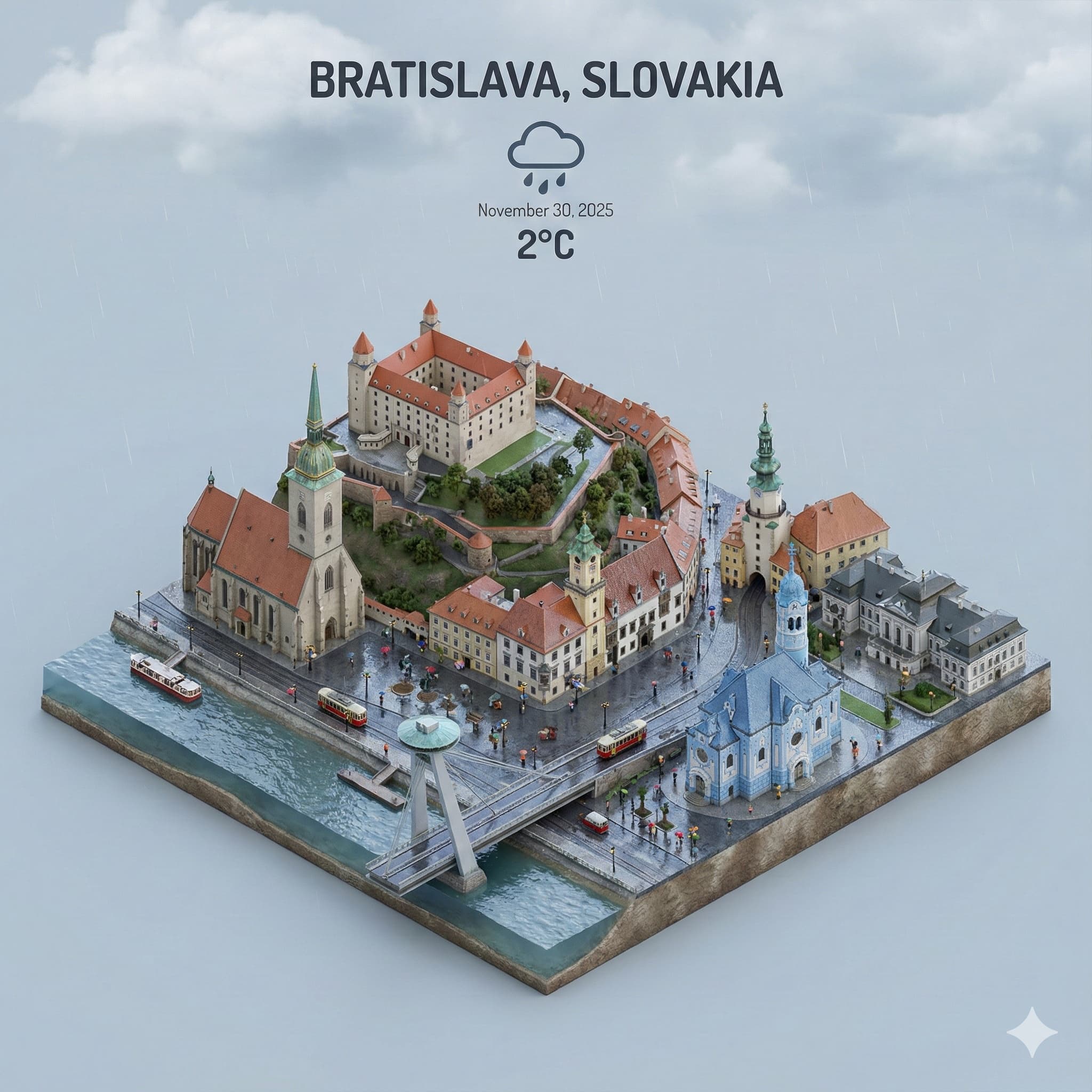
Cityscape
Isometric City Miniature
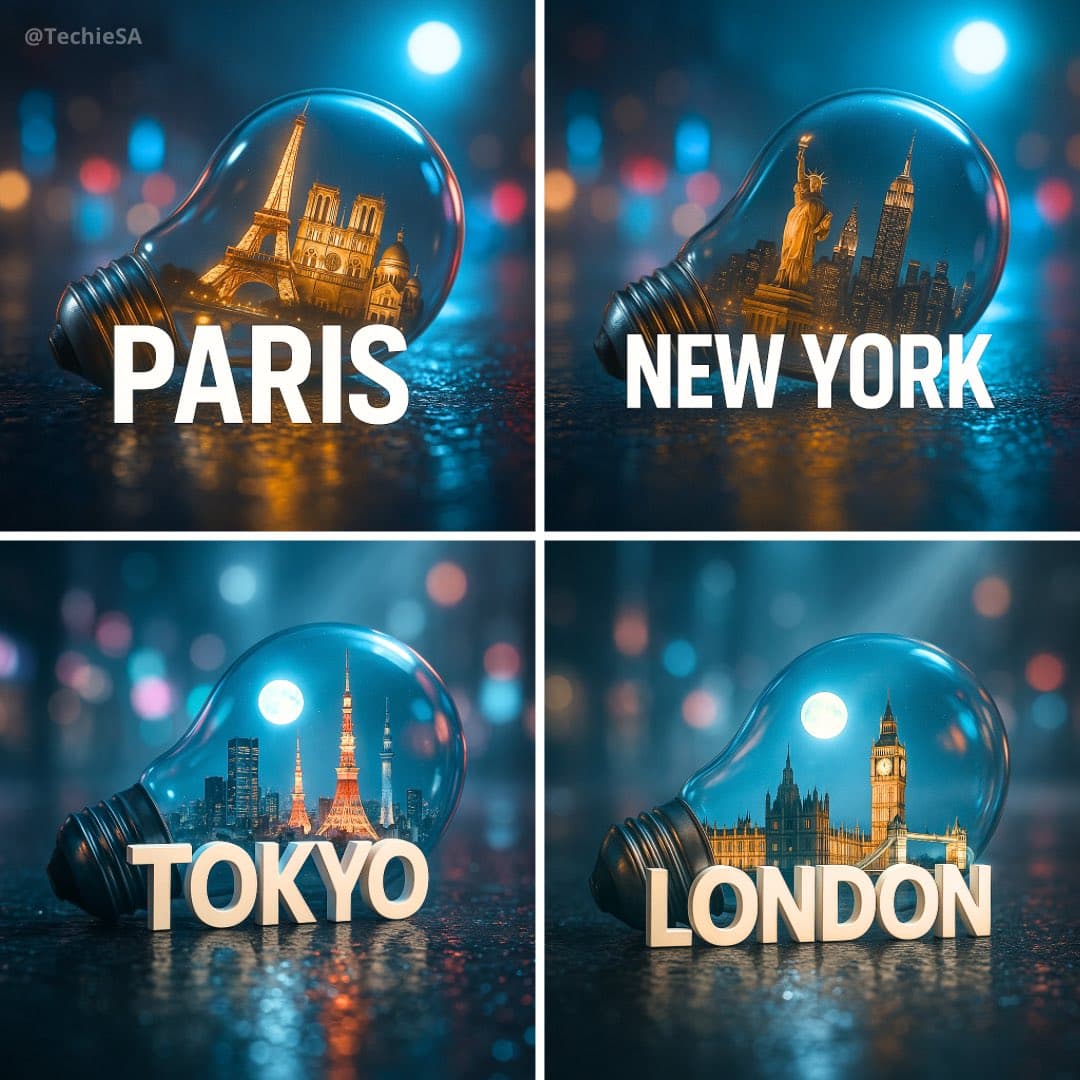
Cityscape
City in Light Bulb
Marketing
Cinematic 3D Advertisement
Animal
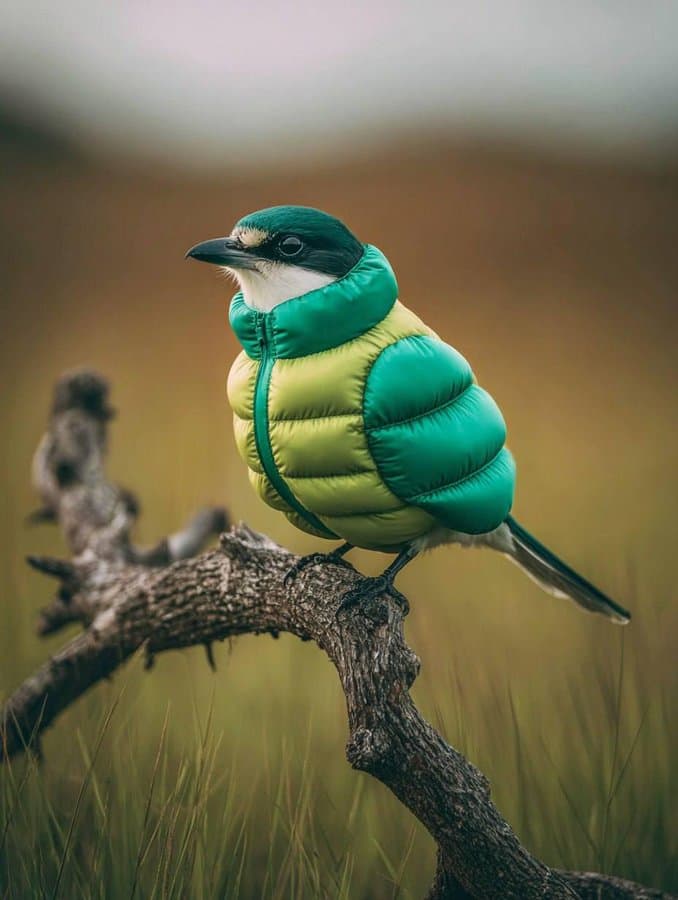
Bird in Inflatable Jacket
Animal
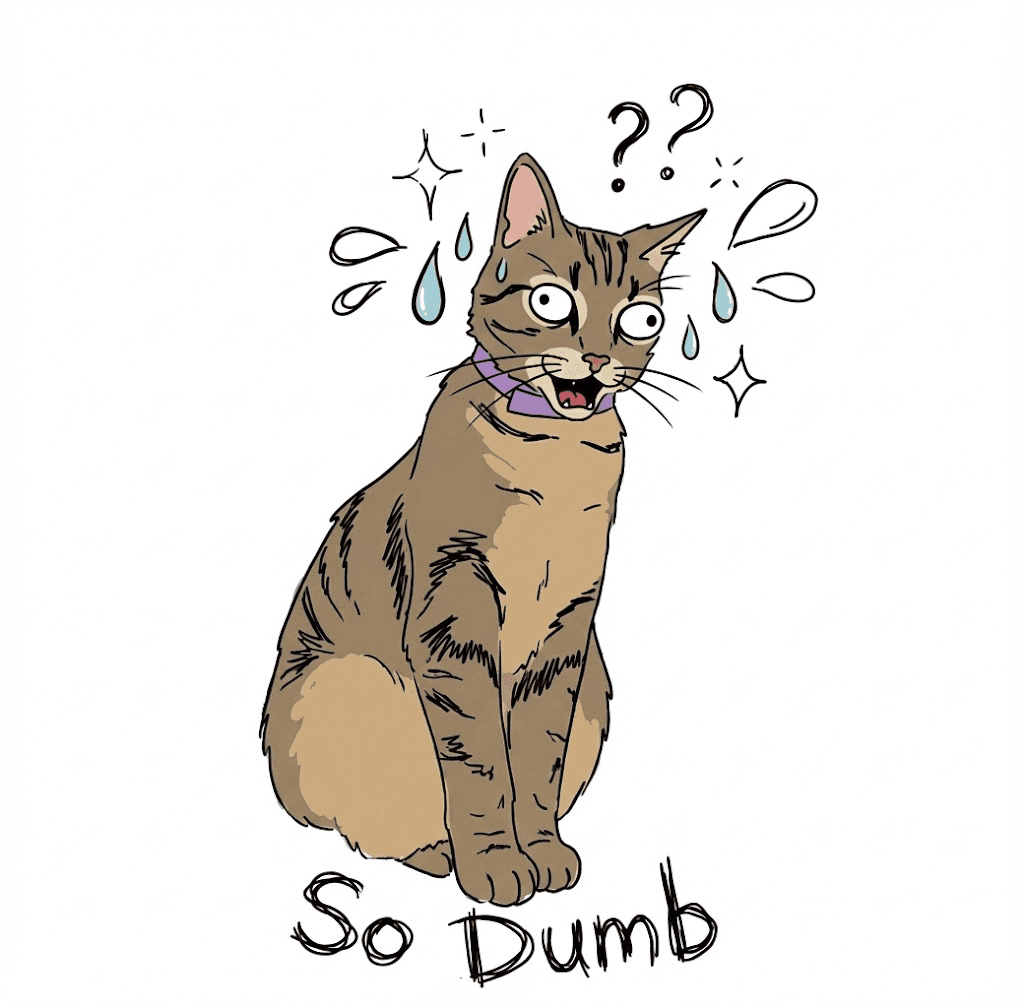
Pet Meme Sticker
Presentation
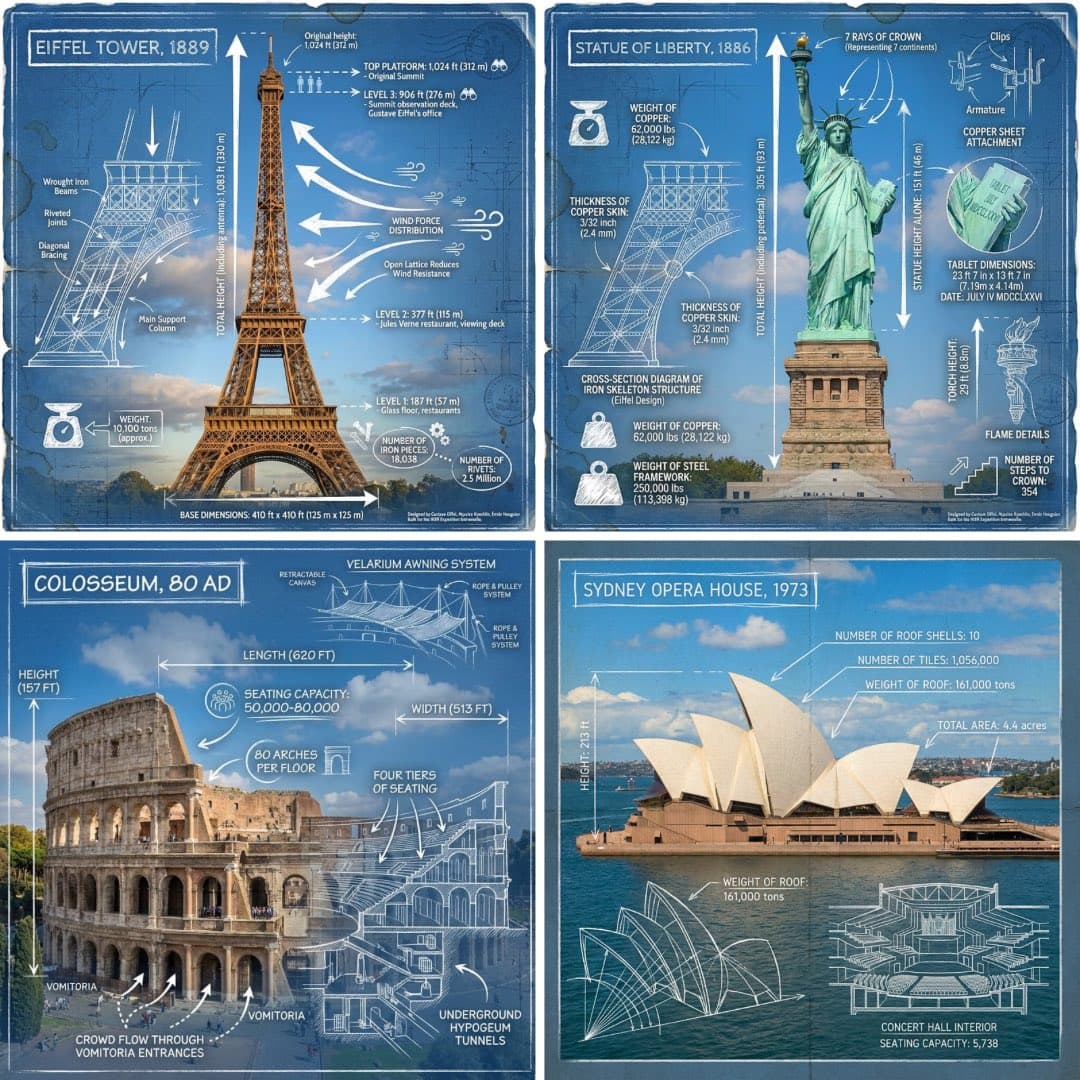
Landmark Infographic
Presentation
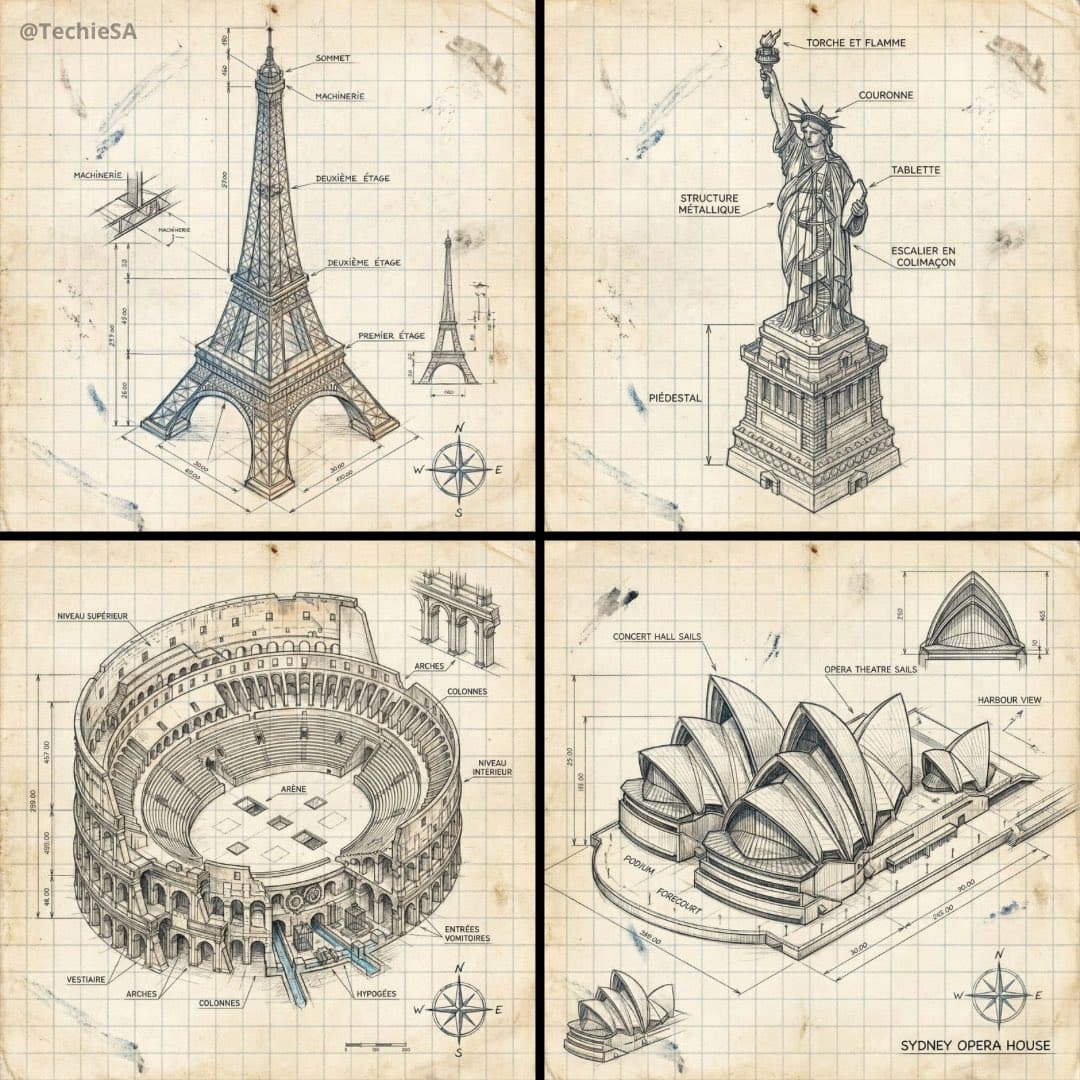
Isometric Landmark Schematic
Cityscape
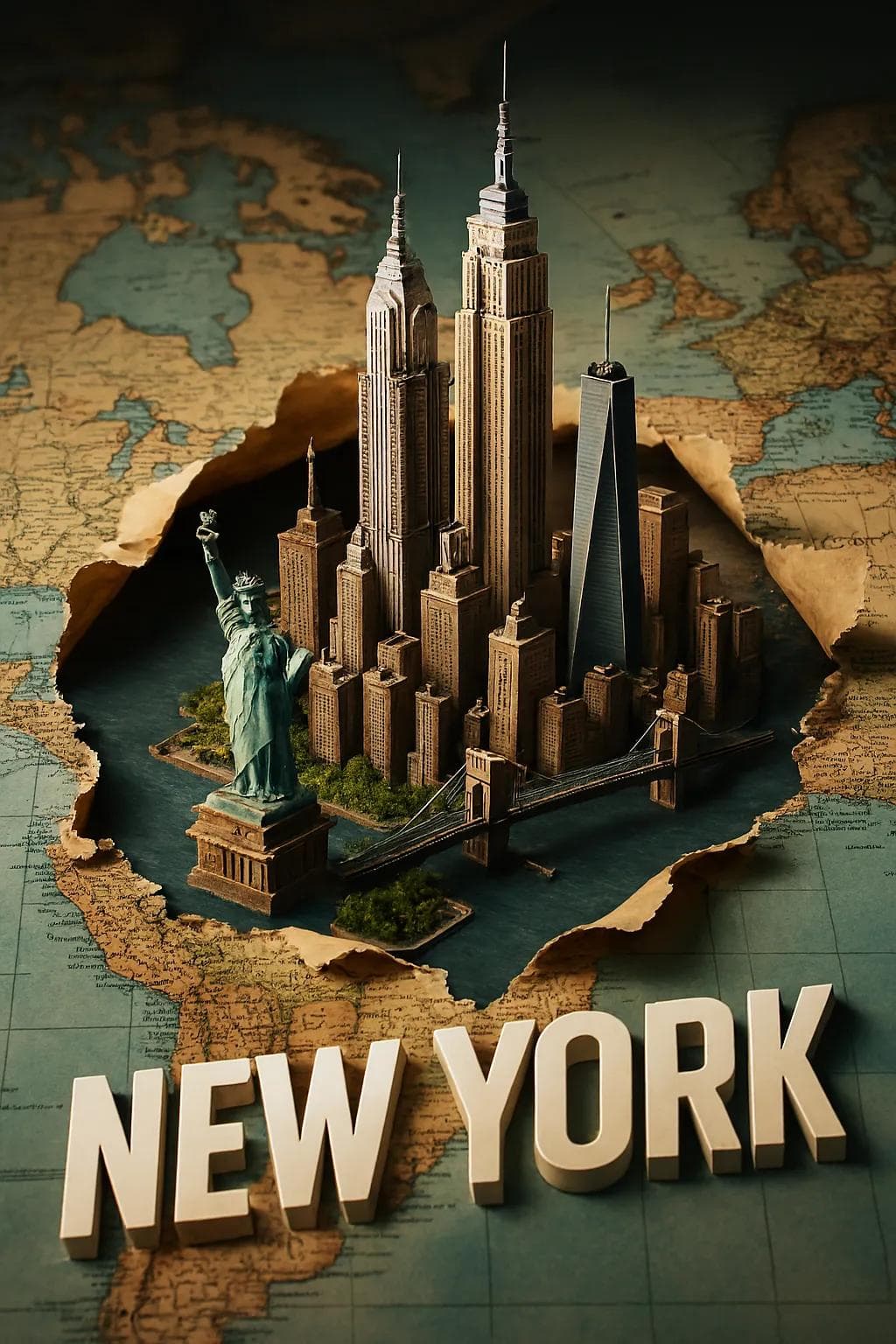
3D City Travel Poster
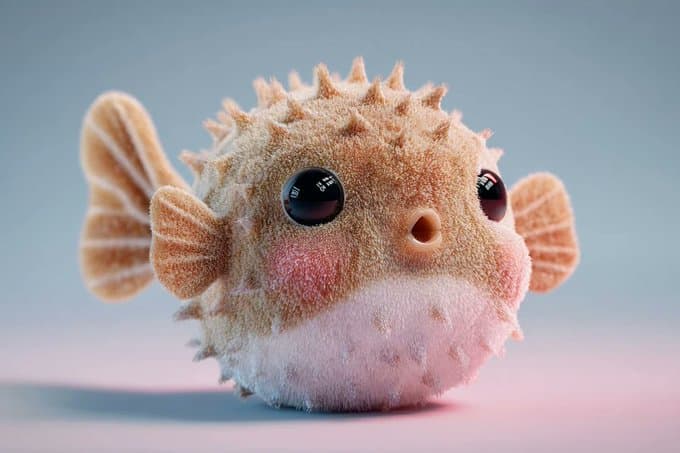
Game Asset
Plush 3D Model
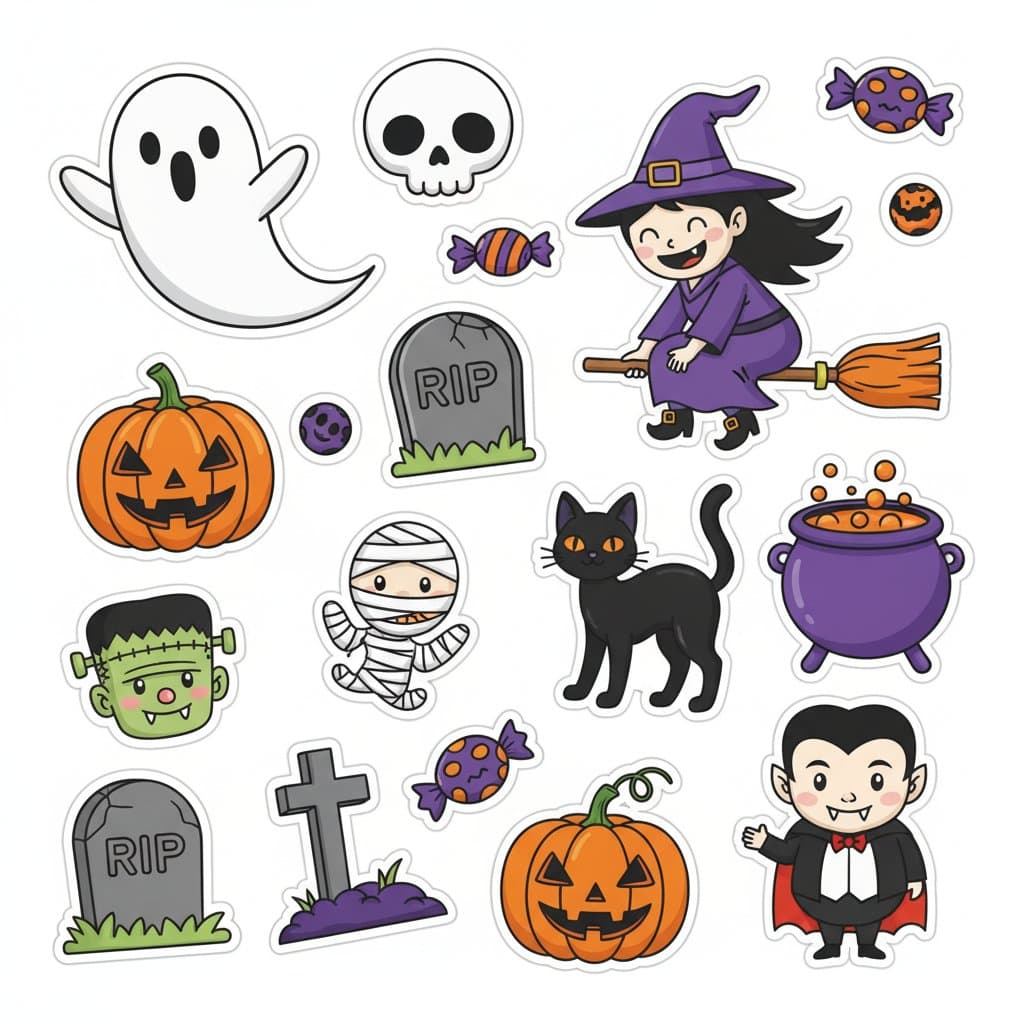
Game Asset
Themed Sticker Collection
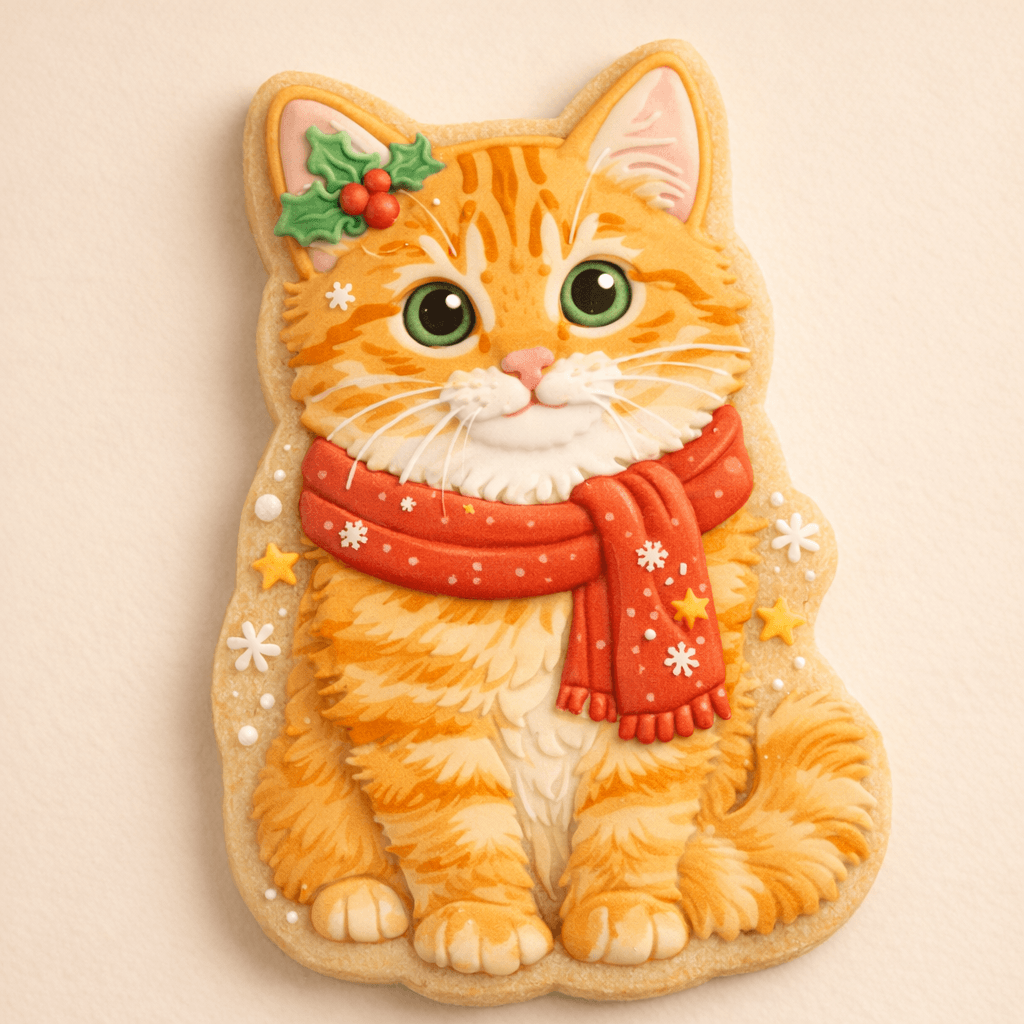
Product
Sugar Cookie Design
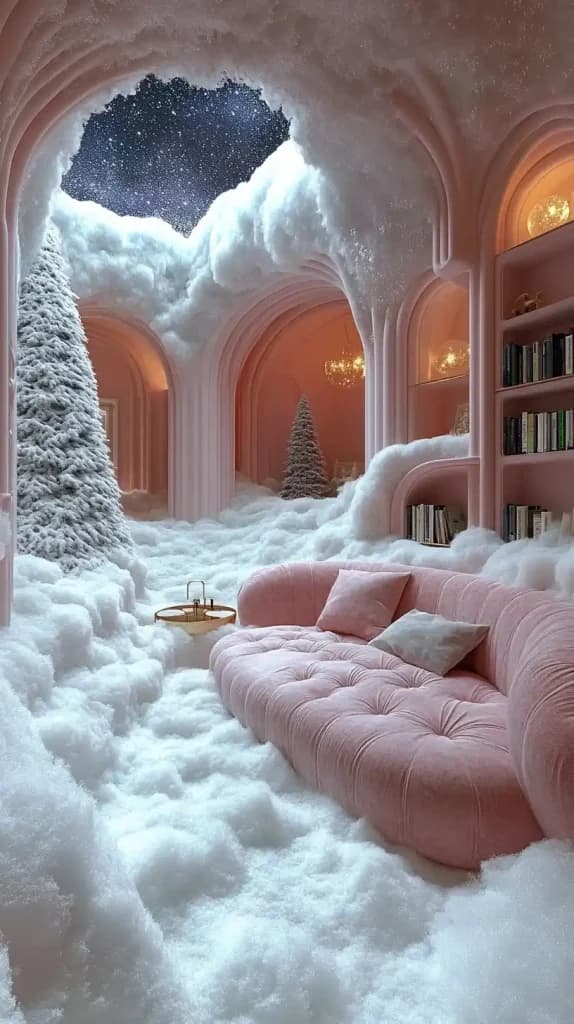
Wallpaper
Surreal Snowy Interior
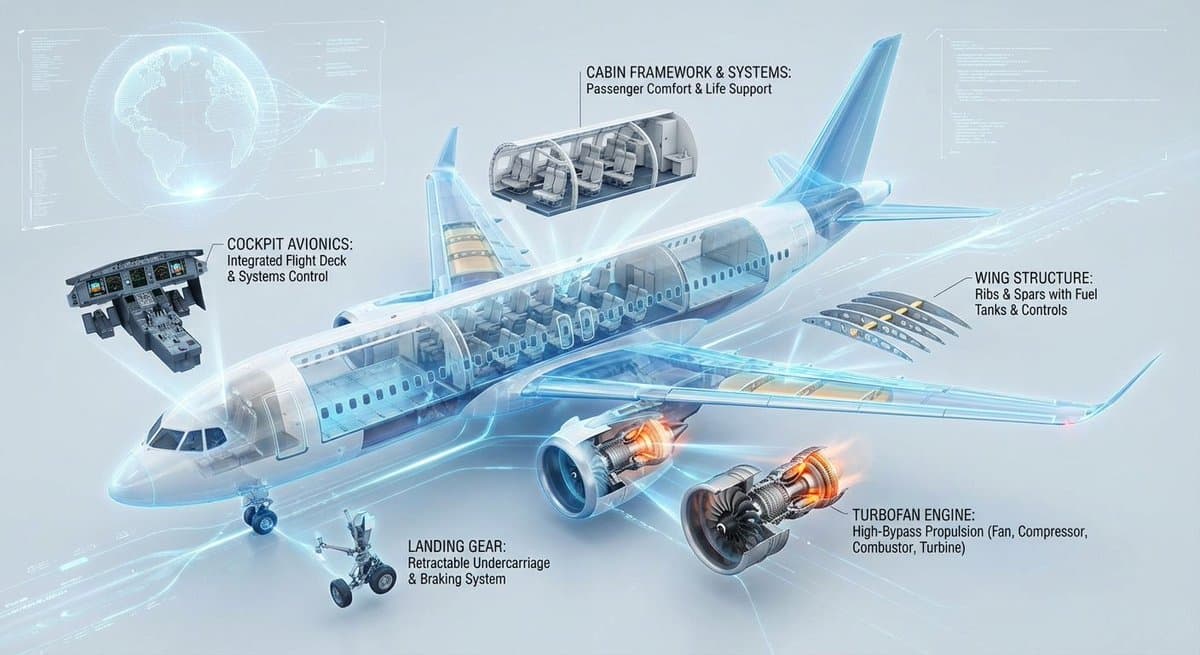
Architecture
Aircraft Cross-Section Infographic
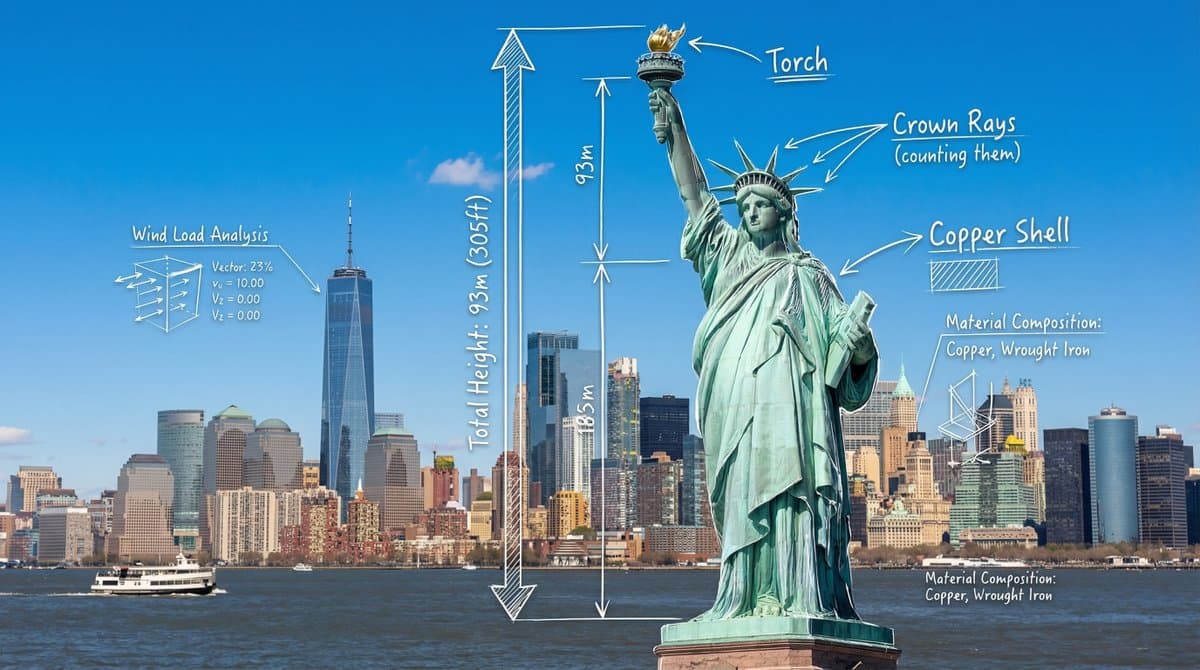
Architecture
Statue of Liberty Architectural Blueprint
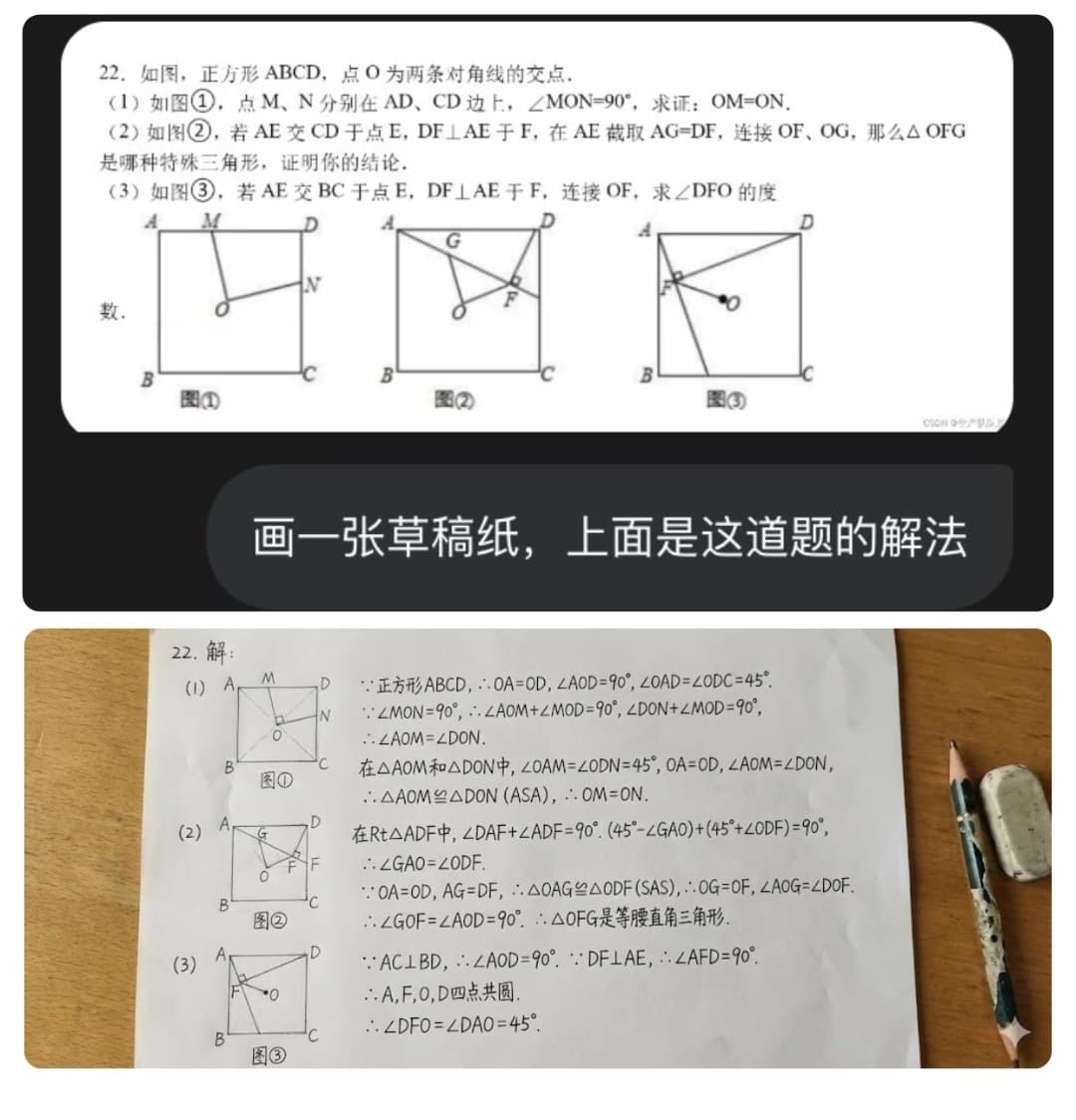
Architecture
Solve a Math Problem
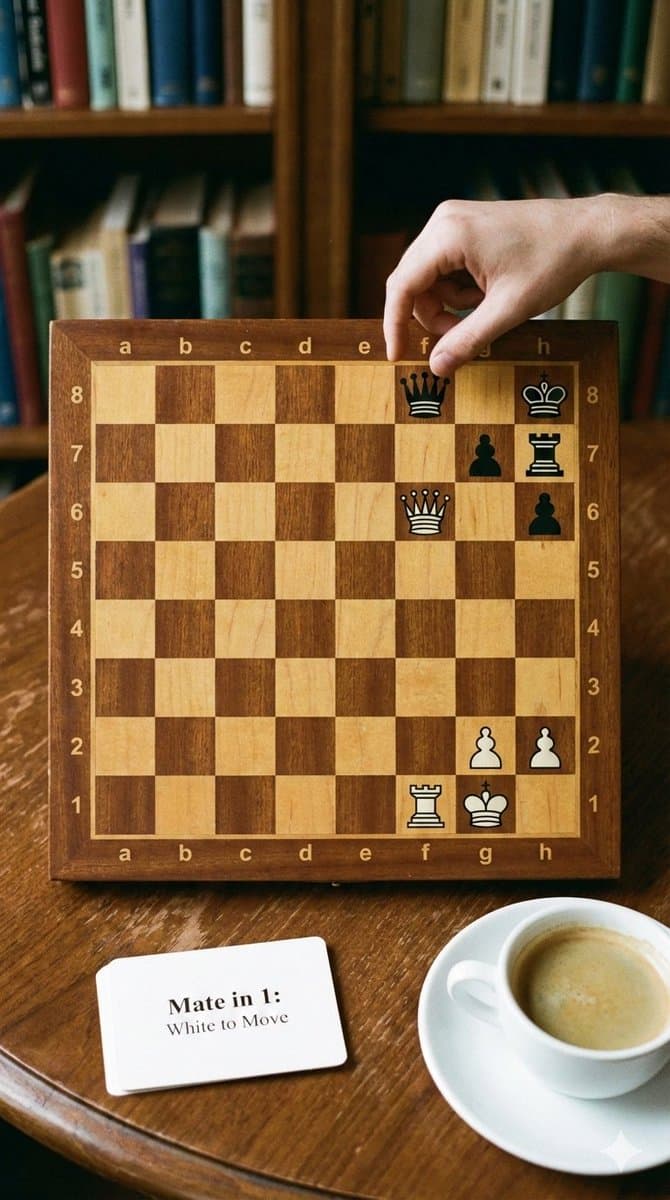
Architecture
Phone-friendly mate-in-one chess puzzle image
Architecture
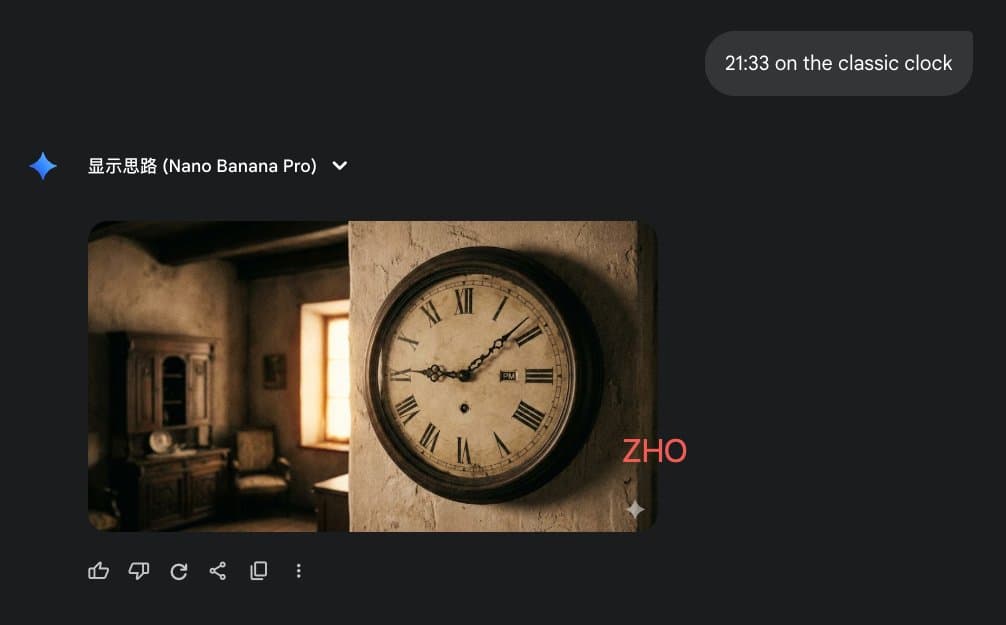
Clock face time rendering test
Architecture
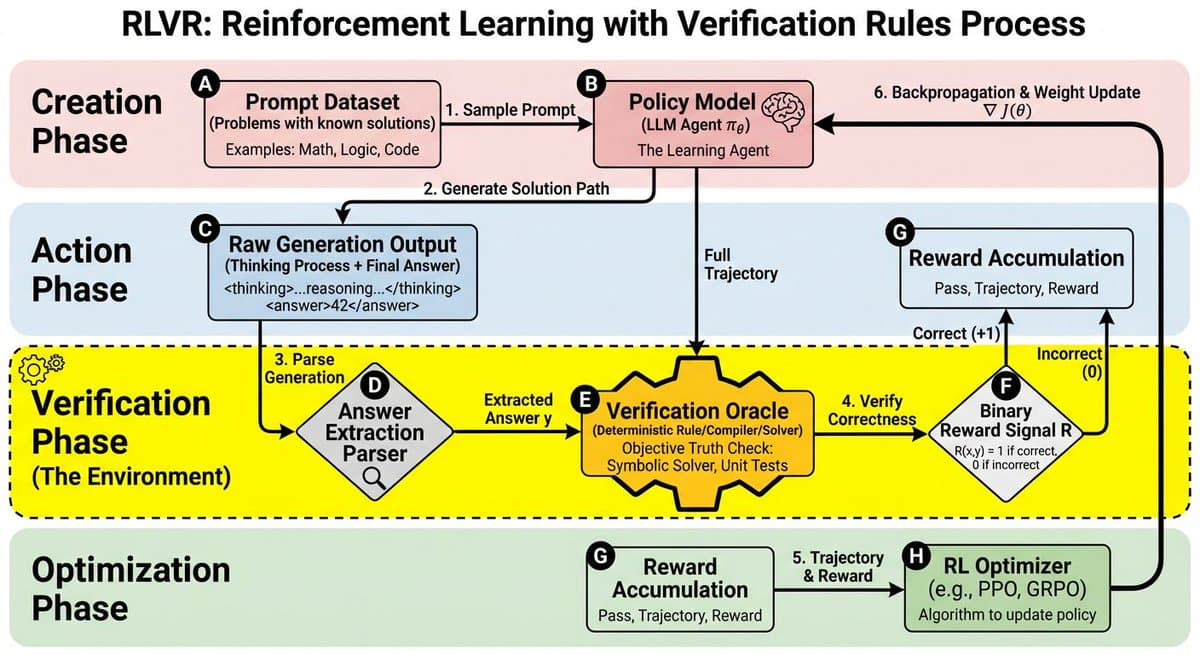
RLVR block diagram
Architecture
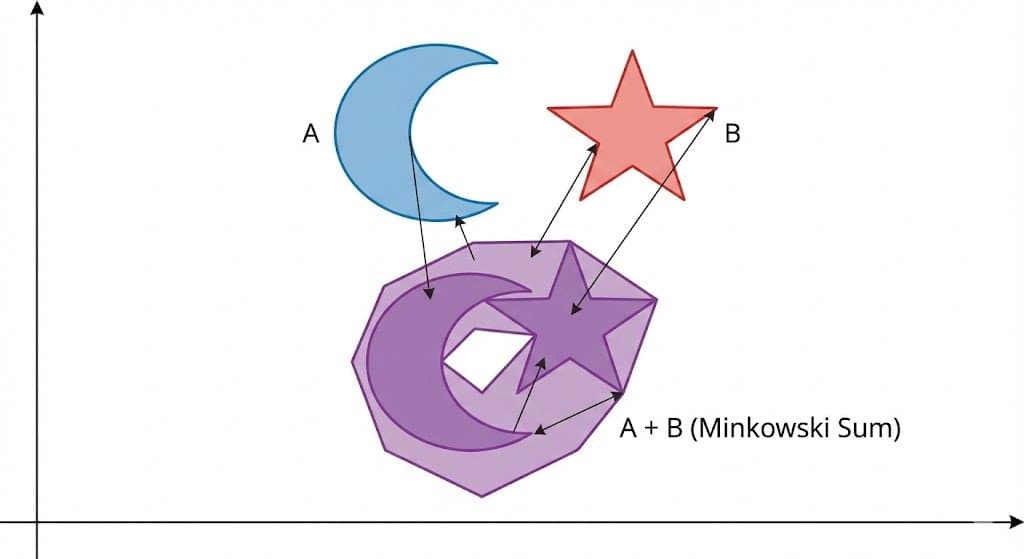
Minkowski sum of two non-convex sets
Architecture
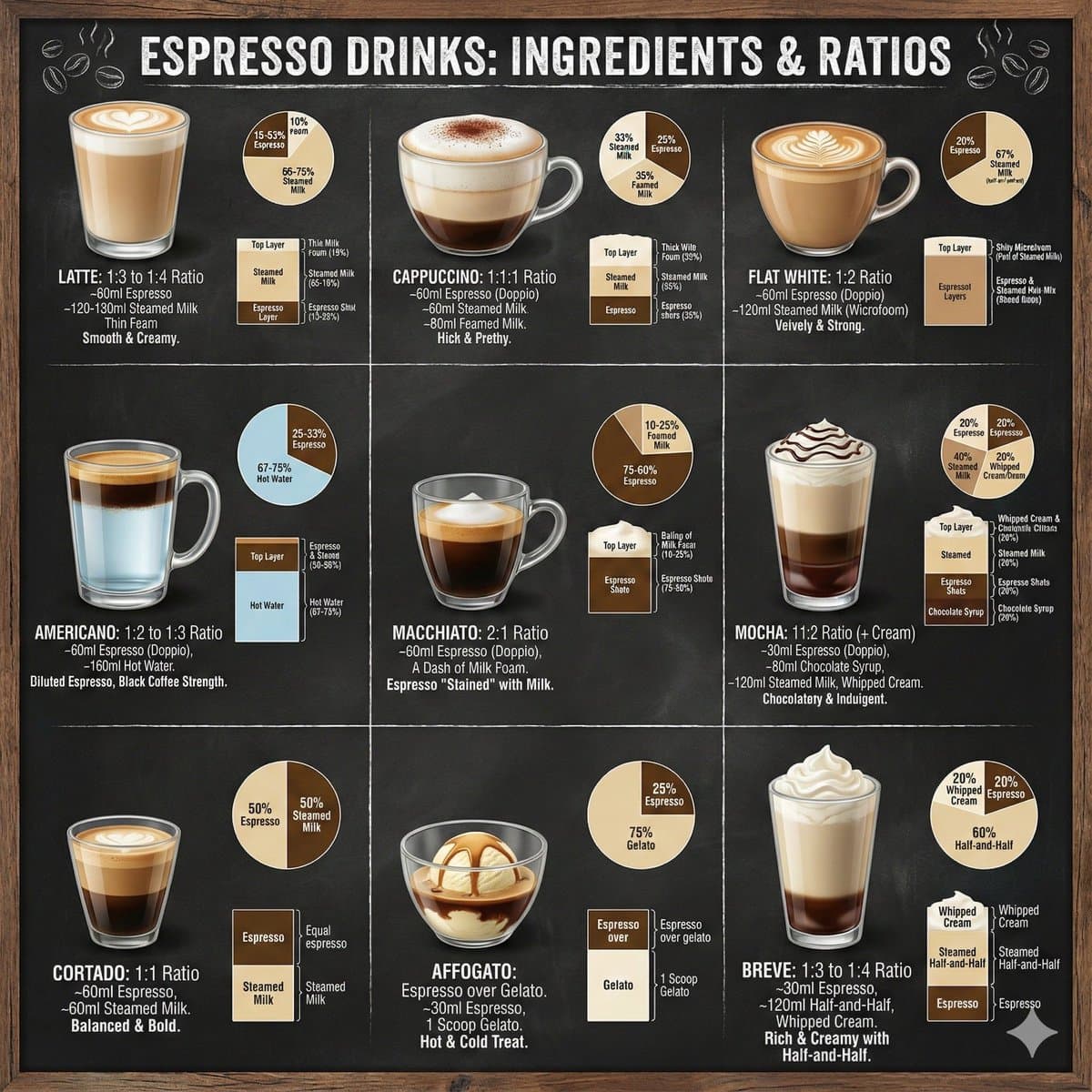
Coffee drinks infographic
Pricing
One credit balance for every image and video model. Buy a pack once or subscribe.
Mini Pack
A small top-up for your first videos
400 credits
About 50 standard images, 12 Pro images, or 7 Kling 2.6 videos
Includes
- 400 credits
- Never expires
- All features unlocked
One-time purchase • No expiry!
Starter Pack
Try out our AI capabilities
1,600 credits
About 200 standard images, 50 Pro images, or 29 Kling 2.6 videos
Includes
- 1,600 credits
- Never expires
- All features unlocked
One-time purchase • No expiry!
Growth Pack
PopularPerfect for regular creators
5,000 credits
About 625 standard images, 156 Pro images, or 90 Kling 2.6 videos
Everything in Starter, plus
- 5,000 credits
- Never expires
- All features unlocked
- Priority support included
One-time purchase • No expiry!
Professional Pack
For serious content creators
12,000 credits
About 1,500 standard images, 375 Pro images, or 218 Kling 2.6 videos
Everything in Growth, plus
- 12,000 credits
- Never expires
- All features unlocked
- Priority support & batch processing
One-time purchase • No expiry!
Why create with Nano AI
One workbench for image and video models, with the cost of every run shown before you click.
17 image models in one place
Nano Banana 2.1, GPT Image 2.5, Seedream 5.0, Qwen Image 2.1, Flux 2 Pro, Imagen 4 and more. Each model says what it is best at, so you choose by outcome instead of by name.
Generate and edit
Start from a text prompt, or upload up to five reference images and describe what should change. Most models work in both modes.
Up to four variations per run
Ask for one to four results at once and compare them side by side. Each variation is a separate generation, and only the ones that start are charged.
The cost is shown first
Images cost 4 to 32 credits depending on the model; a standard Nano Banana image costs 8. The button shows the exact cost before you generate, and credits for a failed generation are returned.
Free to start
New accounts in supported regions get 16 credits with no card required: 2 standard images.
Images, video and everyday tools
The same account covers 21 video models, a prompt library and free utilities such as an image compressor, a format converter and a QR code generator.
How to generate an image with Nano Banana
From prompt to download in four steps.
- 1
Describe the image
Type what you want to see: subject, style, lighting, composition. If you need a starting point, use one of the prompt ideas under the box or open the prompt library.
- 2
Choose a model and a format
Nano Banana is selected by default. Switch models to compare results, then pick an aspect ratio (1:1, 16:9, 9:16, 4:3 or 3:4) and the number of variations.
- 3
Generate or edit
Press the generate button. To change an existing picture, switch to Edit, add up to five reference images and describe the change. You sign in the first time, and what you typed is kept.
- 4
Download and keep
Results appear on the output board, ready to download. Every image and video you make is also saved under My creations.
Questions about Nano AI
Have another question? Email support@nanoai.run.
What is Nano AI?
Nano AI is an online workbench for AI image and video generation. It brings together Google's Nano Banana models and GPT Image, Seedream, Qwen Image, Flux, Imagen and others: 17 image models and 21 video models in one place, with one credit balance.
Is Nano AI free to use?
You can start for free. New accounts in supported regions receive 16 credits, enough for 2 standard images. The sign-up bonus is granted once per person. When you need more, buy a credit pack or a subscription on the pricing page.
What is Nano Banana AI?
Nano Banana AI is what people call Google's Nano Banana models, the Gemini models that generate and edit images. On Nano AI you can use Nano Banana, Nano Banana 2, Nano Banana 2.1 and Nano Banana Pro, both to create images from text and to edit with reference images. Nano AI is an independent service and is not affiliated with Google.
Which model should I choose?
Every model in the selector shows what it is best for and what it costs. As a rule of thumb: Nano Banana for fast everyday images and edits, GPT Image 2.5 or Qwen Image 2.1 when the picture contains text, Seedream 5.0 for stylized scenes, and Nano Banana Pro or Imagen 4 Ultra for the most detailed results.
How many credits does an image or a video cost?
A standard Nano Banana image costs 8 credits and a Nano Banana Pro image costs 32; other image models range from 4 to 32. A 5-second Kling 2.6 video costs 55 credits, and other video models vary with model and length. The exact cost is always shown before you generate.
Can I make videos with the free credits?
No. Free credits (the sign-up bonus and invite rewards) work for images and the other tools. Video generation uses purchased credits.
Can I edit my own photos?
Yes. Switch the workbench to Edit, upload up to five reference images and describe the change: a new background, different colors, or several pictures combined into one scene. Reference images and results pass an automatic safety check.
Can I use the images commercially?
Usage rights can vary with the model provider and with your use case. Review our Terms of Service and the provider's terms before commercial use.
What happens if a generation fails?
The credits for that generation are returned to your balance automatically, up to five refunds a day. Prompts and reference images that do not pass the safety check are rejected before anything is charged.
Can I use Nano Banana for free?
Yes, to start. A new account in a supported region gets 16 free credits with no card required. A Nano Banana or Nano Banana 2.1 image costs 8 credits, so that is 2 images. Nano Banana Pro costs 32 credits per image, so it takes purchased credits.
Is there a Nano Banana 2 Pro?
Google has not released a model called Nano Banana 2 Pro. People who search for it usually mean Nano Banana Pro, Google's premium image model, or Nano Banana 2. Both are in the model menu here, next to the newer Nano Banana 2.1.