
Google · gemini-nano-banana-2.1 · Live on Nano AI
Gemini Nano Banana 2.1: try it online without an API key
Gemini Nano Banana 2.1 is Google's newest image model. Use it here in the browser for 8 credits per image, then read on for API pricing, limits, benchmark scores and a prompt guide.
55 free credits = 6 standard images. No card required.
Output board


Your generated variations will appear here.
- Made by
- Released
- October 6, 2026
- Price on Nano AI
- 8 credits per image
- Page updated
- October 13, 2026
Source: ai.google.dev
Gemini Nano Banana 2.1 examples
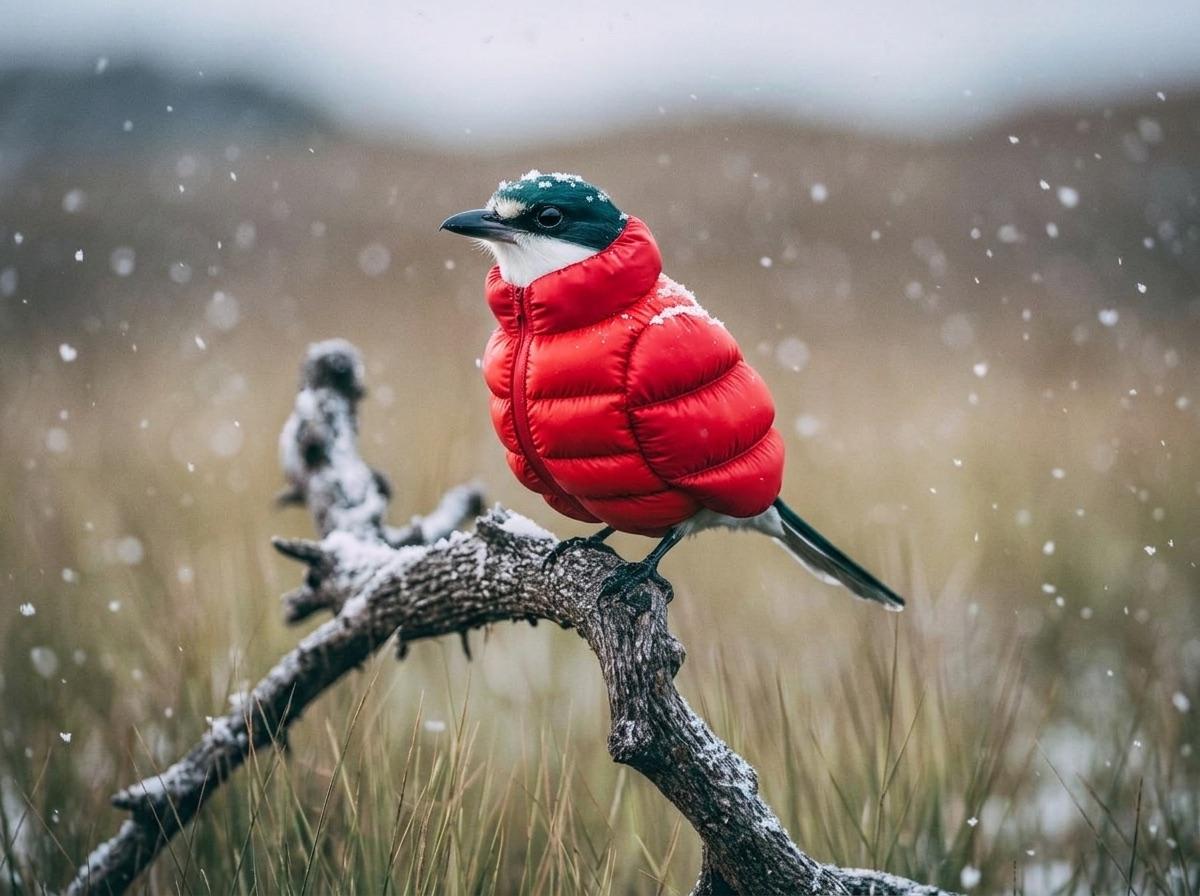
Generated on Nano AI with Gemini Nano Banana 2.1 on October 11, 2026. Nothing was retouched; the files were only converted to JPEG. The exact prompt is under each image.
What is Gemini Nano Banana 2.1?
Gemini Nano Banana 2.1 is the full name Google uses for its image generation and editing model released on October 6, 2026. Its model ID in the Gemini API is gemini-nano-banana-2.1. Most people shorten it to Nano Banana 2.1; it is the same model.
Google's model card says it is based on Gemini 3.6 Flash, and it replaces Nano Banana 2 (Gemini 3.1 Flash Image). Google distributes it through the Gemini app, Google AI Studio, the Gemini API, AI Mode in Google Search, Google Ads, Flow and Stitch.
The Gemini API has no free tier for this model. On Nano AI you can use the same model with no API key and no billing account: a new account starts with 55 free credits, and an image costs 8.
Gemini Nano Banana 2.1 specifications
- Model ID
- gemini-nano-banana-2.1
- Based on
- Gemini 3.6 Flash
- Released
- October 6, 2026 (general availability)
- Inputs
- Text, image, video and PDF
- Outputs
- Image and text
- Token limits in the Gemini API
- 131,072 input, 32,768 output
- Output sizes
- 1K (default), 2K and 4K
- Aspect ratios
- 14, from 1:8 to 8:1
- Reference images
- Up to 14 (10 objects and 4 characters)
- Thinking levels
- minimal, medium (default), high
- Batch API
- Supported
- On Nano AI
- 1K output, up to 5 reference images per edit, 8 credits per image
Gemini Nano Banana 2.1 in Google's benchmarks
Overall preference: 1050
Human side-by-side Elo for text-to-image, with thinking on. In the same test Nano Banana 2 scored 990 and Nano Banana Pro 935.
General editing: 1026
Nano Banana 2 scored 938 and Nano Banana Pro 939. Stylization (1062) and multi-reference editing (1066) show similar gaps.
Multi-character consistency: 1106
The largest lead in the model card: 978 for Nano Banana 2 and 1011 for Nano Banana Pro. Single-character consistency is 1028.
Infographic factuality: 0.521
An automated rating of whether the facts in a generated infographic are right. Nano Banana 2 scored 0.179 and Nano Banana Pro 0.265.
Thinking changes the result
With thinking off, overall preference drops from 1050 to 1015 and infographic factuality from 0.521 to 0.328. The default thinking level in the API is medium.
Limits Google lists
Small text can come out blurry at 1K, long paragraphs are unreliable, character consistency is not always perfect, and left and right are occasionally confused.
Gemini Nano Banana 2.1 API pricing
Paid-tier list prices from Google's Gemini API pricing page, read on October 12, 2026. Input costs more than on Nano Banana 2, but image output costs half as much.
| Gemini Nano Banana 2.1 | Nano Banana 2 | Nano Banana Pro | |
|---|---|---|---|
| Model ID | gemini-nano-banana-2.1 | gemini-3.1-flash-image | gemini-3-pro-image |
| Input, per 1M tokens | $1.50 | $0.50 | $2.00 |
| Text and thinking output, per 1M tokens | $7.50 | $3.00 | $12.00 |
| Image output, per 1M tokens | $30 | $60 | $120 |
| One 1K image | $0.0336 | $0.067 | $0.134 |
| One 2K image | $0.0504 | $0.101 | $0.134 |
| One 4K image | $0.113 | $0.151 | $0.24 |
| Free API tier | No | No | No |
| On Nano AI, no API key | 8 credits per image | 12 credits per image | 32 credits per image |
How to use Gemini Nano Banana 2.1
- 1
Here, with no API key
Write a prompt in the box at the top of this page. Gemini Nano Banana 2.1 is already selected. Choose an aspect ratio and 1 to 4 variations, then generate.
- 2
Edit with reference images
Switch to Edit, add up to 5 images (PNG, JPEG or WebP, 5 MB each), then say what should change and what should stay the same.
- 3
Or call the API yourself
Developers can call gemini-nano-banana-2.1 through the Gemini API or test it in Google AI Studio. Set the image size to 1K, 2K or 4K with an uppercase K; lowercase values are rejected.
Gemini Nano Banana 2.1 prompt guide
Describe the scene in full sentences, say what the image is for, name the exact words you want rendered, and when editing, state what must not change. Six starting points:
Photorealistic scene
A photorealistic close-up of a ceramic teapot pouring green tea into a cup on a wooden table beside a rainy window, soft overcast light, 85mm lens, shallow depth of field, calm mood
Sticker
A cute sticker of a happy red panda holding a small bamboo leaf, bold clean outlines, simple cel shading, vibrant colors, plain white background
Text in an image
Minimalist poster with the headline "SLOW DOWN" in large bold sans-serif letters and the smaller line "Sunday market, 9 to 2" beneath it, cream background, one hand-drawn orange in the corner
Infographic
Clean infographic titled "The Water Cycle" with four labelled stages: Evaporation, Condensation, Precipitation, Collection. Arrows between the stages, soft blue and green palette, short caption under each stage
Edit: change only one part
Using the provided photo, change only the sofa to a brown leather one. Keep the rest of the room, the lighting and the camera angle exactly the same.
Edit: combine images
Place the product from the first image on the table in the second image. Match the lighting and shadows of the second image and keep the product's shape and label unchanged.
FAQ
Gemini Nano Banana 2.1 FAQ
Short answers about the model, its API price and using it on Nano AI.
Is Gemini Nano Banana 2.1 free?
Google's Gemini API has no free tier for it. On Nano AI you can try it for free: a new account gets 55 credits with no card required, and one image costs 8 credits, so that is 6 images.
Is Gemini Nano Banana 2.1 the same as Nano Banana 2.1?
Yes. Gemini Nano Banana 2.1 is the full name in Google's API documentation, and gemini-nano-banana-2.1 is the model ID. Nano Banana 2.1 is the short name for the same model.
How much does the Gemini Nano Banana 2.1 API cost?
On the paid tier, $1.50 per million input tokens and $30 per million image output tokens. That works out to $0.0336 for a 1K image, $0.0504 for 2K and $0.113 for 4K. Batch image output is $15 per million tokens.
Which Gemini model is Nano Banana 2.1 based on?
Google's model card says Nano Banana 2.1 is based on Gemini 3.6 Flash, whose knowledge cutoff is March 2026.
Where can I use Gemini Nano Banana 2.1?
Google lists the Gemini app, Google AI Studio, the Gemini API, AI Mode in Google Search, Google Ads, Flow and Stitch. Independent services such as Nano AI offer it through an API provider, with no API key needed.
Does Gemini Nano Banana 2.1 support 4K?
Yes, the model outputs 1K, 2K and 4K, for example 4096 × 4096 for a square image. Nano AI currently generates at 1K, which is 1024 × 1024 for a square image.
How is it different from Nano Banana Pro?
Nano Banana 2.1 is the efficient model: about a quarter of Pro's list price per 1K image, and higher scores than Pro in the benchmarks Google published with it. Pro accepts style references and five characters per request. The comparison page linked below has the full table.
Is Nano AI an official Google product?
No. Nano AI is an independent service that offers Gemini Nano Banana 2.1 and other models through an API provider. Nano Banana and Gemini are Google's.
More from Nano AI
Related pages
Nano AI is an independent service and is not affiliated with, endorsed by or sponsored by Google. Nano Banana and Gemini are trademarks of Google LLC. Model facts, list prices and benchmark scores come from Google's Gemini API documentation and the Nano Banana 2.1 model card as read on October 12, 2026; credit prices and limits describe Nano AI on the same date.