
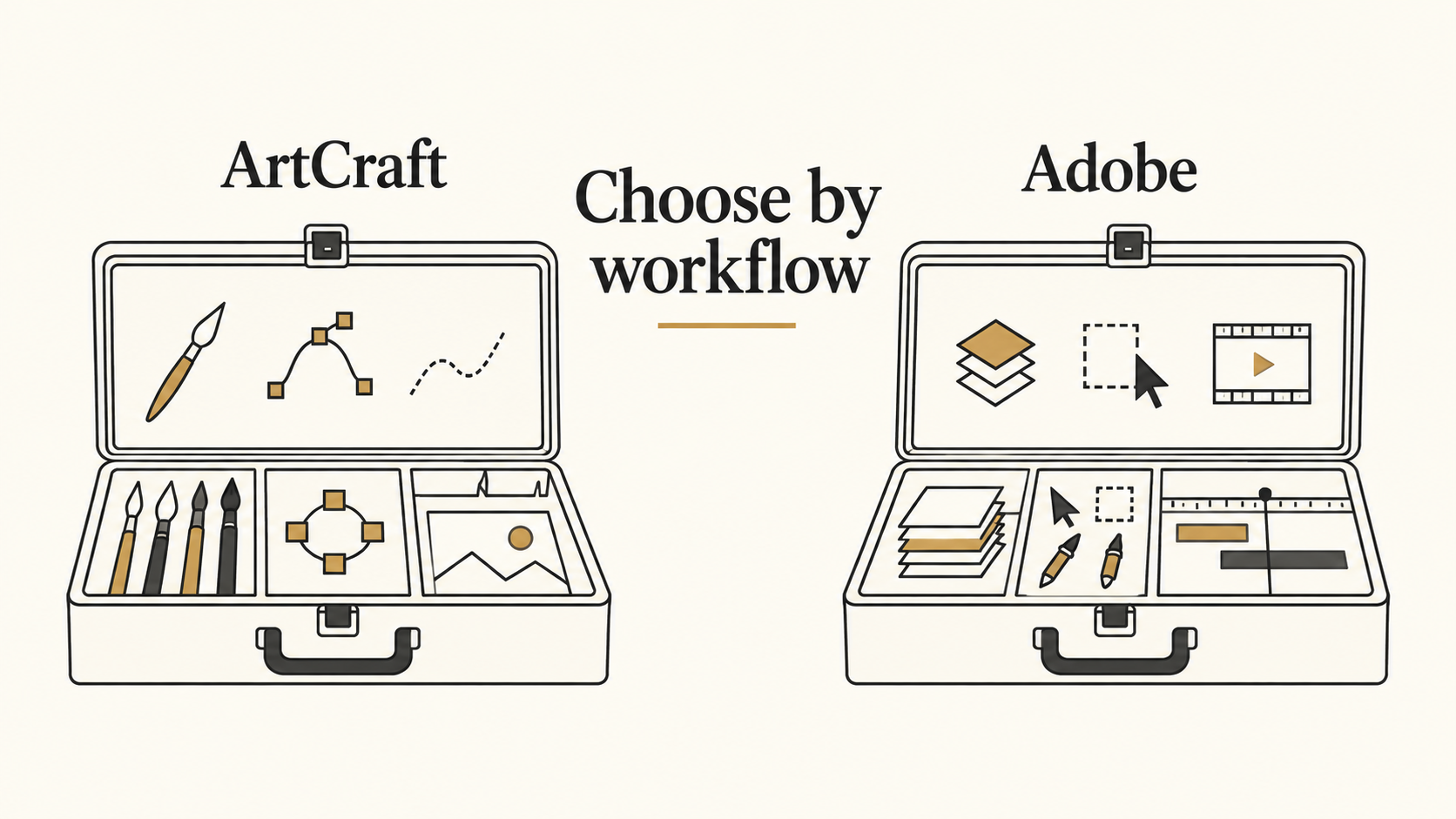
Searching for “ArtCraft Adobe” usually means you want to know whether ArtCraft’s free creative apps can replace an Adobe workflow. ArtCraft is a separate project: its PhotoCraft repository explicitly says it is independent of Adobe. The practical answer is to evaluate the individual app and the files you need to deliver, rather than treating the whole suite as an interchangeable Creative Cloud replacement. Source: PhotoCraft repository.
The discussion is current. Creative Bloq’s October 13, 2026 coverage examines the gap between the project’s ambition and practical use. This guide uses official product pages to separate the offerings and gives you a file-checking process. We have not installed or benchmarked the Craft Apps; the illustrations are Codex-created explanations, not product screenshots or test results.
In this guide
- What does ArtCraft Adobe mean?
- Which ArtCraft apps correspond to Adobe workflows?
- How to evaluate an Adobe alternative on your own files
- Frequently asked questions
- Choose your next creative task
What does ArtCraft Adobe mean?
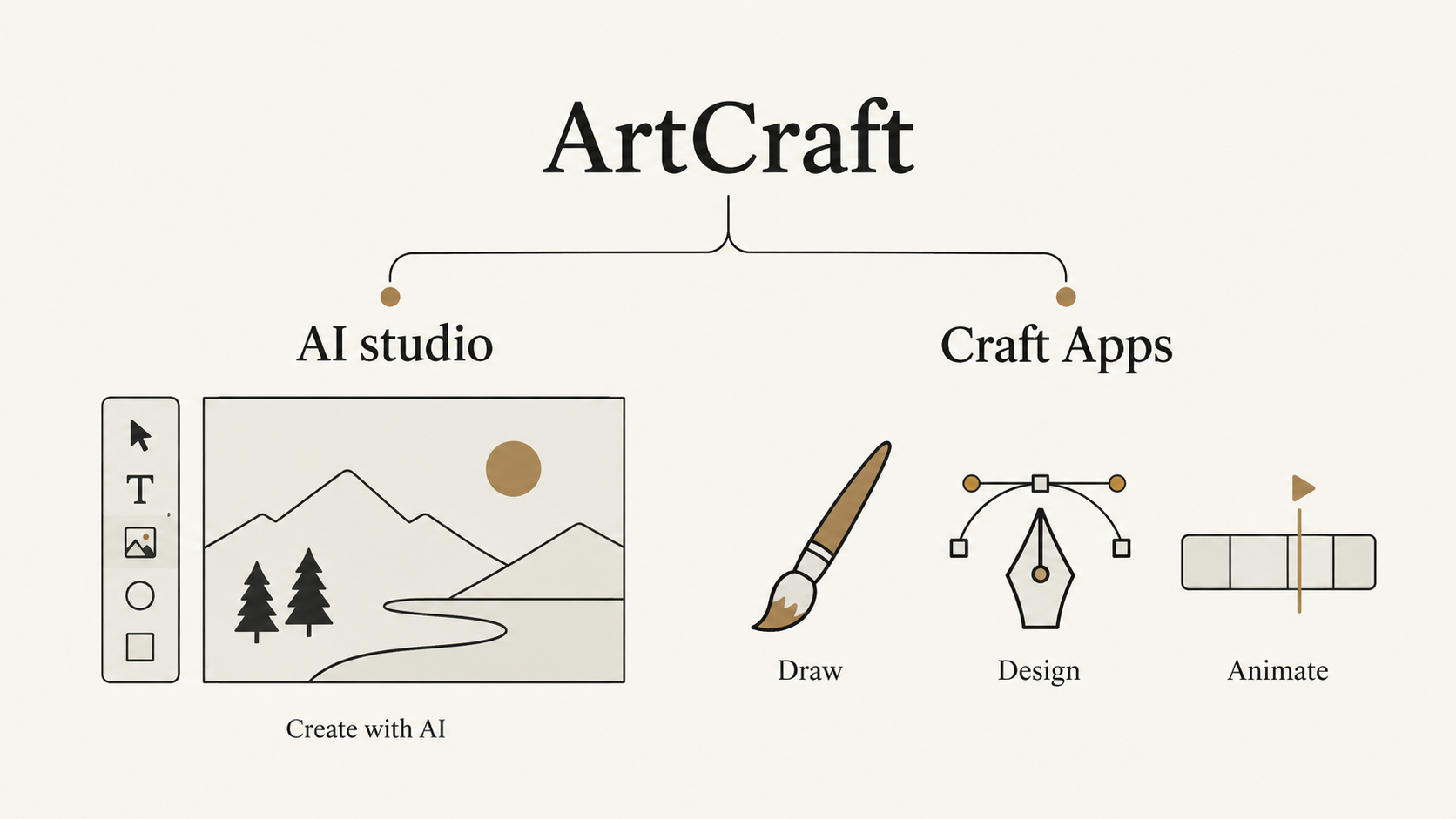
The search phrase combines a project name with the software ecosystem people are comparing it against. It helps to separate two things offered under the ArtCraft umbrella.
The ArtCraft AI studio focuses on composing images and scenes for AI image and video creation. Its official homepage describes 2D compositing, 3D scene composition, character posing and background removal. This is relevant when your task is to direct a new visual rather than only edit an existing document.
The Craft Apps are separate creative and productivity applications. The official app directory lists tools for image editing, vectors, video, photography, PDFs and other tasks. PhotoCraft is the image editor; downloading or opening it is not the same thing as opening the AI studio.
This distinction also resolves the question “Is ArtCraft free?” The directory describes the Craft Apps as free and open source, while the studio’s pricing page offers paid generation-credit plans. A free editor and paid AI generation can exist within the same product family. Check the specific app and service you intend to use before estimating your costs.
Do not turn a headline about free software into an assumption that every render, hosted service or future feature is unlimited. Conversely, a paid studio plan does not mean that every local editing app requires that plan. Start from the official download and pricing pages linked above, because search results may mix these categories.
For a concrete example, imagine you already have a product photograph and need a layered promotional graphic. Your immediate task is arranging image, text and other elements in an editable document. If instead you need to generate a new campaign visual from a written brief, you are evaluating a generation workflow. Those jobs may eventually connect, but they are different purchasing and compatibility decisions.
Which ArtCraft apps correspond to Adobe workflows?
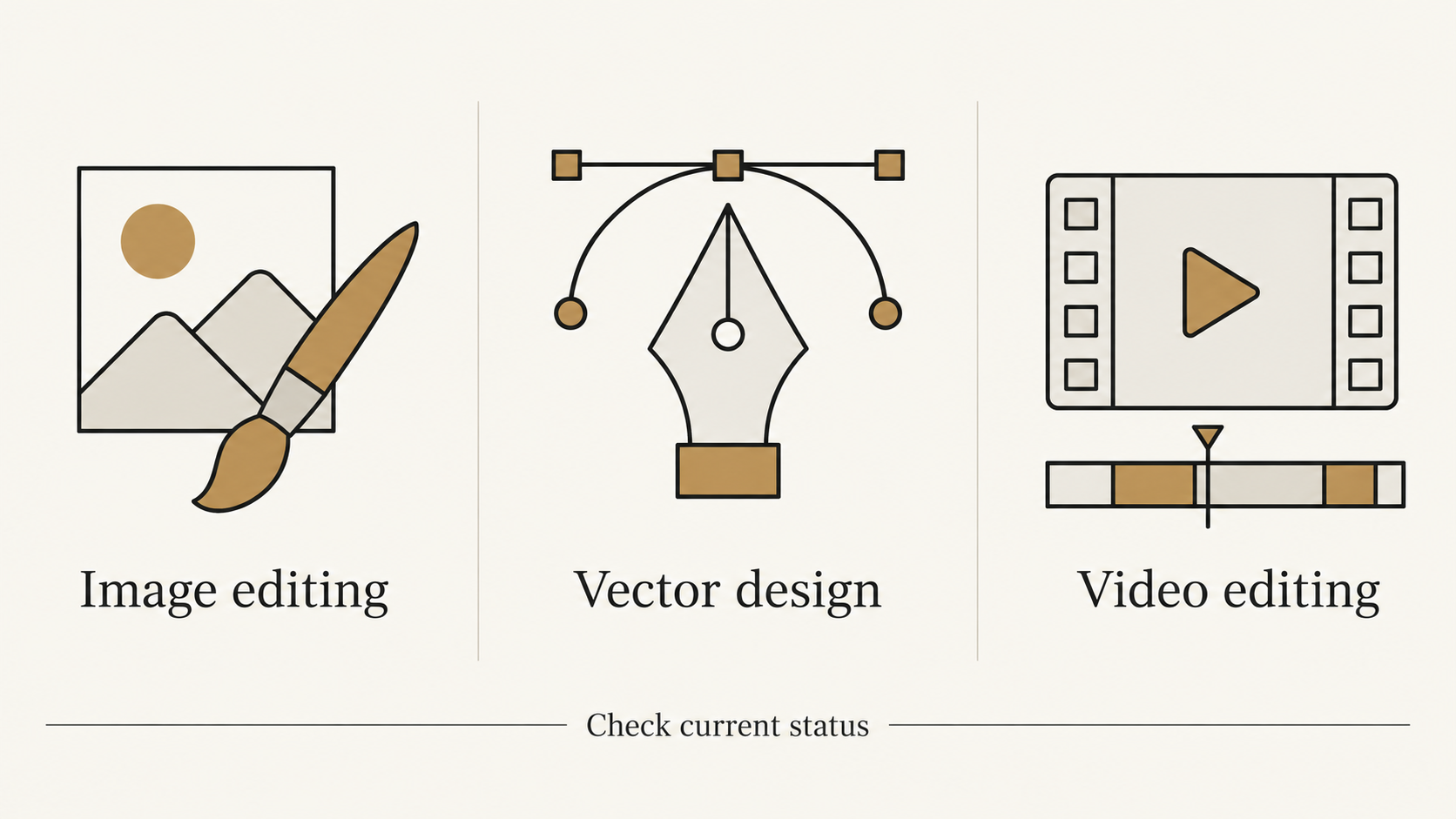
As checked on October 14, 2026, the official directory lists 13 Craft Apps. Early articles referring to seven apps describe a narrower lineup. The table below covers the seven familiar Adobe-oriented creative categories, rather than claiming that all 13 apps replace Adobe products.
| ArtCraft app | Creative task | Adobe comparison point |
|---|---|---|
| PhotoCraft | Raster image editing | Photoshop |
| VectorCraft | Vector illustration | Illustrator |
| FilmCraft | Video editing | Premiere Pro |
| LightCraft | Photo library and raw development | Lightroom |
| PdfCraft | PDF work | Acrobat |
| EffectCraft | Motion graphics and effects | After Effects |
| DesignCraft | Page layout and publishing | InDesign |
These are task mappings, not feature-parity ratings. The directory marks PhotoCraft and PdfCraft as early alpha and the other five listed here as in development. An available installer tells you that there is a build to try; it does not establish that your production workflow is supported end to end.
For image work, PhotoCraft’s official page describes layers, masks, type, brushes, adjustment layers, and layered PSD/PSB support. That makes it a relevant candidate for an image-editor evaluation. It does not tell you whether every font, effect, linked asset or document from your own archive behaves as expected.
File support needs particularly careful reading. The current PhotoCraft README distinguishes its standalone PSD parsing/writing component from opening and saving through the application’s document model. It says an application re-save is not byte-identical to the source. We would therefore avoid interpreting a compatibility statistic as a promise that every real project will survive unchanged.
A useful comparison has two columns: what your task requires, and what you have verified. “Opens PSD” belongs in the first stage of that evaluation. “Keeps this client’s text editable and exports the expected appearance” is the evidence you actually need before changing your workflow.
How to evaluate an Adobe alternative on your own files
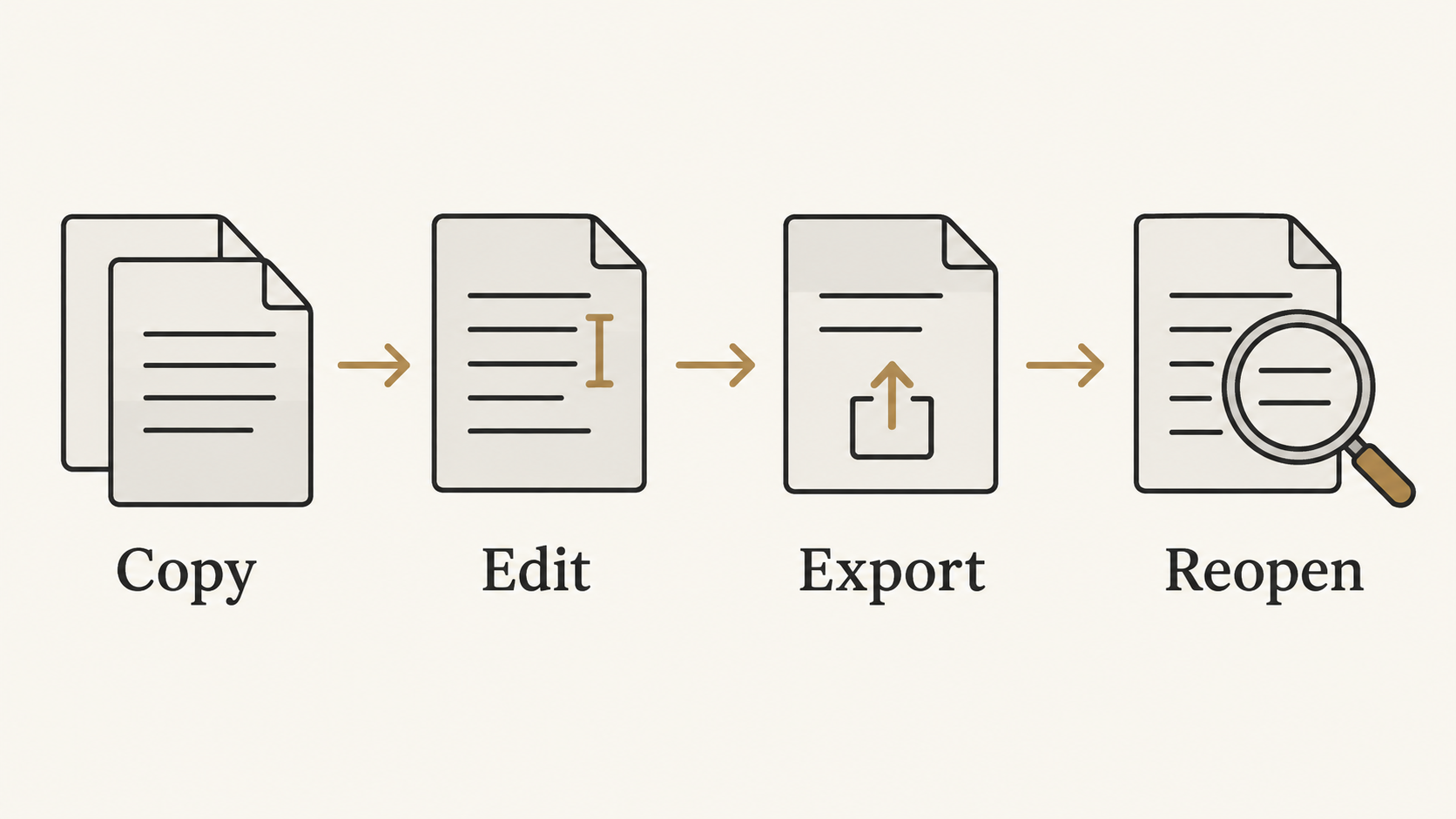
Use one representative project, not an empty canvas. A simple poster with a photo, a headline, a mask and one effect is a more useful first check than a long list of features. If your work depends on a particular advanced feature, include it in the sample.
1. Write down the handoff requirement
Decide what the next person needs. A flattened web image and an editable layered file are different deliverables. Record the required format, dimensions, fonts, transparency and any elements that must remain editable. If someone else needs to continue the work in an Adobe application, that reopening step is part of the test.
2. Duplicate and open the source
Keep the original untouched. Open a copy in the candidate app and note warnings. Compare the overall appearance before making changes, then inspect text, masks, blend effects and layer order. A correct-looking thumbnail can conceal missing editability.
3. Make one realistic change
Change the headline, reposition an image or adjust a mask—the kind of revision you actually receive. Check whether the edit affects only the intended element. Record the app version and operating system with the result, so a later release can be evaluated against the same sample.
4. Save, export and reopen
Save the editable project separately, export the delivery format, and reopen both. Inspect the final image at its intended size. For a shared layered document, open it in the receiving application as well. Passing an export test does not automatically mean that editable-file exchange passed.
| Observation | What it tells you | Sensible next step |
|---|---|---|
| Export looks right, editable file loses something | This output may work; future revisions may not | Keep the source workflow for editable handoffs |
| A feature is missing on the sample | The app does not yet cover this task | Use it for a smaller, verified task |
| The full sample survives the revision and reopen | This particular workflow is promising | Try another representative project |
| Only a blank document has been tested | Very little about real-file compatibility | Repeat with your own layered sample |
You can also separate asset creation from finishing. If you need a new AI visual, NanoAI’s image workbench offers text-to-image and Image Edit modes. Generate or edit the visual there, then bring the exported image into an editor that meets your layout and handoff requirements. This is a file-based workflow suggestion, not a claim of a direct ArtCraft integration or of Photoshop-style layer editing inside NanoAI.
Frequently asked questions
Is ArtCraft an Adobe product?
No. PhotoCraft’s official repository states that it is independent and not affiliated with, sponsored by or endorsed by Adobe. Adobe application names in a comparison describe the relevant workflows, not a partnership.
Is the whole ArtCraft ecosystem free?
The Craft Apps directory describes those apps as free and open source. The AI studio also has paid generation-credit plans. Check which product you are looking at; free software access and the cost of AI generation are separate questions.
Can PhotoCraft open Photoshop files?
Its official documentation lists layered PSD and PSB support. That is a reason to test it with a copy of your file, not a guarantee about every document feature. Verify appearance, editability and reopening in the receiving application.
Should I replace my Adobe workflow immediately?
Make that decision after a representative project passes the full revision and delivery process. A tool may be useful for a narrow task before it is suitable for every project you handle. This article provides an evaluation method, not a hands-on replacement verdict.
Choose your next creative task
For local editing, start with the official Craft Apps directory and evaluate the relevant app. For a new generated image, try NanoAI’s image workbench with one clear brief, then finish the asset in your chosen editor. Judge each tool by the work you can successfully deliver with it.