
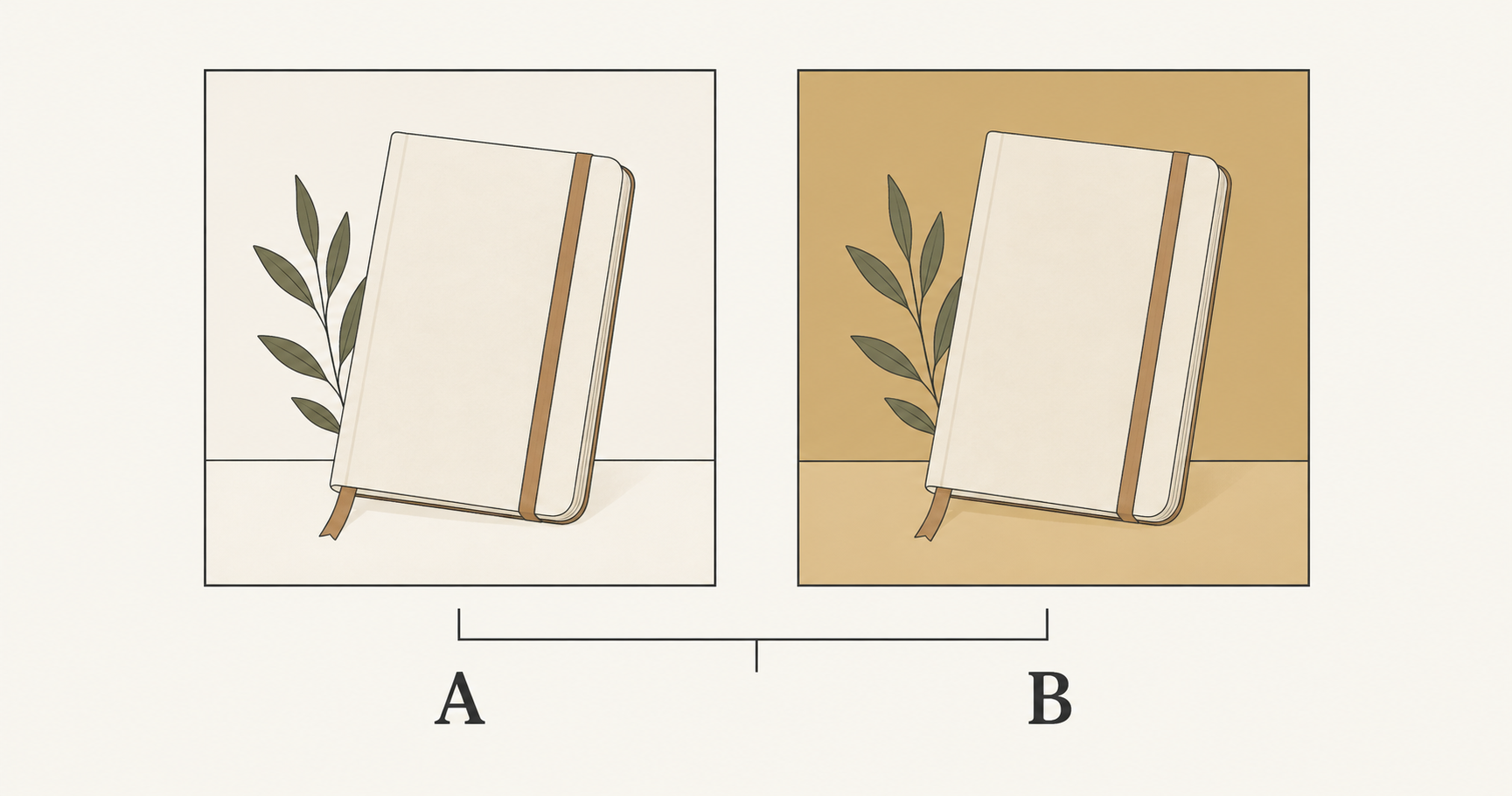
To make useful AI ad creative variations, define one question, hold the rest of the brief steady, and generate candidates for each version. Review the finished files for unintended differences before handing them to a campaign experiment. A collection of attractive images is creative exploration; it becomes testable when you can explain what differs and what a result would mean.
Google’s October 13, 2026 Demand Gen update focuses on data strength and measurement. That announcement concerns advertising data infrastructure, not a new image generator. It is a timely reminder to connect asset production with a clear learning question instead of treating more generated images as evidence of better advertising.
This guide covers the creative preparation stage. It uses an invented notebook campaign to show a practical process, with original prompt examples rather than tested conversion claims. The illustrations were made with Codex as explanatory diagrams; they are not NanoAI model benchmarks or campaign results.
In this guide
- Plan AI ad creative variations around one question
- Generate a matched pair without losing the brief
- Check and label the files before a campaign test
- Frequently asked questions
- Prepare your first pair
Plan AI ad creative variations around one question
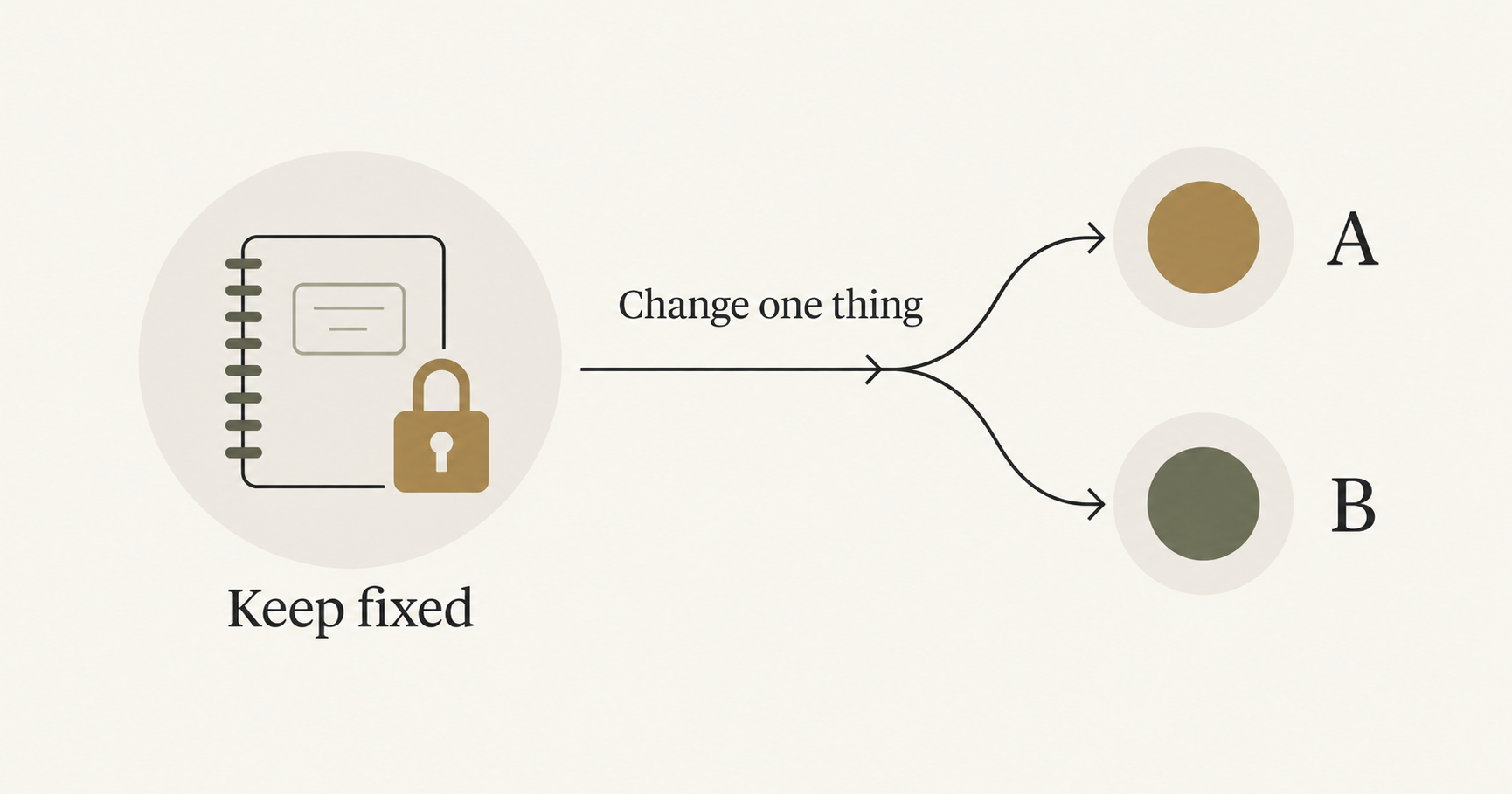
Start with a sentence that names the decision. For a fictional stationery shop, it could be: “We want to compare a neutral backdrop with a warmer backdrop while keeping the notebook and message the same.” This gives the creative team a concrete change to produce and a boundary for reviewing the results.
Another legitimate question is whether a product-only composition or a desk scene works better as a complete concept. That comparison changes several visual details together. It can help you choose a concept, but it cannot tell you which individual prop, color or camera choice caused the difference. Name the scope honestly before producing the files.
| Question | Intended difference | Keep consistent for this comparison |
|---|---|---|
| Which backdrop should we use? | Background color | Product, framing, message, layout |
| Which headline communicates the offer? | Headline wording | Image, typography, placement, offer |
| Which overall concept should we pursue? | A complete creative concept | Product facts, offer, destination, delivery format |
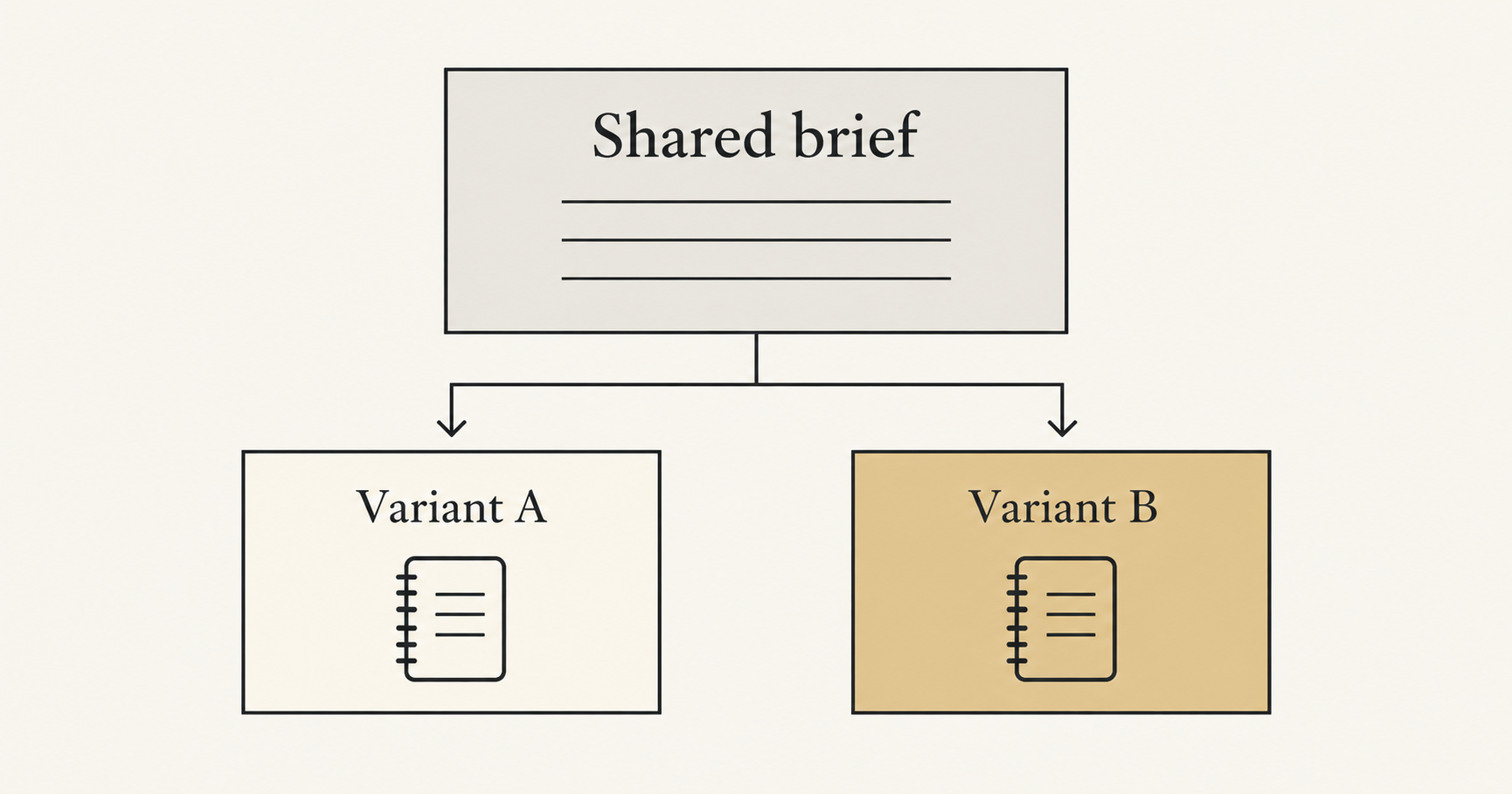
For a narrow visual question, make a short fixed brief: approved product reference, camera angle, subject size, lighting direction, aspect ratio, headline, offer and destination. Then write the one permitted difference below it. This is a production specification, not a promise that a generative model will obey every constraint.
Keep production choices separate from campaign settings. Generating two files does not arrange traffic allocation, hold an audience constant or measure conversions. Those tasks belong in the advertising platform. Google's Demand Gen experiment guidance recommends comparisons that differ in one variable. Consult the current experiment options for your chosen format before preparing the final asset package.
Decide the evaluation objective before seeing performance data. If you want qualified visits, a visually striking image is only a candidate. If you want purchases, clicking alone does not establish that the creative achieved the business outcome. Record the intended success measure with the brief so it does not change merely because another number looks more favorable.
Generate a matched pair without losing the brief
NanoAI’s image workbench provides Text to Image and Image Edit modes, a model selector, an image-size control and a variations selector. Use the controls currently shown for your chosen model. Keep the model and available output settings consistent while preparing a narrow comparison, and note the displayed credit cost before each run.
The variations control produces multiple candidates; it does not define an advertising experiment. Four outputs from one prompt may differ in small, uncontrolled ways. Treat them as options to inspect, not four automatically valid test arms. You still need to select files that meet the brief and label what actually changed.
Start from a common reference
For an existing product, use the same approved source when the chosen editing workflow supports image input. Return to that source for each version. Building B from an already modified A can carry unnoticed changes into the second file.
Here is a shared instruction for the fictional notebook example. Replace the details with those visible in your own source:
Create a campaign image using the uploaded notebook reference.
Keep the notebook's visible cover, binding, elastic band,
orientation and proportions consistent with the source.
Use the same simple composition and soft lighting direction.
Leave clear space above the notebook for text added later.
Do not add lettering, logos, props or product features.
Add one of these short direction blocks for each candidate:
Variant A: Use a plain warm ivory background and surface.
Variant B: Use a plain muted ochre background and surface.
These are illustrative instructions, not measured model results. A prompt requesting preservation is not a pixel lock. If exact product pixels matter, keep the approved product on a separate layer in an editor and change the surroundings there. The product background replacement guide explains that production choice in more detail.
Finish shared elements once
Add exact headline text, prices and logos as editable elements in your layout tool when precision matters. Reuse the same text layer and placement across the pair. Regenerating an entire image just to change a headline can unintentionally alter the product, scene and lettering at the same time.
If the comparison is specifically about headline wording, reuse the approved visual. Write the two headlines in the layout editor instead of generating two different visual foundations. The best use of AI here may be producing the common image once.
Keep the delivery shape fixed for the initial pair. A square image and a wide banner introduce different compositions and potentially different placements. Prepare separate format sets when required, following the destination’s current specifications. The aspect-ratio guide covers crop, resize, fit and expansion choices without treating them as the same operation.
Check and label the files before a campaign test
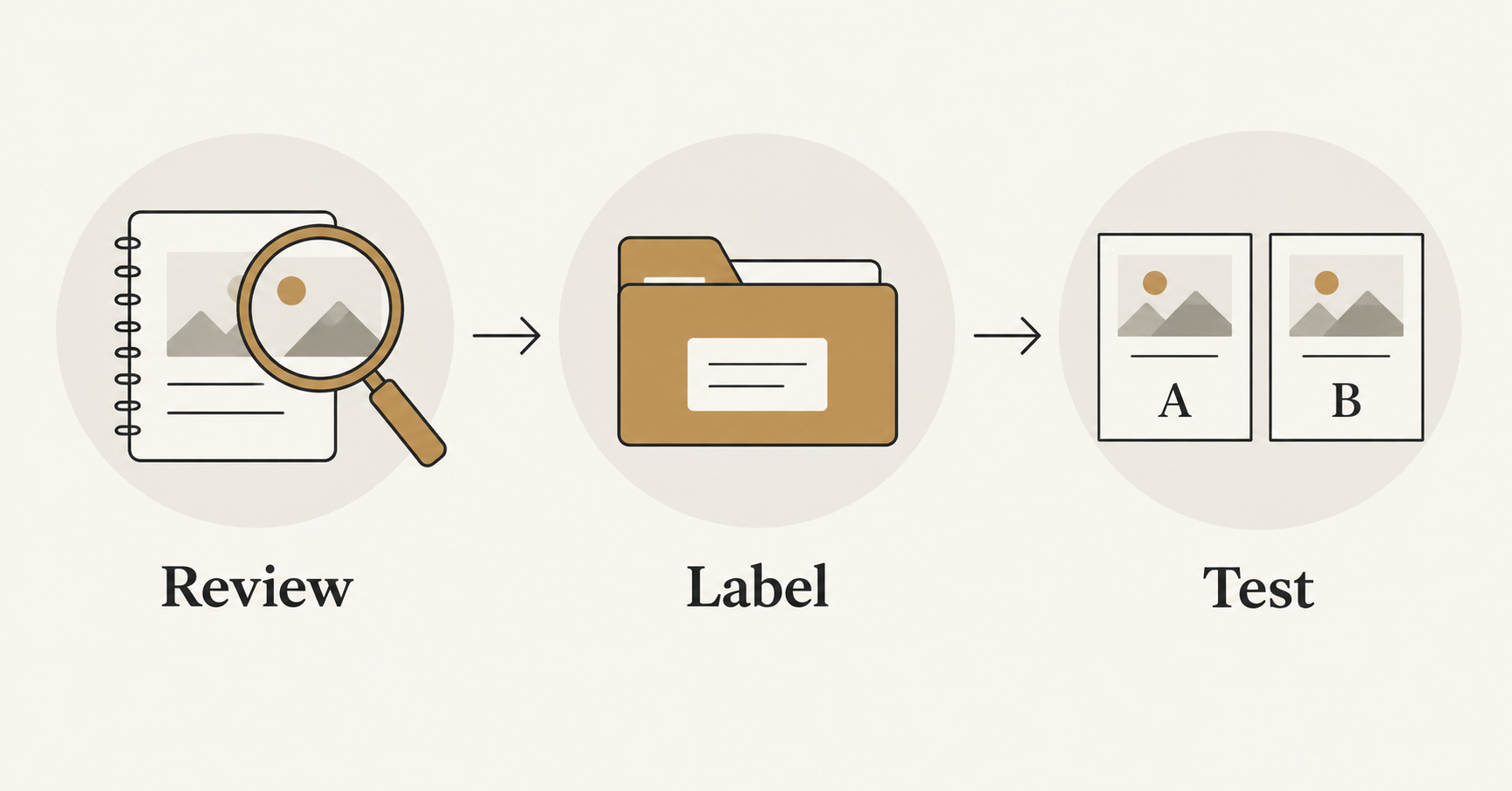
Place the proposed A and B side by side at the same size. First ask whether each file is usable. Then ask whether they form the comparison you intended. These are separate checks: a good individual image can still be a poor match for the other arm.
For the backdrop example, inspect the notebook’s size, angle, binding, color and markings. Compare the amount of headline space and the lighting. If B also introduces a dramatically larger product or a new prop, regenerate or edit it before calling the pair a background-color comparison. Alternatively, relabel it as a broader concept comparison and accept the narrower conclusions that permits.
Use a small handoff table. The identifiers below are examples, not reported results:
| Asset ID | Role | Intended difference | Status |
|---|---|---|---|
| notebook-bg-A-v1 | Control candidate | Warm ivory setting | Awaiting visual approval |
| notebook-bg-B-v1 | Treatment candidate | Muted ochre setting | Awaiting visual approval |
Save the prompt, source reference, model name, available settings, final filename and approval note together. Link each platform asset identifier back to the approved file after upload. This prevents a revised export from being confused with the version that actually ran.
Open the exported files, not only the editor preview. Check text, transparency, dimensions and the final crop. Preview the placement in the advertising platform too, because the destination may render the asset differently from your local view. Apply the same finishing standard to both versions.
Finally, hand the pair to an appropriate experiment workflow. Google describes experiments as comparisons between original and changed campaigns in its Experiments overview. Uploading several images to a normally optimized campaign is not, by itself, evidence of an evenly controlled A/B comparison.
When results are inconclusive, record that outcome instead of declaring the slightly larger number a winner. If a meaningful difference appears, keep the conclusion tied to the tested files, audience and setup. One result does not prove that a color or style will outperform everywhere. The next production brief should reflect what the experiment actually answered.
Frequently asked questions
Are four AI-generated variations an A/B test?
No. They are four creative candidates. A campaign test also needs a defined comparison, an appropriate delivery setup and measurement. Review and select the assets before assigning test roles.
Should I change only one prompt word?
A small prompt change can still produce many visual differences. Judge the actual output against the fixed brief. The goal is a clear creative comparison, not a mechanically identical word count.
Can I test two completely different concepts?
Yes, but interpret the outcome at the concept level. If the setting, crop and visual style all differ, the comparison cannot isolate which of those details explains the result.
Does NanoAI choose the winning advertisement?
This workflow uses NanoAI to create and edit image candidates. It does not claim that NanoAI runs campaign experiments, assigns traffic or measures advertising outcomes. Evaluate performance in your chosen advertising and analytics tools.
Prepare your first pair
Write one comparison question, list what must stay fixed, and open NanoAI’s image workbench to prepare the common visual or two candidate edits. Approve and label the files before putting them into a campaign experiment.