
OpenMOSS · Released October 16, 2026 · Apache 2.0
MOSS-Image: the open model for text and layout in images
MOSS-Image is a 5B open-weight text-to-image model from OpenMOSS that writes long Chinese and English text into images and follows JSON layouts. Below: specs, benchmark scores, sample images and how to run it.
MOSS-Image runs on your own GPU, so Nano AI does not host it. The model it is most often compared with is Qwen Image 2.1, which is just as focused on Chinese and English text in images. That is what this generator runs: 8 credits per image, no GPU needed.
16 free credits = 2 standard images. No card required.
Output board
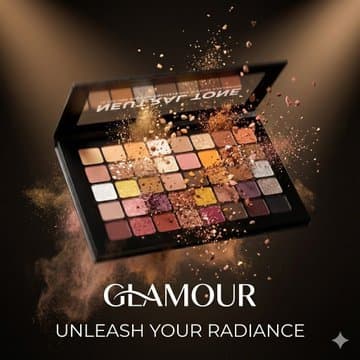
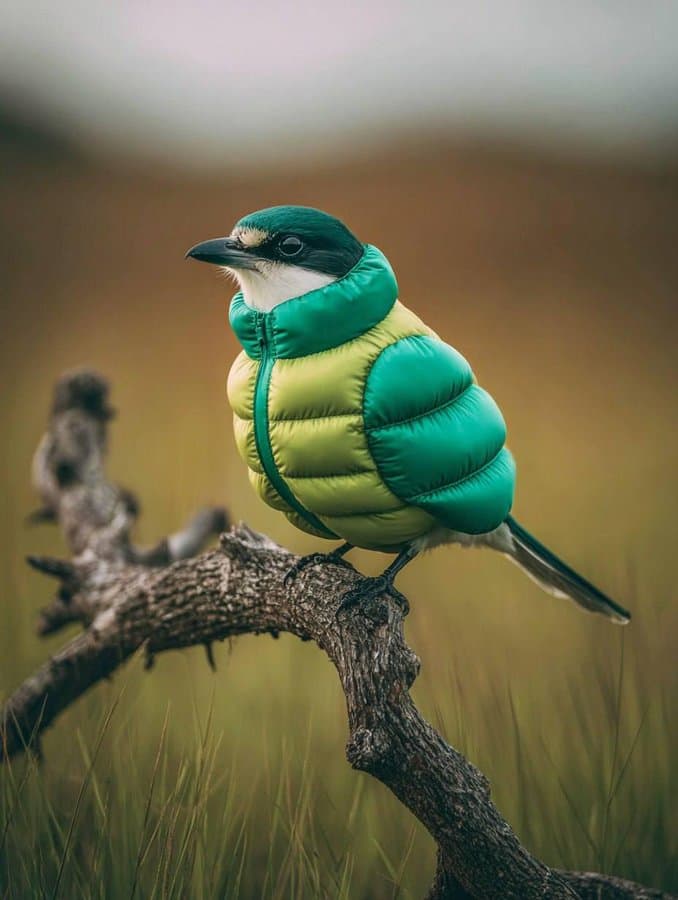
Your generated variations will appear here.
- Made by
- OpenMOSS
- Released
- October 16, 2026
- Run on Nano AI
- Qwen Image 2.1 · 8 credits per image
- Page updated
- October 20, 2026
Source: github.com
What is MOSS-Image?
MOSS-Image is a text-to-image model released by OpenMOSS (MOSI.AI) on October 16, 2026, with researchers from Fudan University, Shanghai Jiao Tong University and the Shanghai Innovation Institute. It pairs a 5-billion-parameter diffusion transformer, trained from scratch, with the Qwen3.5-9B language model as its text encoder and the FLUX.2 VAE.
It comes as two checkpoints. MOSS-Image-Base is left without post-training so it is easy to fine-tune; MOSS-Image-SFT is fine-tuned on curated data for cleaner text and layout. Both are released under the Apache 2.0 license, which allows commercial use.
MOSS-Image only turns text into images: its technical report says it cannot take reference images or edit photos. To use it you download the weights, about 13 GB in ComfyUI's compact files or 27 GB in full precision, and run them in ComfyUI, Diffusers, SGLang or vLLM-Omni. If you just want images with clean Chinese and English text, the generator at the top of this page runs Qwen Image 2.1 in the browser.
MOSS-Image specifications
- Developer
- OpenMOSS (MOSI.AI)
- Released
- October 16, 2026
- License
- Apache 2.0, commercial use allowed
- Image model
- 5B single-stream diffusion transformer, 42 blocks
- Text encoder
- Qwen3.5-9B (frozen)
- VAE
- FLUX.2 VAE with the small decoder
- Checkpoints
- MOSS-Image-Base and MOSS-Image-SFT
- Prompt formats
- Natural language, tag lists and JSON layouts (experimental), up to 4,096 tokens
- Resolution
- 1 to 2 megapixels recommended; 512 × 512 up to 2K, sides in multiples of 16
- Image editing
- Not supported
- Default sampling
- Euler, 50 steps, CFG 3, shift 5, skip layer 22
- On Nano AI
- Not hosted; Qwen Image 2.1 runs instead, 8 credits per image
MOSS-Image examples
Cut from the showcase images in OpenMOSS's model card and not retouched. OpenMOSS did not publish the prompts, so each caption describes the image instead.
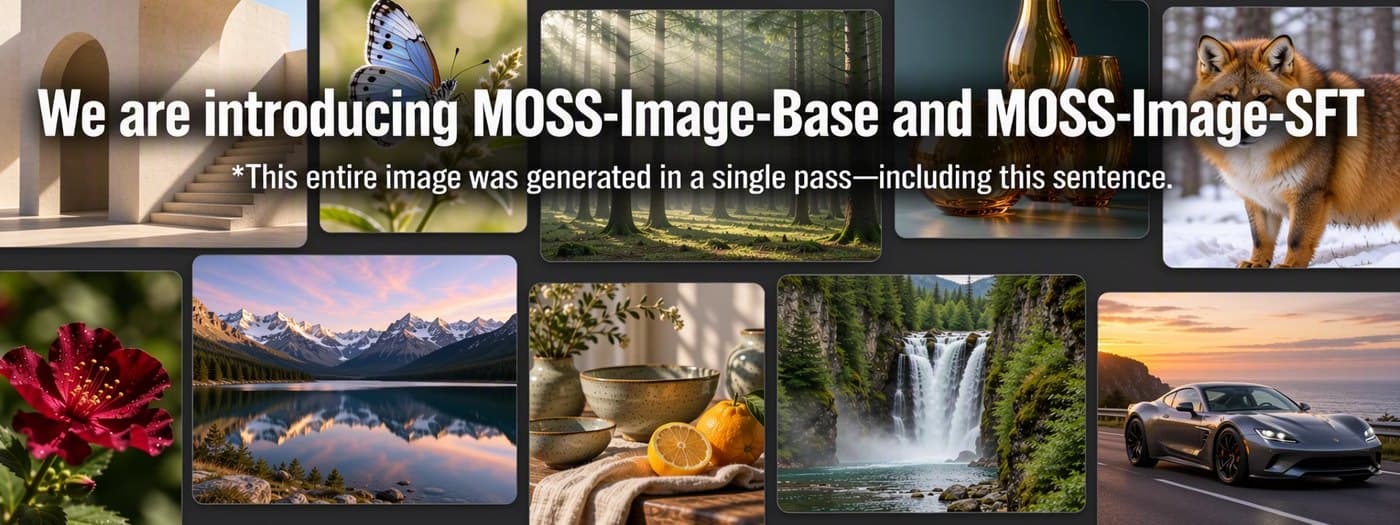
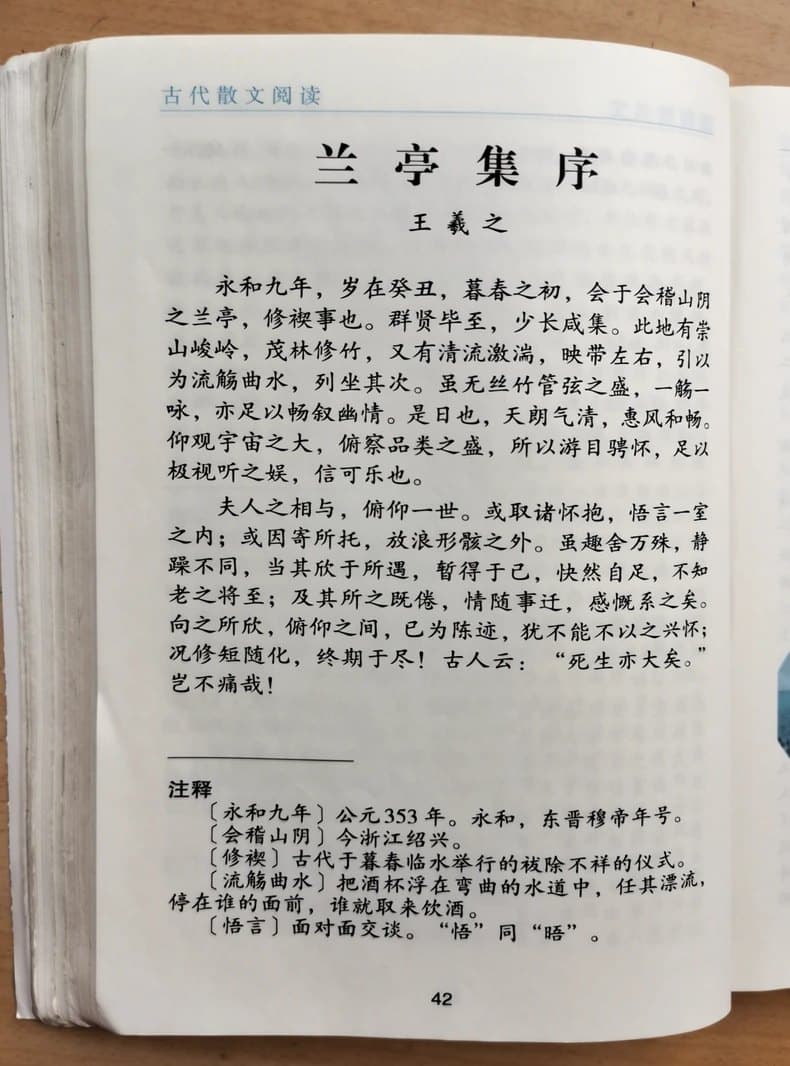

What MOSS-Image does well, and where it struggles
Long text that reads correctly
In OpenMOSS's long-text benchmark (LLTB) MOSS-Image scores 96.3, level with Nano Banana Pro at 96.6 and far ahead of open models such as Qwen Image 2512 (64.9) and Z-Image Base (40.8). Testers report few misspellings in English and Japanese.
Layouts placed by coordinates
A JSON prompt can give every text block and object its own box. On the 7Bench layout test MOSS-Image reaches 0.88 mIoU, against 0.30 to 0.33 for GPT Image 2, Nano Banana Pro, Seedream 5.0 Pro and Qwen Image 3.0 Pro.
Small enough for one consumer GPU
With the 8-bit files the 5B model ran on a 12 GB RTX 4070 in community tests, and 4-bit or GGUF versions run on 8 GB cards with offloading.
Made to be fine-tuned
The Base model ships without post-training. KohakuMossTrainer and DiffSynth-Studio already train LoRAs, and the community has published 8-step and 4-step versions.
Slow at the default settings
50 steps with two passes each take about 27 seconds per 1024 × 1024 image on an RTX 5090 in full precision, and about 50 seconds on a 12 GB RTX 4070 with 8-bit files.
Known weak spots
Users report vertical colour banding in SFT images, blurred backgrounds, broken hands, extra text nobody asked for and trouble with counting. It cannot edit images.
MOSS-Image vs Qwen Image 2.1, Nano Banana Pro and GPT Image 2
Benchmark scores come from the MOSS-Image technical report (arXiv 2610.23374) and were run by OpenMOSS itself; Qwen Image 2.1 was not part of it. Credits are Nano AI prices on October 20, 2026.
| MOSS-Image | Qwen Image 2.1 | Nano Banana Pro | GPT Image 2 | |
|---|---|---|---|---|
| Developer | OpenMOSS | Alibaba | OpenAI | |
| Weights | Open, Apache 2.0 | Open | Closed | Closed |
| Long-text score (LLTB) | 96.3 | Not tested | 96.6 | 99.0 |
| Human preference Elo (RLA) | 1698.7, with a GPT-6 prompt enhancer | Not tested | 1590.2 | 1844.4 |
| Image editing | No | Yes | Yes | Yes |
| Where to run it | Your own GPU | Nano AI, 8 credits | Nano AI, 32 credits | Nano AI, 12 credits |
How to run MOSS-Image
- 1
In ComfyUI
Update to ComfyUI 0.42.0 or later, download the diffusion model, the Qwen3.5-9B text encoder and the FLUX.2 VAE from Comfy-Org/MOSS-Image, and open a MOSS-Image template. Our ComfyUI MOSS-Image guide, linked below, lists every file and setting.
- 2
With Python
On an NVIDIA GPU, install diffusers 0.38 or later and load OpenMOSS-Team/MOSS-Image-SFT with the bundled custom pipeline. SGLang and vLLM-Omni can also serve the model.
- 3
Without a GPU
Try OpenMOSS's free demo on Hugging Face Spaces, which may queue, or the generator at the top of this page, which runs Qwen Image 2.1, the model MOSS-Image is most often compared with.
MOSS-Image prompt tips
Write in English when you can, since it has the most training data, put the exact words in quotation marks and add line breaks where you want them. The first four also work in the generator above.
Handwritten Chinese note
A wide view of a refrigerator beside a kitchen counter with a fruit bowl. A small sticky note on the refrigerator door is handwritten in Chinese: "记得买牛奶和鸡蛋! 牛奶两盒,鸡蛋一打。 顺便带一袋面包。"
Bilingual shop sign
A small tea shop at dusk with a wooden sign that reads "山间茶舍" on the first line and "Mountain Tea House" on the second line, warm lantern light, wet stone steps, no people
Whiteboard notes
A glass whiteboard in a bright office with neat handwritten notes in blue marker: "Q4 plan 1. Ship the layout editor 2. Train a style LoRA 3. Publish the user guide", soft daylight, no people
Poster title
A minimalist travel poster with a cream background, a blue mountain illustration, and the title "EXPLORE" at the top.
Tag list (MOSS-Image)
best quality, highres, scenery, mountain lake, sunrise, mist, no humans
FAQ
MOSS-Image FAQ
Short answers about the model, running it and using something similar online.
Is MOSS-Image free?
Yes. The weights and code are free under the Apache 2.0 license, including for commercial use. You pay only for the GPU you run it on. OpenMOSS also hosts a free demo on Hugging Face Spaces.
Can I use MOSS-Image online without a GPU?
OpenMOSS's Hugging Face demo is the only official option, and it can queue. Nano AI does not host MOSS-Image; the generator on this page runs Qwen Image 2.1, which is close to it for text in images and can also edit photos. New accounts in most regions get 16 free credits, enough for 2 images.
How much VRAM does MOSS-Image need?
OpenMOSS has not published a figure. In community tests the full-precision files peaked at about 29 GiB on an RTX 5090, the 8-bit files at about 16 GiB on the same card and about 11.6 GiB on a 12 GB RTX 4070. 4-bit and GGUF versions run on 8 GB cards with offloading, more slowly.
MOSS-Image Base or SFT: which should I download?
SFT for making images: it is fine-tuned for cleaner text grouping and layout. Base is the untouched checkpoint meant for LoRA training and research.
Can MOSS-Image edit images?
No. The technical report says it does not take reference images or edit images, and OpenMOSS says reference-based generation is still being explored. For edits, use a model such as Qwen Image 2.1 or Nano Banana 2.1.
Does ComfyUI support MOSS-Image?
Yes, natively since ComfyUI 0.42.0, released on October 18, 2026. Version 0.41.3 does not include it. Our ComfyUI MOSS-Image guide lists the files, folders and settings.
Who made MOSS-Image?
OpenMOSS, the team at MOSI.AI behind the MOSS models, with researchers from Fudan University, Shanghai Jiao Tong University and the Shanghai Innovation Institute. The technical report is arXiv 2610.23374.
Is Nano AI affiliated with OpenMOSS?
No. Nano AI is an independent service. It links to OpenMOSS's official downloads and does not host MOSS-Image.
More from Nano AI
Related pages
Nano AI is an independent service and is not affiliated with, endorsed by or sponsored by OpenMOSS or MOSI.AI. MOSS-Image facts and benchmark scores come from OpenMOSS's model cards, GitHub repository and technical report as read on October 20, 2026; hardware figures are community measurements. Sample images are from OpenMOSS's model card and used under the Apache 2.0 license.