
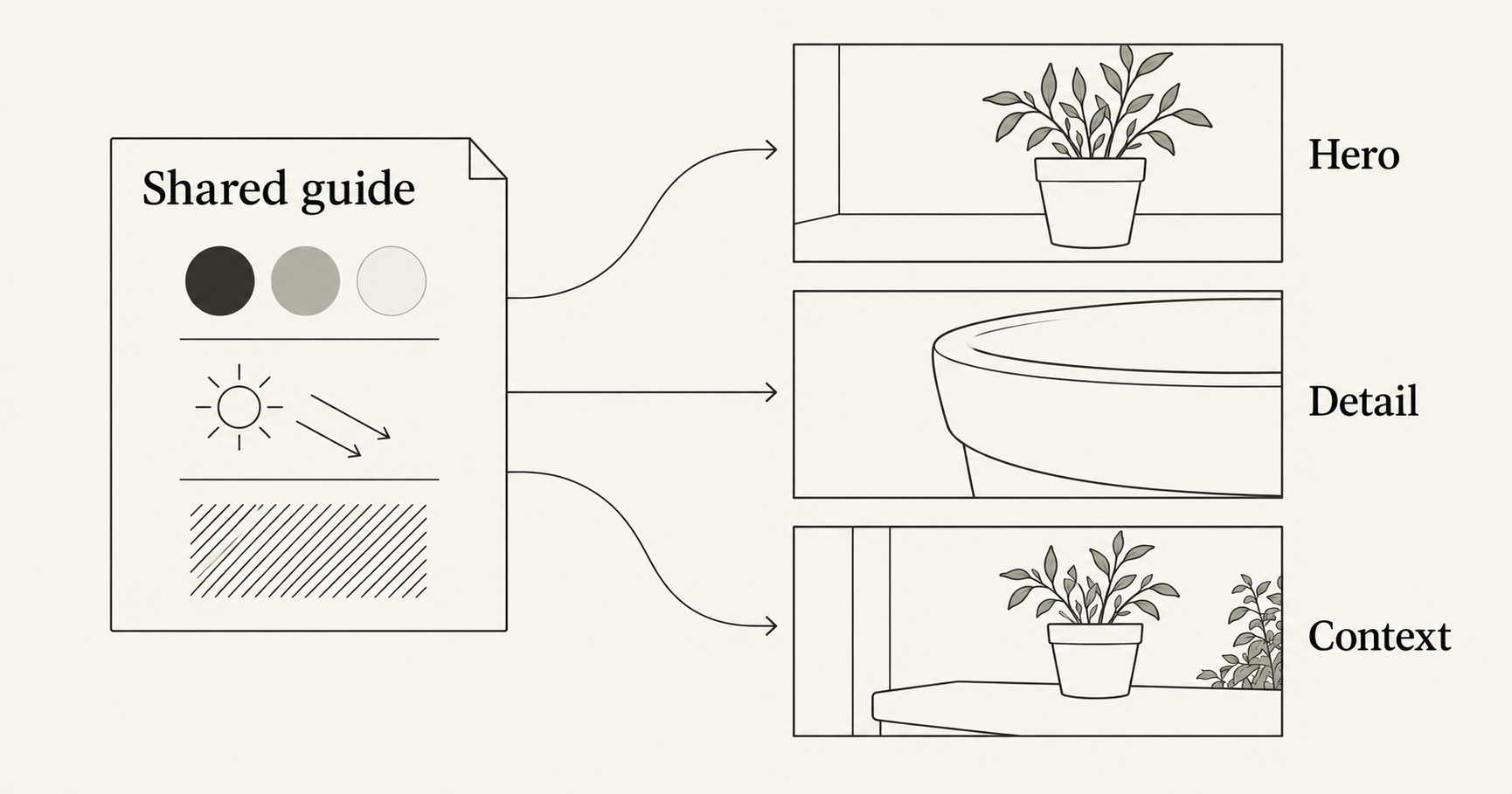
An AI brand style guide should define the visual choices that stay consistent across your images: palette, lighting, materials, background treatment, and framing principles. Keep those rules separate from each image’s subject and job. Then review the images together before approving them. Repeating a brand name or copying one prompt does not, by itself, establish a consistent visual identity.
The task is timely. In its October 20, 2026 small-business announcement, Google described defining a brand style in Gemini with brand materials and retaining that style for future visuals. That is a feature announcement about Gemini, not a claim that other workbenches share its brand memory.
This guide provides a manual, reusable process you can use while exploring images in NanoAI’s image workbench. It uses an invented ceramic-planter project, original templates, and Codex illustrations. The diagrams are planning examples, not NanoAI generation tests or proof that a real product stayed unchanged.
On this page
- Define the visual rules your images must share
- Apply one guide to three different image jobs
- Review the image family before approving individual files
- Frequently asked questions
- Start with a small approved image family
Define the visual rules your images must share
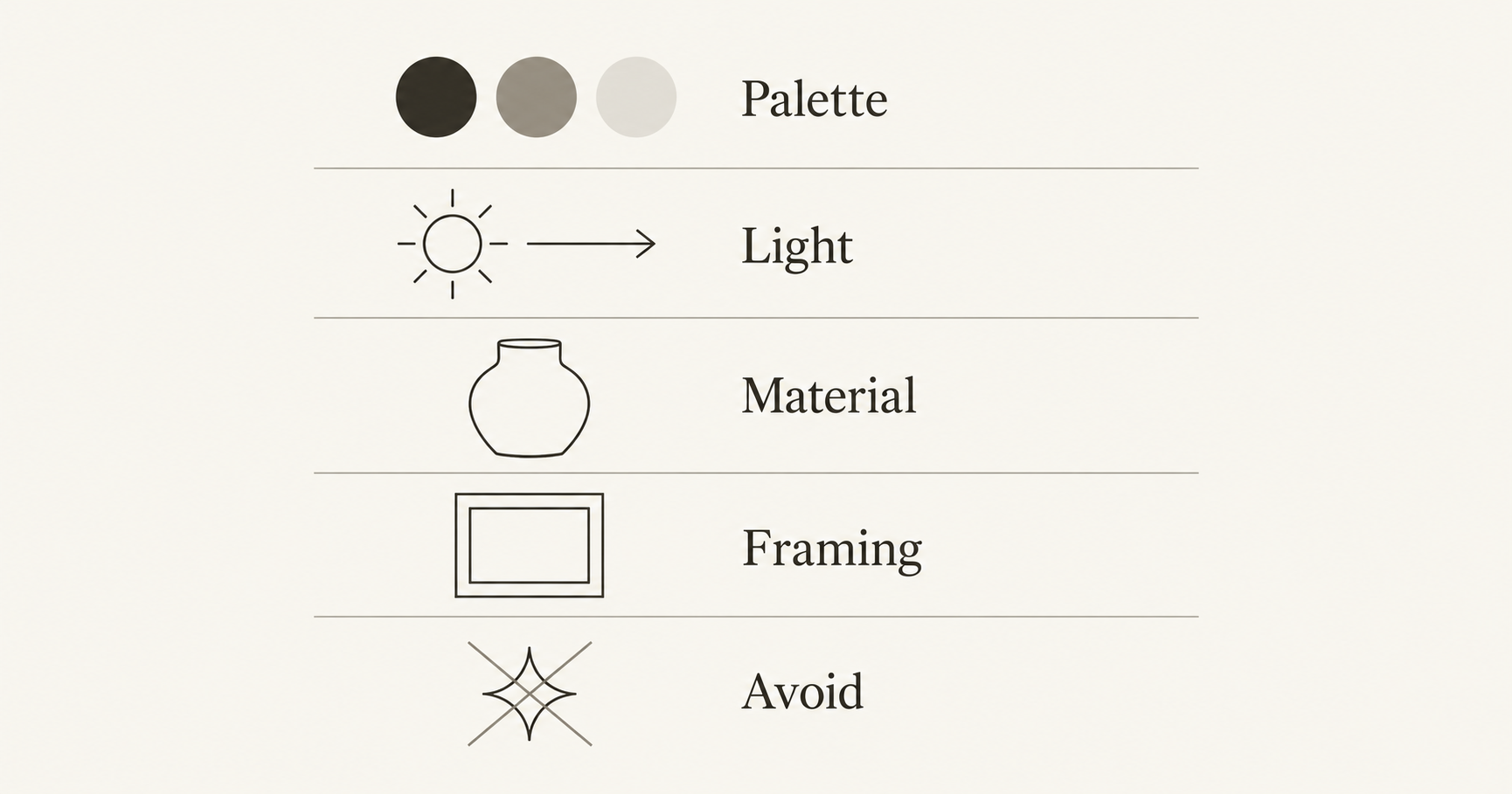
Start with materials your team already approves: your website, existing campaign images, product photography, and brand guidelines. Identify the visible choices that connect them. If there is no established style, make a small set of explicit decisions before commissioning a large image collection.
A useful guide describes what someone can inspect. “Friendly and premium” can mean many things. “Warm ivory surfaces, restrained clay colors, soft side light, and uncluttered compositions” gives the reviewer concrete features to look for.
Photoroom’s brand-kit overview describes a broader kit containing logos, colors, typography, imagery style, and usage guidance. An image-generation style guide can sit inside that kit. It does not replace the original logo files, licensed fonts, or instructions for finished layouts.
For this fictional planter project, use a compact working table:
| Area | Shared rule | What may change |
|---|---|---|
| Palette | Warm ivory settings with muted clay and charcoal accents | Amount of each color, according to the image |
| Lighting | Soft side light with restrained contrast | Camera position and crop |
| Materials | Matte ceramic and plain, non-glossy surfaces | Which visible detail the image emphasizes |
| Background | Quiet settings with few distractions | Studio surface or simple indoor ledge |
| Framing | Clear subject outline; useful breathing room | Wide hero, close detail, or context view |
| Exclusions | No decorative lettering, invented logos, or unrelated props | Approved final text added in a layout editor |
These are editorial decisions for the exercise, not a claim that this palette increases sales. Choose rules that fit your own brand rather than importing this look by default.
Keep identity requirements in a separate list
Visual style and product identity need different checks. Soft light is a style choice. The exact rim, surface finish, proportions, or printed label of a real planter are product facts.
A set can have a consistent mood while showing the wrong item. Keep an approved source image and a short product-detail checklist alongside the style guide. If exact product pixels matter, use a workflow that preserves the photographed product separately; the background replacement guide explains that choice.
Add one useful reference, with its role stated
An approved image can communicate a visual treatment more directly than a long adjective list. Adobe documents style references as guidance for an image’s look and feel. That service has its own controls; the general lesson is to identify which visual information the reference should supply.
If using a reference in a supported workflow, state whether it supplies style, product appearance, or placement. Do not assume that calling something a “brand reference” prevents its objects or background from influencing the result. Use only material you are authorized to upload.
Apply one guide to three different image jobs
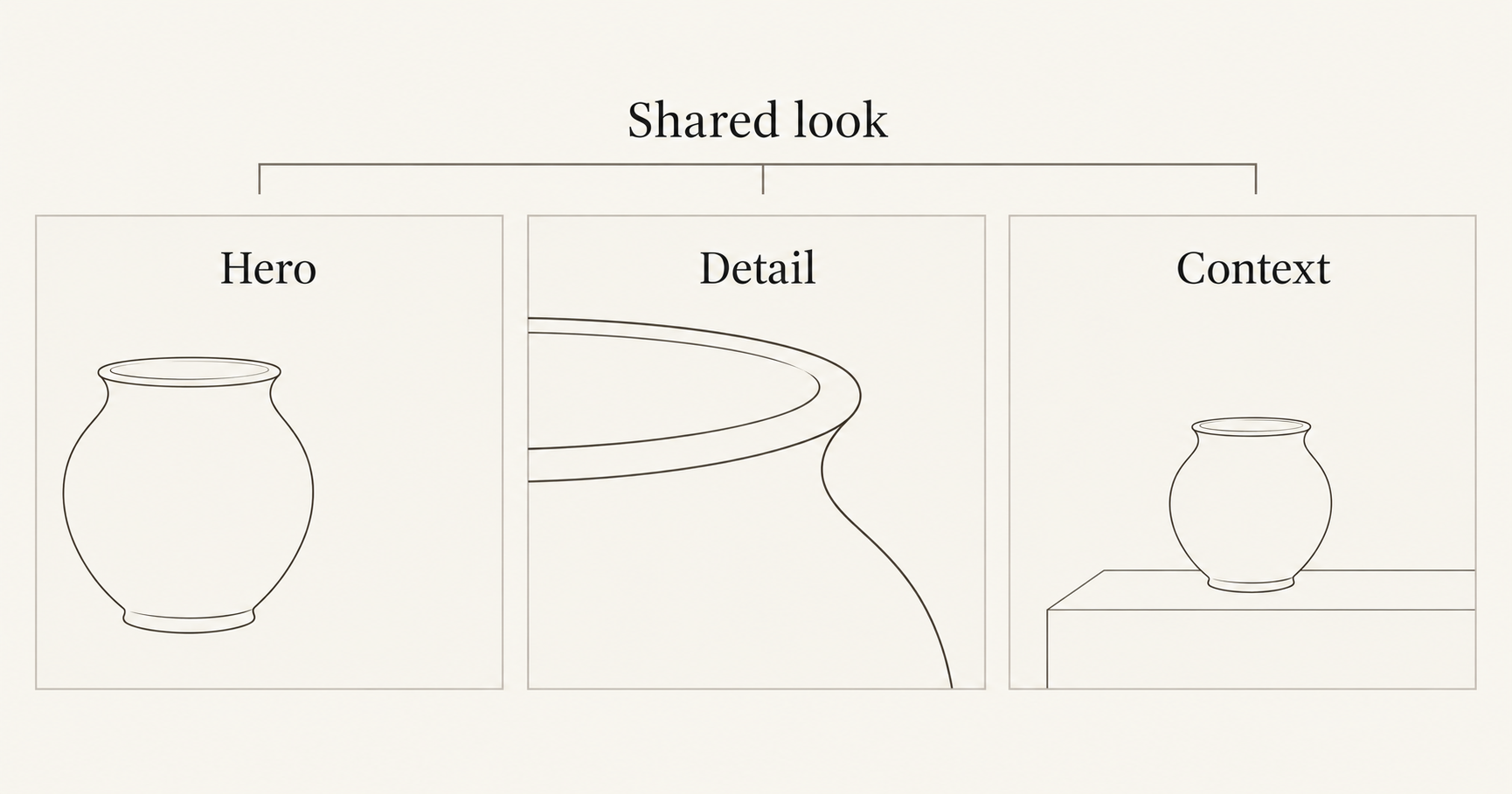
Consistency does not require every asset to show the same view. A hero introduces the product, a detail image helps someone inspect a feature, and a context image shows a setting. They should serve those different purposes while sharing the approved visual treatment.
Write one reusable style paragraph, then add a separate assignment for each asset. Here is an original concept template, not a tested model formula:
Shared visual direction:
Photographic presentation with warm ivory surroundings,
muted clay and charcoal tones, matte ceramic surfaces,
soft side lighting, restrained contrast, and a quiet setting.
Keep the main subject clearly separated from the background.
Avoid glossy finishes, dramatic colored light, clutter,
generated lettering, and invented logos.
For an invented planter concept, pair that paragraph with one job at a time:
| Asset | Assignment to add | What the reviewer should expect |
|---|---|---|
| Hero | One planter on a plain surface, left of a wide frame, with space on the right | Clear introduction and usable copy area |
| Detail | A close view of the planter’s rim and matte surface | The requested detail is easy to inspect |
| Context | One planter resting on a simple indoor ledge, with little surrounding clutter | A readable setting that retains the shared mood |
For a real product, base detail views on a suitable photograph. A generated close-up can invent texture, construction, or small features. Do not use an attractive approximation as evidence of how the manufactured item looks.
A practical NanoAI workflow
- Open the AI image generator and choose Text to Image for invented concepts or Image Edit when working with an appropriate reference.
- Select a model and the available shape that suits the asset. Review the displayed credit cost before generating.
- Combine the shared style paragraph with the specific image assignment. Include relevant product-preservation instructions when working from a real source.
- Save a candidate that meets the guide as your initial approved direction. Keep the original source and the exact instructions used.
- Make the other asset types from the same guide. Review their relationship to that direction instead of selecting each image only because it looks impressive alone.
The public workbench exposes mode, model, shape, and one-to-four variation choices. We checked those controls for this guide, without making paid NanoAI generation calls. This workflow does not assume automatic brand memory or a dedicated brand-kit feature in NanoAI. Keep your approved rules in a separate document and include them in each new request.
A style reference, if supported by the selected workflow, can supplement that document. The multi-reference guide explains how to separate its role from the product source. Avoid repeatedly editing the latest generated image when it has already drifted away from the approved product or style.
Finish exact brand elements separately
Place the approved logo, final typography, prices, and other exact wording in your layout tool when precision matters. Reuse those original assets across the set. A prompt mentioning a font name or color code does not verify the final rendering.
Allow the composition to fit the placement. The hero needs open space; a detail crop may intentionally fill the frame. Use the aspect-ratio guide to prepare different formats without stretching the images or assuming one crop works everywhere.
Review the image family before approving individual files
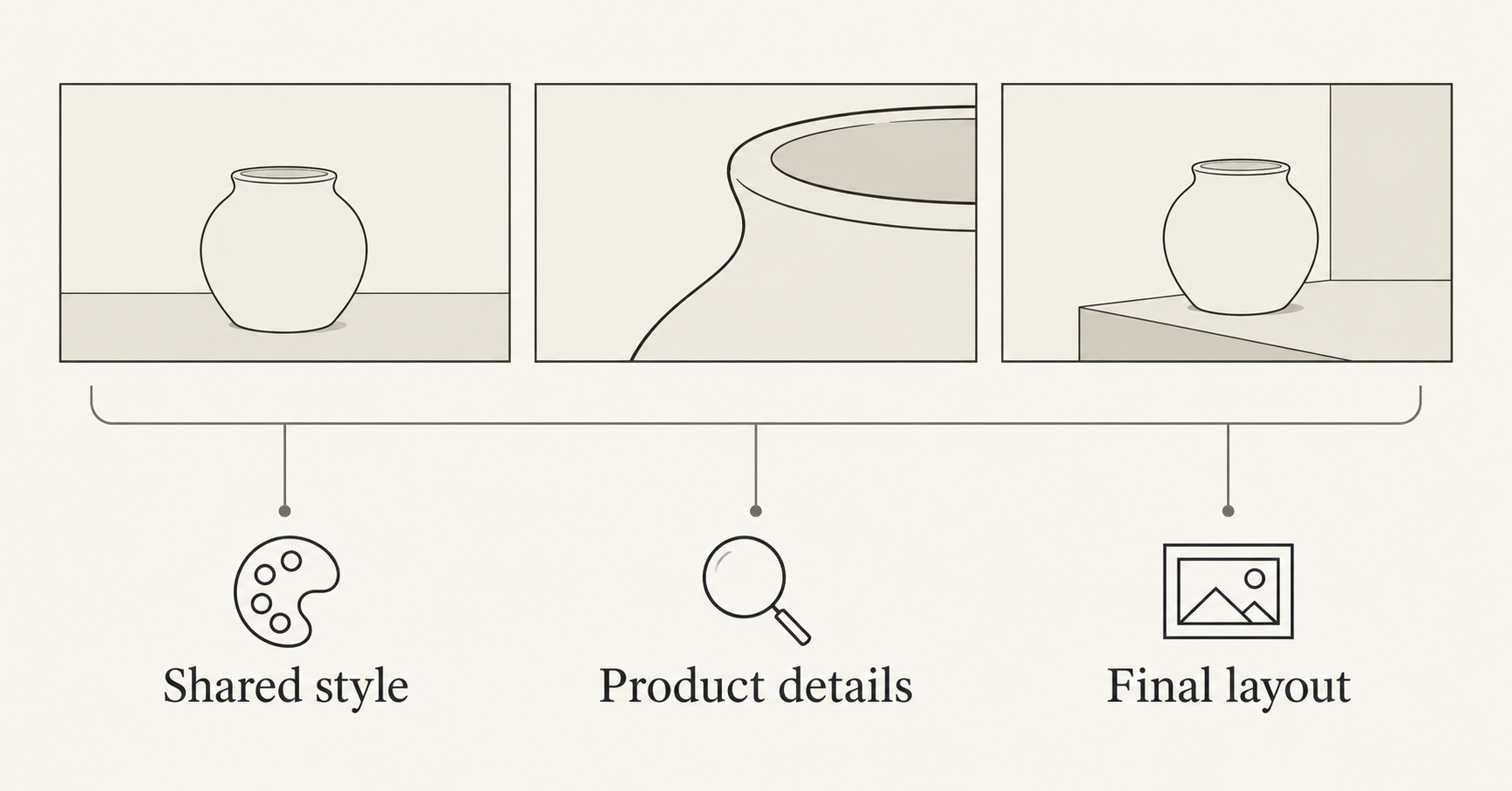
Place the proposed hero, detail, and context image beside one another in a simple contact sheet. Compare the set with the written guide and approved direction. Then inspect each file at full size.
Use three separate review questions:
- Shared style: Do palette, contrast, light, surface treatment, and background complexity belong together?
- Product details: Does each relevant view agree with the real source, without invented features or altered wording?
- Final layout: Does each image still work after the actual crop, headline, and logo are applied?
An image may pass one question and fail another. A glossy planter might retain the intended silhouette but conflict with a matte-material guide. A beautifully matched trio can still show three slightly different rims. Keep those failures distinct so the next action addresses the actual problem.
| Observed problem | Change to consider |
|---|---|
| Context image is much more dramatic than the hero | Simplify its lighting and background, preserving its context role |
| Detail image looks like polished metal rather than ceramic | Restate the material and return to a suitable source photograph |
| Every image has the same crop and feels repetitive | Vary the assignment while retaining the style rules |
| Colors drift after a model change | Recheck the guide with that model before extending the set |
| Logo or final wording is inaccurate | Restore the approved graphic or editable text in the layout tool |
This is an acceptance review, not an advertising performance test. The ad creative variations guide covers preparing comparable assets for a separate campaign experiment.
Keep a small approval record with the guide version, source references, selected model, settings, exported filenames, and a specific revision note. Update the guide deliberately when the brand direction changes. Do not let a one-off attractive image silently redefine the whole collection.
Frequently asked questions
What belongs in an AI brand style guide?
Include inspectable rules for palette, lighting, materials, backgrounds, framing, and unwanted elements. Keep approved examples and product-identity requirements nearby, along with original logos and typography rules for finished layouts.
Does a brand style guide make every generated image identical?
No. It defines a common visual direction. Subject, viewpoint, crop, and purpose can vary. Review the actual outputs because written instructions do not guarantee identical interpretation across models or requests.
Is a style reference the same as a product reference?
No. A style reference guides the visual treatment; a product reference supplies the item’s appearance. Explain those roles and check that information has not crossed between them.
Can I keep my brand consistent across different AI models?
Use the same approved guide as a starting point, then verify each model’s output. Record the model used and approve a new direction sample when switching. Do not assume that identical prompts or settings mean identical results.
Does NanoAI remember my brand automatically?
This article does not claim automatic brand memory in NanoAI. It uses the public image workbench with an external guide that you retain and reuse. The brand-style retention mentioned in the news source describes Gemini’s feature.
Start with a small approved image family
Write the shared rules, assign three different image jobs, and open NanoAI’s image workbench. Approve the images as a family, then save the guide and the final files together for the next project.