
Public sources read 2026-11-04
Omni 1.1 Flash: guide, prompts and alternatives
Google documents gemini-omni-1.1-flash for multimodal video and conversational editing, with generated audio. Its 1080p and 4K outputs are upscaled; 720p is the default.
This is Nano AI, not Google Omni. This form runs Veo 3.1 Fast for 60 credits per video. It does not connect your Google account or call the Omni API; Omni’s 4K controls and conversational editing are not provided here.
Ratio
Generated Videos
No videos yet
Fill out the form and click Generate Video to create your first AI video.
Tips: Use detailed descriptions for better results
- Made by
- Run on Nano AI
- Veo 3.1 Fast · from 60 credits per video
- Page updated
- November 4, 2026
Source: ai.google.dev
Official sample material
Official material downloaded and reviewed on 2026-11-04. Original labels retained. These are published illustrations, interface images or video posters, not Nano AI outputs or our generation tests. Each image links to its source.
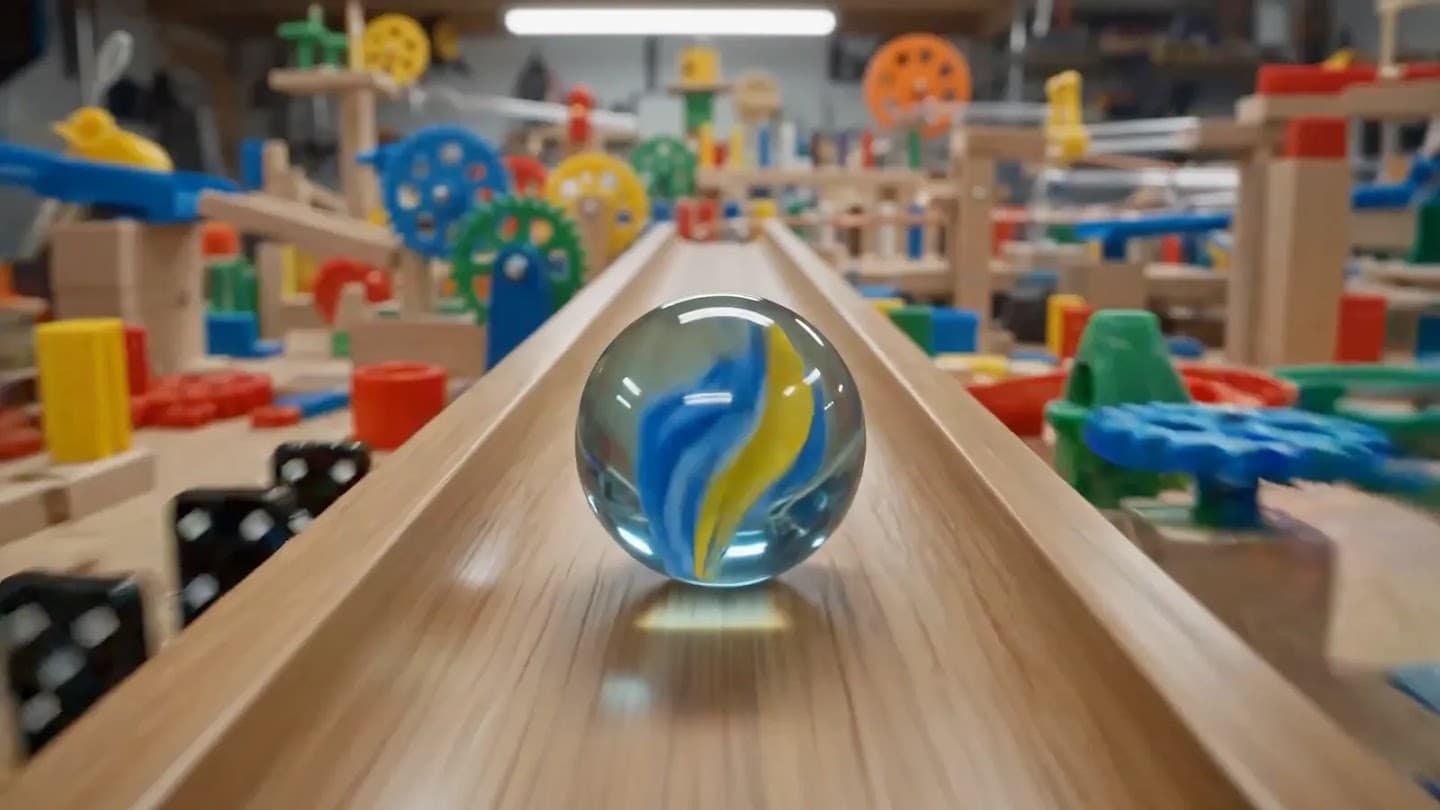
Omni 1.1 Flash: Compare the workflow
Google documents gemini-omni-1.1-flash for multimodal video and conversational editing, with generated audio. Its 1080p and 4K outputs are upscaled; 720p is the default.
For a single scene, specify one continuous shot, subject motion, camera and light. Google’s API uses the Interactions API and model ID gemini-omni-1.1-flash. Consult its current billing page; 60 Nano AI credits are not an Omni API price.
Scope and limits
- Official product
- Omni 1.1 Flash
- Generator here
- Veo 3.1 Fast
- What this form does
- This is Nano AI, not Google Omni. This form runs Veo 3.1 Fast for 60 credits per video. It does not connect your Google account or call the Omni API; Omni’s 4K controls and conversational editing are not provided here.
Before you generate
Official product
Google documents gemini-omni-1.1-flash for multimodal video and conversational editing, with generated audio. Its 1080p and 4K outputs are upscaled; 720p is the default.
Generator here
This is Nano AI, not Google Omni. This form runs Veo 3.1 Fast for 60 credits per video. It does not connect your Google account or call the Omni API; Omni’s 4K controls and conversational editing are not provided here.
Detail
For a single scene, specify one continuous shot, subject motion, camera and light. Google’s API uses the Interactions API and model ID gemini-omni-1.1-flash. Consult its current billing page; 60 Nano AI credits are not an Omni API price.
Compare the workflow
Public sources read 2026-11-04
| Official product | Generator here | |
|---|---|---|
| Subject | Omni 1.1 Flash | Veo 3.1 Fast |
| Output | Google documents gemini-omni-1.1-flash for multimodal video and conversational editing, with generated audio. Its 1080p and 4K outputs are upscaled; 720p is the default. | This is Nano AI, not Google Omni. This form runs Veo 3.1 Fast for 60 credits per video. It does not connect your Google account or call the Omni API; Omni’s 4K controls and conversational editing are not provided here. |
| Cost | Open the source link beside the facts for the publisher’s own interface and documentation. | 60 / video |
Try a new asset in three steps
- 1
Choose a prompt
Choose a suggestion below, or describe your own scene. For a photo edit, upload only an image you have permission to use.
- 2
Check model and credits
Keep the preset model selected and check the price shown before submitting.
- 3
Generate and review
Sign in, generate a new asset, then inspect the result before downloading. These previews are illustrative.
Original prompts to try
These buttons fill the Nano AI generator. They do not send a prompt to another product.
Starting point
A red paper boat floats through a shallow stone basin, one continuous shot, slow camera push, soft morning light, no people, no text, no logos.
Variation
A glass marble rolls along a wooden toy track, one continuous tracking shot, natural daylight, no people, no readable text, no logos.
Composition
A ceramic cup stands on a wooden table as steam rises, static camera, warm side light, no people, no readable text, no logos.
Detail
A paper lantern sways above an empty courtyard, slow camera arc, blue hour, no people, no text, no logos.
FAQ
Omni 1.1 Flash · Questions and answers
Public sources read 2026-11-04
Is this the official product?
This is Nano AI, not Google Omni. This form runs Veo 3.1 Fast for 60 credits per video. It does not connect your Google account or call the Omni API; Omni’s 4K controls and conversational editing are not provided here.
What does generation cost here?
This is Nano AI, not Google Omni. This form runs Veo 3.1 Fast for 60 credits per video. It does not connect your Google account or call the Omni API; Omni’s 4K controls and conversational editing are not provided here. The price below applies only to the named Nano AI model. External subscriptions and API prices are separate.
Where is the official workflow?
Open the source link beside the facts for the publisher’s own interface and documentation.
What do the samples prove?
They document the publisher’s public examples only. They are not a matched-prompt benchmark or proof of the model used here.
How should I compare results?
Keep the subject, framing and lighting fixed. Compare one change at a time; no quality or speed ranking has been measured here.
Omni 1.1 Flash · Detail
For a single scene, specify one continuous shot, subject motion, camera and light. Google’s API uses the Interactions API and model ID gemini-omni-1.1-flash. Consult its current billing page; 60 Nano AI credits are not an Omni API price.
More from Nano AI
Related guides
Nano AI is independent and is not affiliated with the referenced product. Public information read on 2026-11-04. Samples belong to their credited publishers.