
Public sources read 2026-11-04
HeyGen AI gratuit: free-plan guide & silent-clip alternative
Looking for HeyGen AI gratuit? Use the official free plan for a spoken avatar. The generator here offers a separate silent visual clip for your edit.
This is Nano AI, not HeyGen. Kling 2.6 creates a 5-second silent clip for 55 credits, sound: false. No speech or lip sync; this does not add credits to a HeyGen account.
Duration
Ratio
Generated Videos
No videos yet
Fill out the form and click Generate Video to create your first AI video.
Tips: Use detailed descriptions for better results
- Made by
- HeyGen
- Run on Nano AI
- Kling 2.6 · from 55 credits per video
- Page updated
- November 4, 2026
Source: heygen.com
Published competitor example
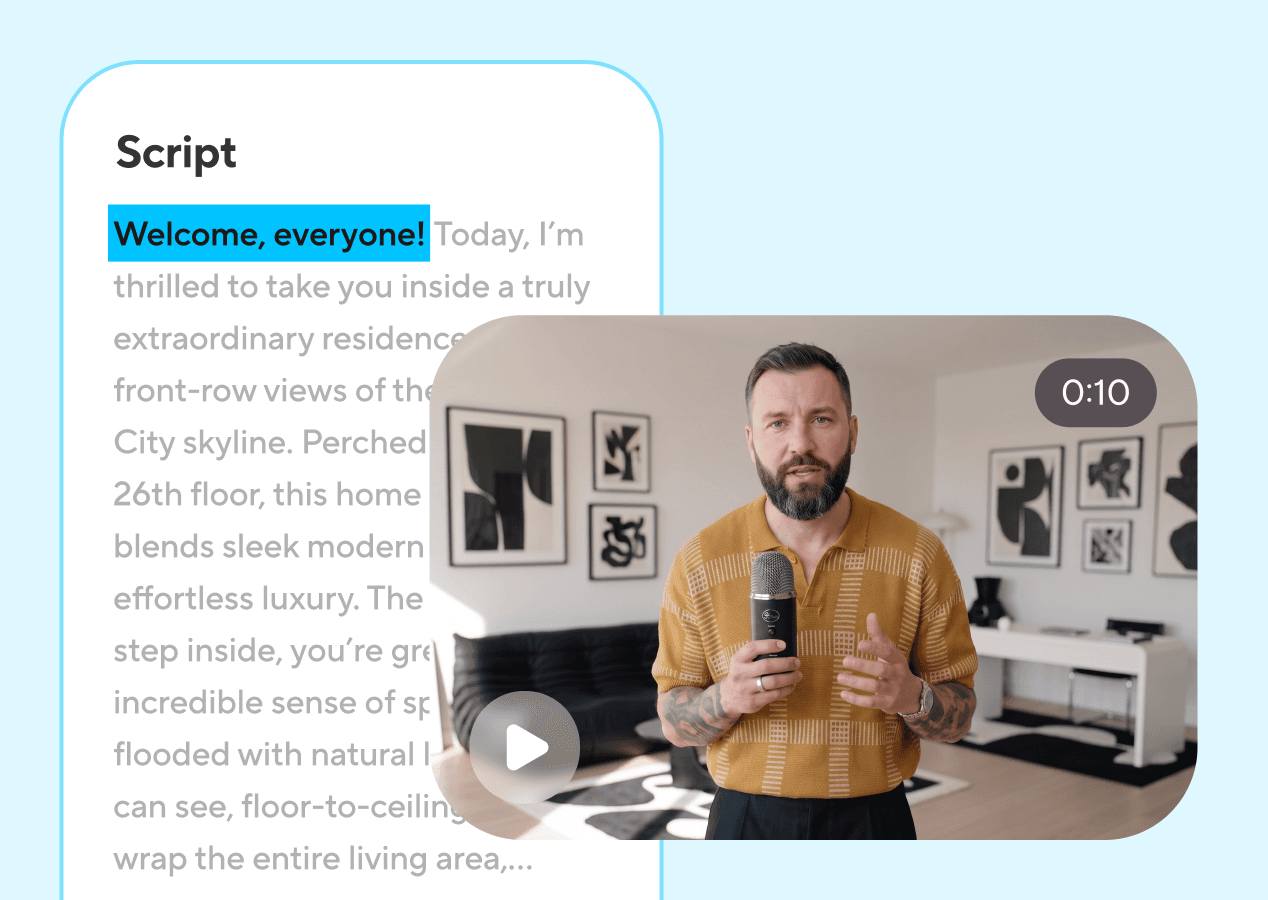
HeyGen’s official script-to-video illustration from heygen.com/avatars, downloaded and reviewed 2026-11-04. The play symbol is part of the static picture; this is not a playable Nano AI output.
HeyGen AI gratuit · Scope and limits
Describe an original character making a small gesture, or create a cutaway for a presenter video. A script in the prompt does not become a voice track.
Scope and limits
- Model
- Kling 2.6
- Output
- Silent visual clip
- Credits
- 55 / 5s
Before you generate
Can I try it free?
This is Nano AI, not HeyGen. Kling 2.6 creates a 5-second silent clip for 55 credits, sound: false. No speech or lip sync; this does not add credits to a HeyGen account.
How do I use the official product?
For a talking presenter, open heygen.com and select its free plan. The HyperFrames GitHub guide below covers HeyGen’s open-source HTML-to-video project, a separate workflow from hosted avatars.
What should I put in the prompt?
Describe an original character making a small gesture, or create a cutaway for a presenter video. A script in the prompt does not become a voice track.
Compare the workflow
Public sources read 2026-11-04
| HeyGen | Nano AI | |
|---|---|---|
| Workflow | Talking avatar | Silent visual clip |
| Cost here | See official source | 55 / 5s |
Three steps
- 1
Choose a prompt
Select a suggestion or describe your own subject. These prompts are original; they do not reproduce the competitor example.
- 2
Check the preset
This is Nano AI, not HeyGen. Kling 2.6 creates a 5-second silent clip for 55 credits, sound: false. No speech or lip sync; this does not add credits to a HeyGen account.
- 3
Generate and review
Sign in, check the displayed cost, then generate. Review the result before downloading.
Original prompts
Robot presenter
An original friendly clay robot presenter gives one small welcoming hand gesture behind a plain desk, static medium shot, soft studio light, no speech, no lip sync, no text, no logos.
Fox mascot
An original fox mascot in a teal scarf nods once beside a blank presentation board, static medium shot, pale studio background, no speech, no text, no logos.
Desk cutaway
A ceramic cup on a desk with a closed notebook, steam rising slowly, static camera, warm studio light, silent cutaway shot, no people, no text, no logos.
Empty studio
An empty recording studio with a microphone and a plain stool, slow gentle camera push, soft side light, no people, no text, no logos.
FAQ
HeyGen AI gratuit · Questions and answers
Public sources read 2026-11-04
What runs here?
This is Nano AI, not HeyGen. Kling 2.6 creates a 5-second silent clip for 55 credits, sound: false. No speech or lip sync; this does not add credits to a HeyGen account.
Can I try it free?
HeyGen’s public pricing page, read 2026-11-04: 3 videos/month, up to 1 minute each, watermarked. Check heygen.com/pricing for changes. Nano AI credits are separate. Only existing or granted Nano AI credits can pay for this form; further generations require enough balance. It is not unlimited free generation.
How do I use the official product?
For a talking presenter, open heygen.com and select its free plan. The HyperFrames GitHub guide below covers HeyGen’s open-source HTML-to-video project, a separate workflow from hosted avatars.
What should I put in the prompt?
Describe an original character making a small gesture, or create a cutaway for a presenter video. A script in the prompt does not become a voice track.
Is the example generated here?
No. The credited image is a static public illustration, reviewed on 2026-11-04. It is not a Nano AI output, a playable video or our quality test.
More from Nano AI
Related guides
Nano AI is independent and is not affiliated with Canva, Vidu or HeyGen. Published examples belong to their credited publishers.