
Animation maker · Same clip as Anijam AI · Read 2026-11-06
Anijam AI Animation Maker: the steps, then one new clip
The Anijam AI page is the product overview. This page is the animation-maker workflow: what their tool page says a prompt becomes, and the single clip this form prices.
This generator runs Kling 2.6 for 55 credits a 5-second clip, with sound: false. It makes one new clip. It is not Anijam's canvas, timeline, or lip-sync export.
Duration
Ratio
Generated Videos
No videos yet
Fill out the form and click Generate Video to create your first AI video.
Tips: Use detailed descriptions for better results
- Made by
- Anijam
- Run on Nano AI
- Kling 2.6 · from 55 credits per video
- Page updated
- November 6, 2026
Source: anijam.ai
Stills from their animation tool
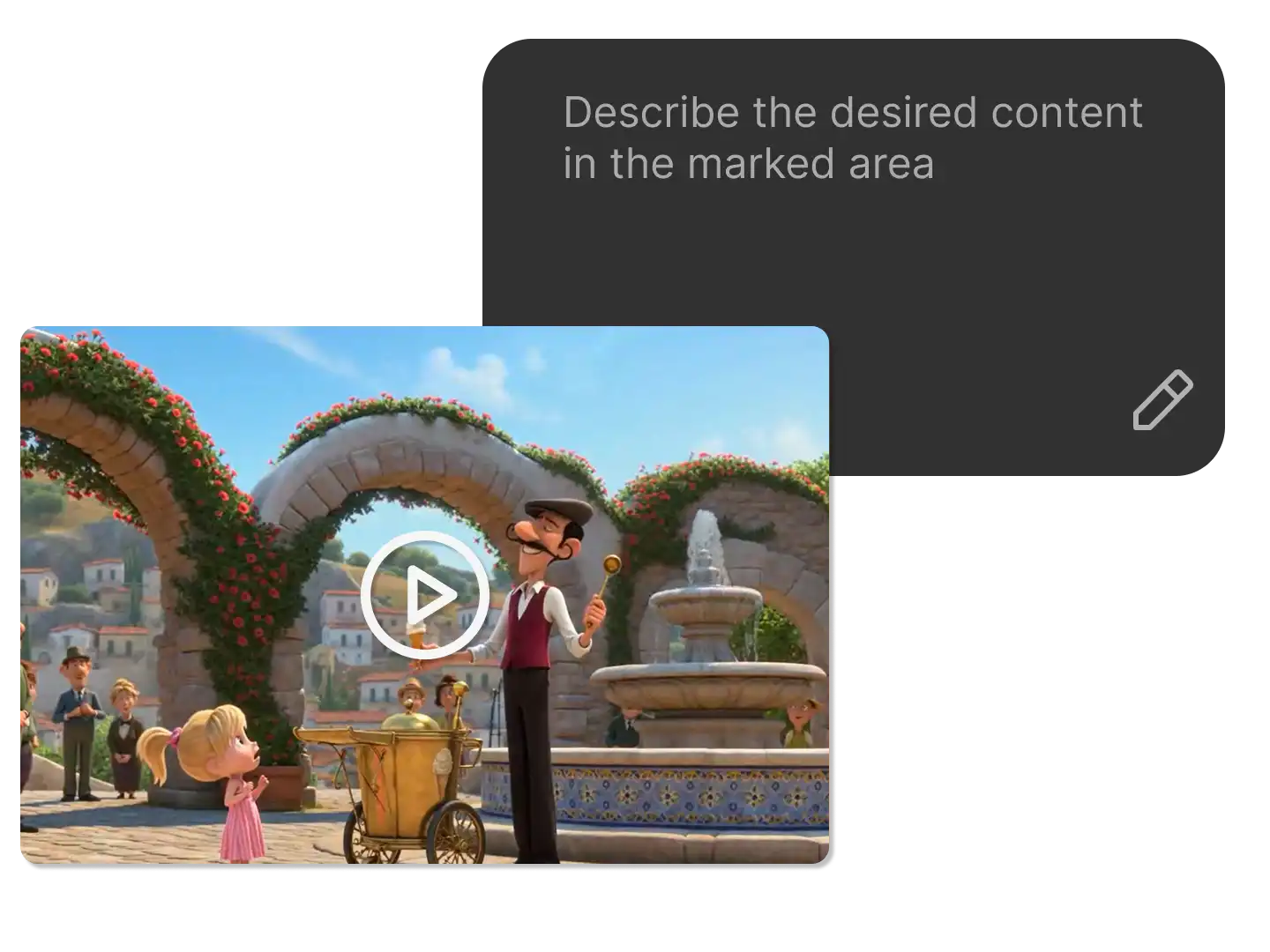
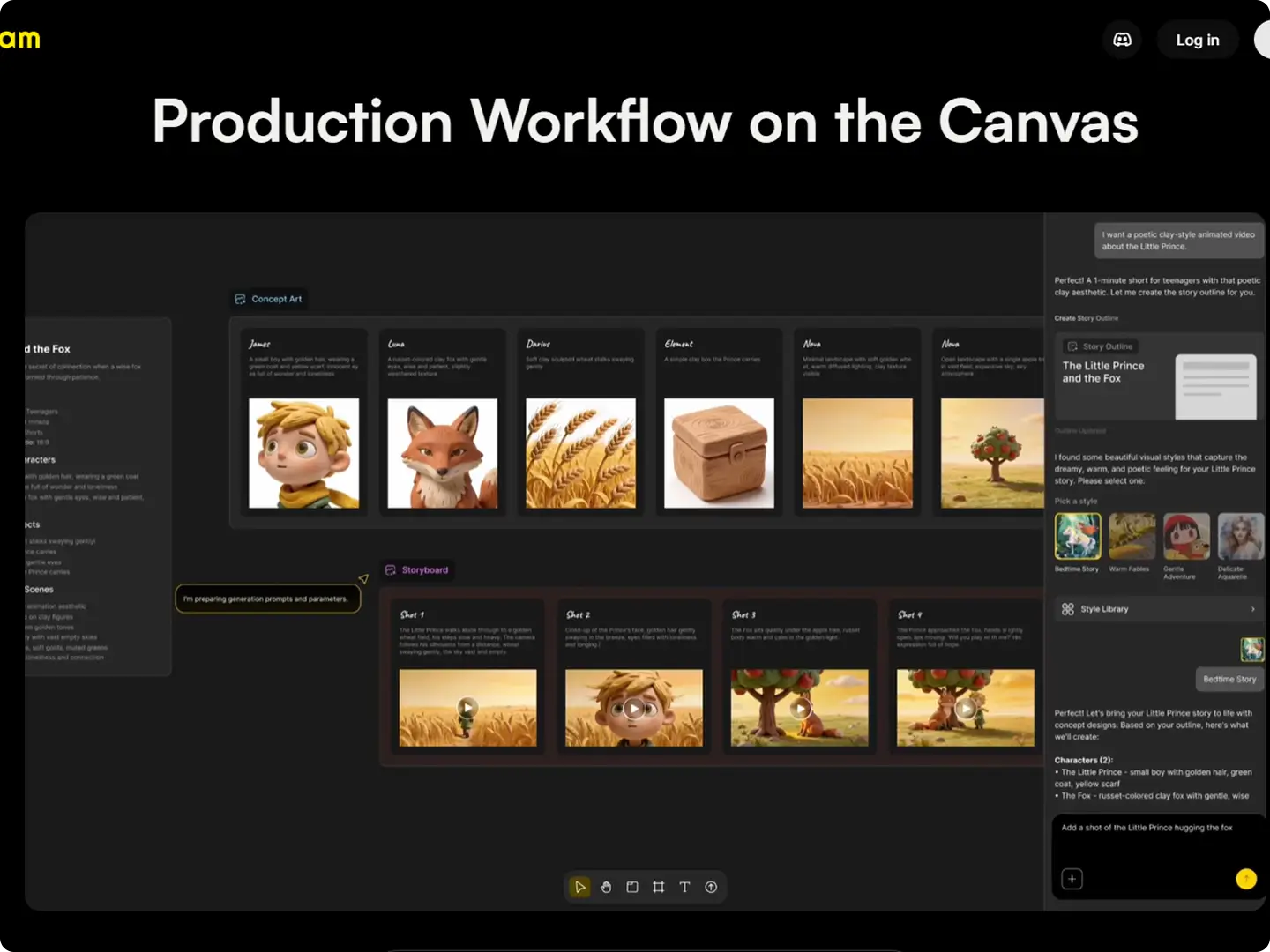
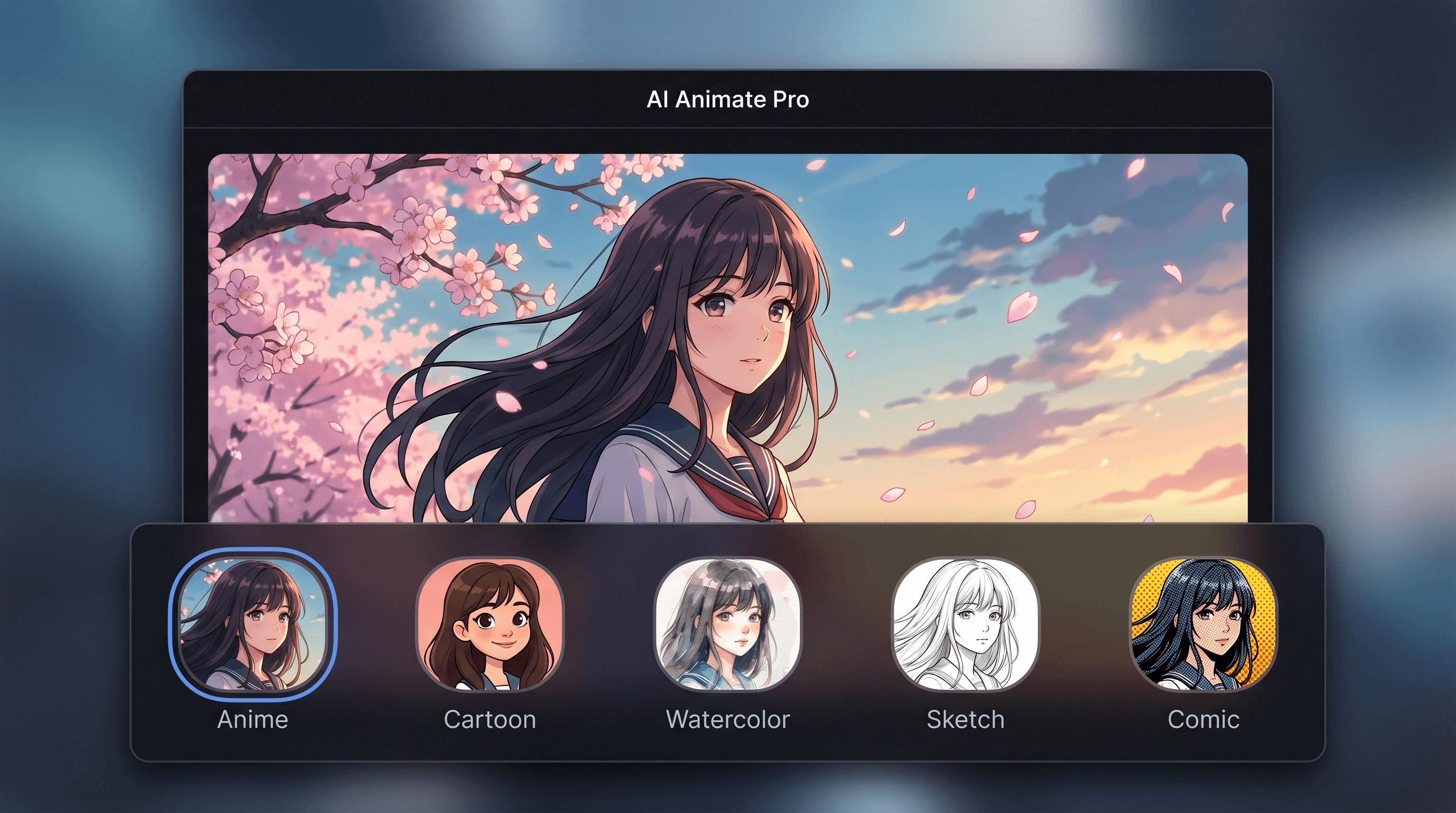
Three images from Anijam's animation-maker page, saved on 2026-11-06. They show their prompt box, canvas, and style picker. They are not Nano AI clips.
What the Anijam AI Animation Maker page is for
Their animation tool page, read on 2026-11-02 and checked again for stills on 2026-11-06, says a prompt, an image, or a script becomes scenes on one canvas, with character motion, camera angles, and lip sync. The stills below show that page: a text box over a cartoon square, a canvas titled Production Workflow, and a style picker labeled Anime, Cartoon, Watercolor, Sketch, and Comic. Those are their screens. This form does not open them.
Use their product page, linked below, for the credit packs and the export line they printed on 2026-11-02. This page does not repeat that price table. The workflow here is shorter: write one motion, keep the shot continuous, and accept a 5-second silent clip. It does not build a storyboard, does not lock a character across shots, and does not export 1080p or 4K from their plans.
A new account's 64 credits cover one 5-second Kling clip at 55 credits. A 10-second clip is 110. The request sets sound: false, so it is not their lip-sync track. If you upload an image, it is a first frame for a new clip, not a photo turned into their multi-shot canvas.
Anijam AI Animation Maker at a glance
- This page
- The workflow. Product prices stay on the Anijam AI page
- Stills saved
- 2026-11-06, from their animation tool page
- What their stills show
- A prompt box, a canvas, and a style picker
- This form
- Kling 2.6, 5 seconds, 55 credits, sound: false
- Longer clip here
- 10 seconds, 110 credits, still sound: false
- Sign-up credits
- 64, one 5-second clip
- Not on this button
- No canvas, no lip sync, no 4K export
An animation-maker pass on this form
One motion, not a sequence
Their canvas shows concept cards and a storyboard. This button returns one clip. Plan the next shot as a separate run.
Name the camera, not a franchise
Say a push, a hold, or a bounce. Do not name a studio style or a copyrighted story. The style labels in their picker are theirs.
A first frame is optional
An image you may use can be the opening frame. It does not become a talking character or a multi-shot edit.
Sound stays off
sound: false is part of the 55-credit request. Lip sync and an audio-to-video tool are described on their pages, not performed here.
Their animation maker and this clip
Their column is the animation tool page. Prices they print are on the Anijam AI page, read 2026-11-02, and are not copied into this table. Kling prices are Nano AI's.
| Their animation tool | This form | |
|---|---|---|
| Start | Prompt, image, or script | One prompt, or one first-frame image |
| Workspace | Canvas, concept cards, storyboard | No canvas |
| Motion | Character motion and camera angles, their words | One 5-second or 10-second clip |
| Audio | Lip sync on their page | sound: false |
| Styles | Picker with Anime, Cartoon, Watercolor, Sketch, Comic | Not loaded |
| Price of this button | See the Anijam AI page | 55 credits for 5 seconds, 110 for 10 |
How to make one animated clip here
- 1
Pick a single action
Use a prompt below or write one motion: a walk, a push, or a bounce. Leave sequels and dialogue for another tool.
- 2
Keep Kling 2.6 and 5 seconds
55 credits, sound: false. Ten seconds is 110. The form is not their canvas and does not apply the style picker in the still.
- 3
Read the Anijam AI page for their packs
Credit packs, watermarks, and the export line they printed are on that page. This site cannot add those credits.
Prompts for one animated motion
Original prompts for a single silent clip. They do not name a copyrighted story or a style from their picker.
Paper fox
A flat-color paper fox walks across an empty meadow, one continuous shot, no readable text, no logos, no real people.
Camera push
The camera slowly pushes toward a clay teapot on a wooden table, no people, no readable text, no logos.
One bounce
A small rubber ball bounces once on a tiled floor and settles, the camera holds still, no people, no readable text, no logos.
Scarf
Animate only the scarf in the first frame so it lifts in a breeze. Keep the rest of the frame. No new text, no logos, no extra characters.
FAQ
Anijam AI Animation Maker FAQ
The workflow question. Product prices and the longer reading stay on the Anijam AI page.
How is this different from the Anijam AI page?
That page is the product overview, including the packs read on 2026-11-02. This page is the animation-maker workflow and the single clip this form makes. Both run Kling 2.6.
Does the button open their canvas?
No. It runs Kling 2.6 for 55 credits a 5-second clip, with sound: false. It does not build scenes, a storyboard, or a lip-sync track.
Can I load Anime or Comic from the still?
No. Those labels are on their style picker. This form does not load them. Write a plain description of the motion instead.
Will a photo become a multi-shot animation?
No. An image is an optional first frame for one new clip. It is not their image-to-animation canvas.
Where are their credit packs?
On the Anijam AI page, from the pricing page read on 2026-11-02. This page does not repeat the table, and this site cannot add those credits.
Is Nano AI affiliated with Anijam?
No. Nano AI is not affiliated with Anijam. The stills are from their animation tool page.
More from Nano AI
Related pages
Nano AI is an independent service and is not affiliated with Anijam. The workflow reading uses their animation tool page. Pack details stay on the Anijam AI page. The generator runs Kling 2.6 unless you pick another model this site sells.