
Google · Announced 2026-11-05 · Read 2026-11-06
Omni Flash 1.2: longer clips from the November 2026 announcement
Google's 5 November 2026 post introduces Omni Flash 1.2 as generally available on the Gemini API and Google Cloud. On this page a 4-second clip is 120 credits and a 6-second clip is 160 credits.
Duration
Ratio
Generated Videos
No videos yet
Fill out the form and click Generate Video to create your first AI video.
Tips: Use detailed descriptions for better results
- Made by
- Released
- November 5, 2026
- Price on Nano AI
- from 120 credits per video
- Page updated
- November 6, 2026
Source: blog.google
Official Omni Flash 1.2 stills
The announcement graphic and three frames from videos on the 5 November 2026 post, saved on 2026-11-06. They are Google's pictures, not clips from this form.
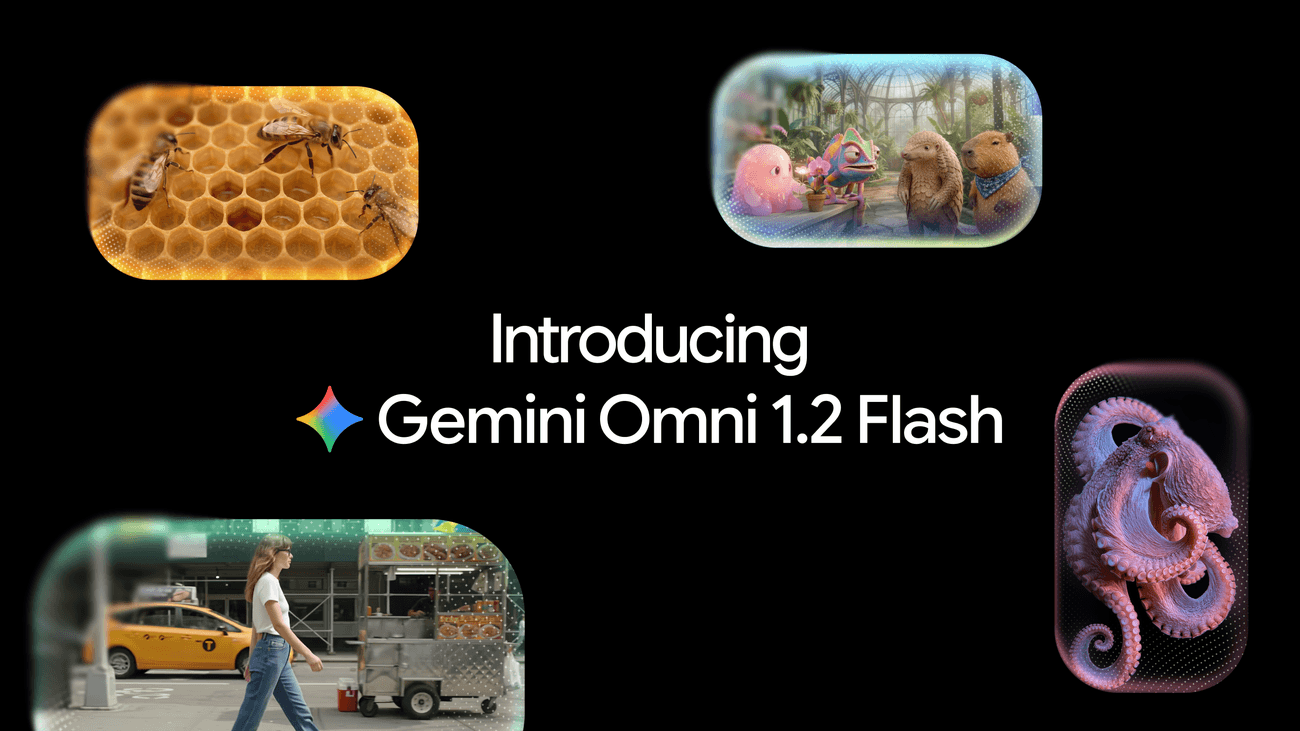
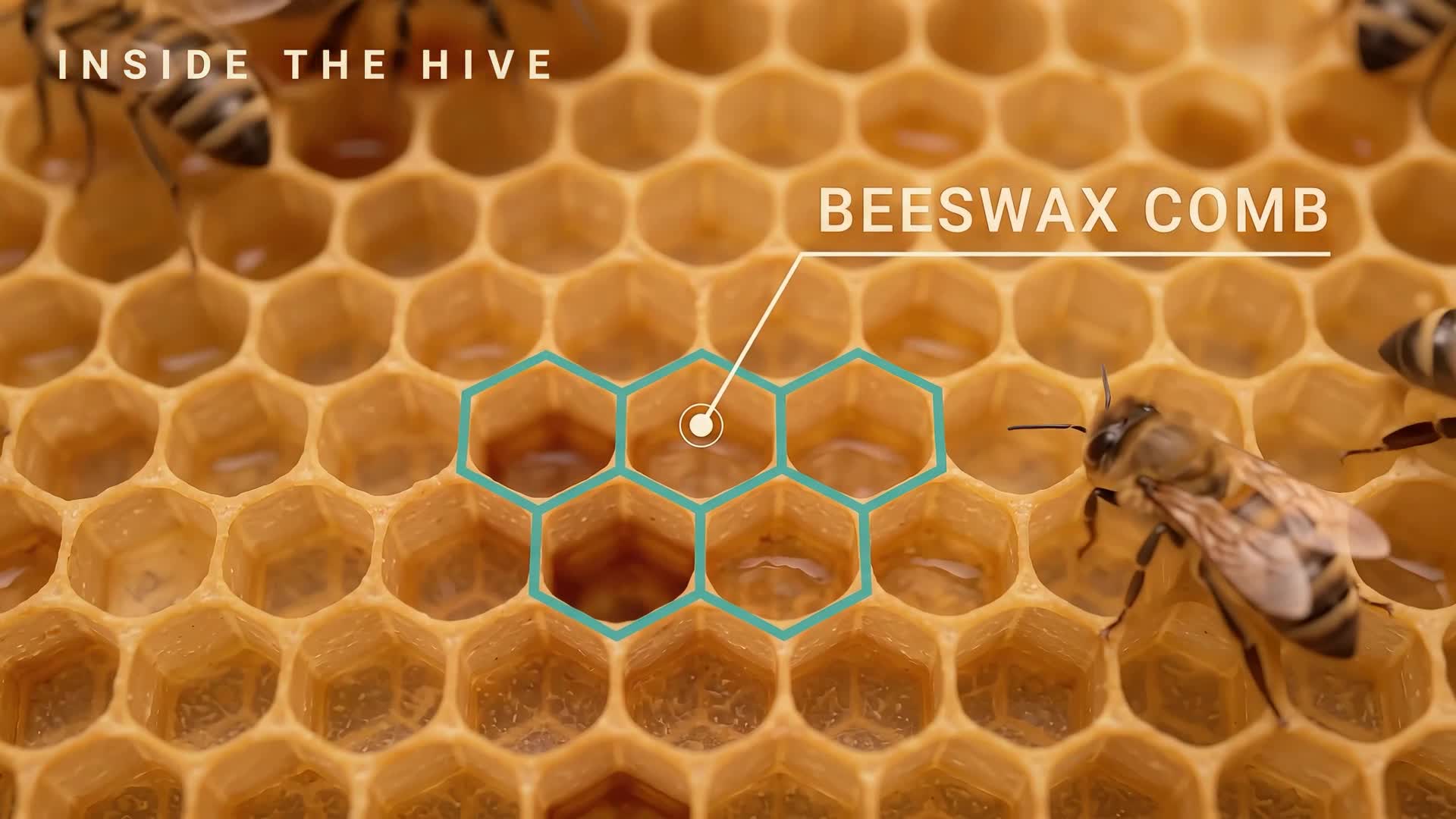
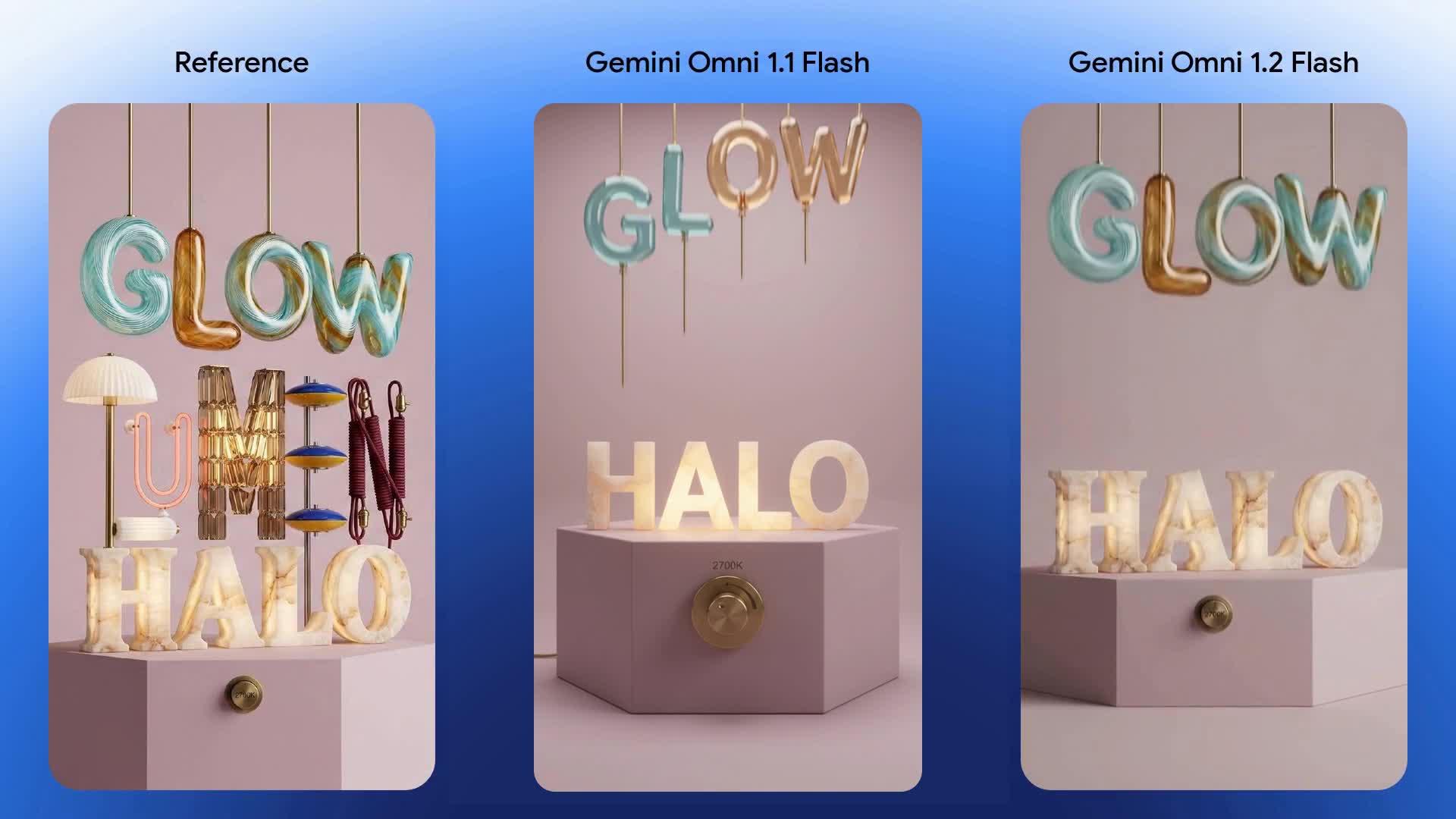
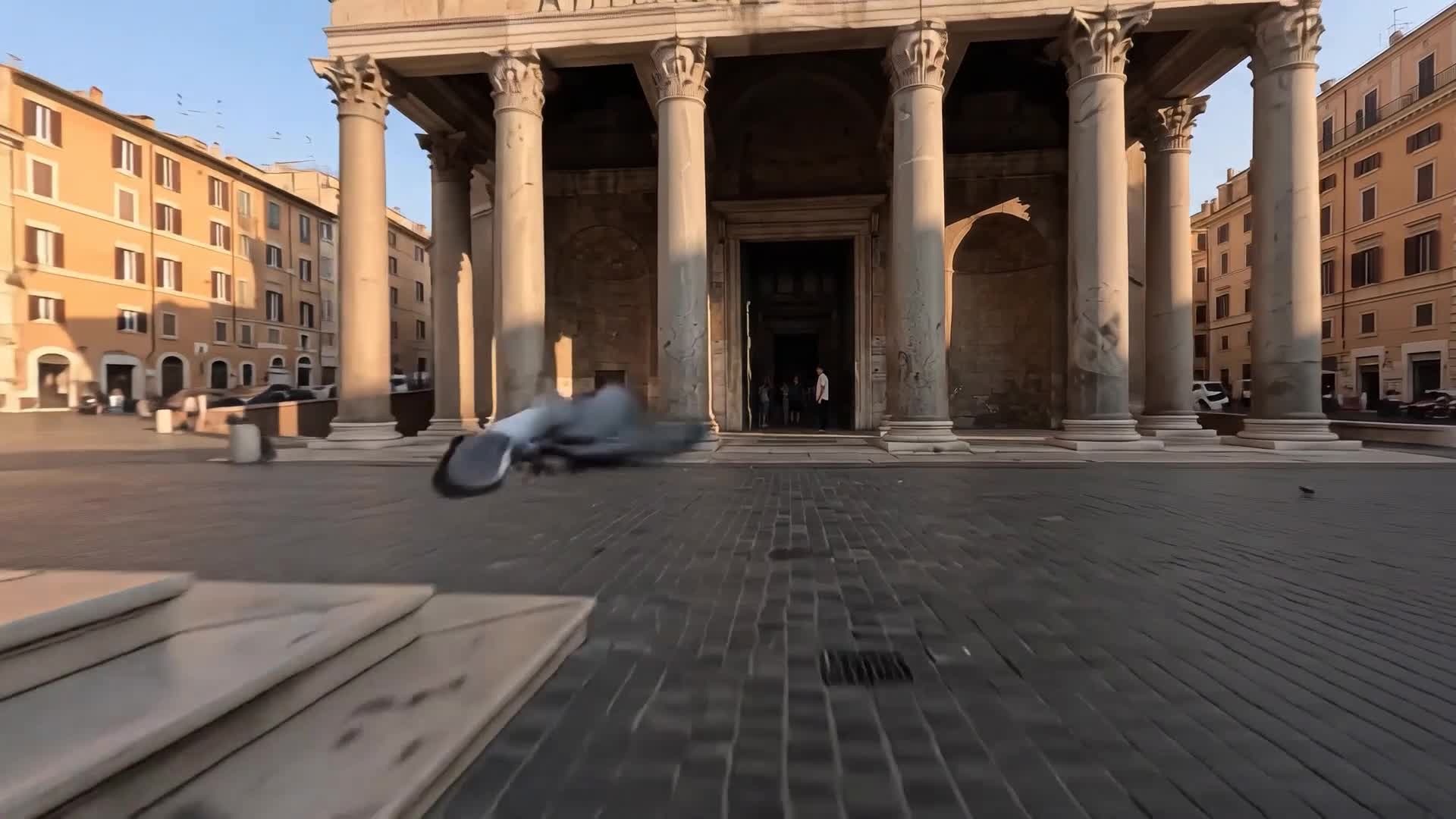
What Google published about Omni Flash 1.2
The post, read on 2026-11-06, says Omni Flash 1.2 can generate and edit clips natively up to 15 seconds, in one-second steps from 3 to 15, up from 10 seconds on Omni 1.1 Flash. It says the 720p price is $0.07 per second, 30 percent lower than Omni 1.1. It also says you can draft at 360p or 720p and then upscale a chosen result to 1080p or 4K. Those are Google's figures, not a Nano AI credit price.
The same post describes multi-turn conversational editing, stronger reference adherence for character, product, or style images plus motion clips up to three seconds and audio cues, steadier consistency from first frame to last, and more natural dialogue with clearer lip-sync. It says outputs carry an imperceptible SynthID watermark, and that fast sports, rapid script changes, and complex physics are still being improved. The earlier Omni 1.1 Flash notes stay on that page. This page does not repeat them.
This form prices only 4 seconds at 120 credits and 6 seconds at 160 credits, at 16:9 or 9:16, and the request asks for 720p. One run is one prompt. An optional image is a first frame. It does not offer one-second steps from 3 to 15, a 360p draft, or a 1080p or 4K upscale control. A new account's 64 credits do not cover 120. The post says Google Vids can generate 15-second clips at no additional cost with a Google account or a Google Workspace subscription. The Google Vids page, read the same day, says Vids can be tried at no cost after sign-in, with advanced features and higher limits on Workspace and Google AI plans. That is Google Vids, not Nano AI.
Omni Flash 1.2 at a glance
- Announcement
- 5 November 2026, Google blog, read 2026-11-06
- Where they say it is available
- Gemini API and Google Cloud, generally available
- Length they describe
- 3 to 15 seconds, in steps of 1 second; 1.1 was 10
- Their 720p price
- $0.07 per second, 30 percent below Omni 1.1
- Their resolution path
- Draft 360p or 720p, then upscale to 1080p or 4K
- This form
- 4 seconds 120 credits, 6 seconds 160, 720p, 16:9 or 9:16
- Sign-up credits
- 64, which do not cover a 120-credit clip
- Other spelling
- omni 1.2 flash and gemini omni 1.2 flash are this page
How to read the Omni Flash 1.2 post
Fifteen seconds is Google's new ceiling
The post says native generate and edit up to 15 seconds, in steps of one second from 3 to 15. This form lists 4 seconds and 6 seconds only.
The dollar price is theirs
$0.07 per second at 720p, 30 percent below Omni 1.1, is the price in the 5 November 2026 post. 120 and 160 credits are the prices on this form.
Draft, then upscale, is their workflow
They describe drafting at 360p or 720p and upscaling a keeper to 1080p or 4K. This form requests 720p and has no upscale step.
Google Vids is a different product
Any no-cost 15-second clip named in the post or on the Vids page belongs to Google Vids. This site does not add those clips.
Omni Flash 1.2 and this form
Google's column is the 5 November 2026 post, read on 2026-11-06. The middle column is what this form charges and which controls it shows. Omni 1.1 Flash details stay on that page.
| Omni Flash 1.2, Google | This form | Where the older notes are | |
|---|---|---|---|
| Length | 3–15 seconds, steps of 1 second | 4 or 6 seconds | Omni 1.1 Flash page |
| 720p price | $0.07 per second, 30 percent below 1.1 | 120 credits for 4s, 160 for 6s | Not repeated here |
| Resolution | Draft 360p or 720p, upscale 1080p or 4K | 720p request, no upscale control | Their upscale note is on the 1.1 page |
| Editing | Multi-turn conversation on the same clip | One prompt per run | Not this button |
| References | Images, motion up to 3 seconds, audio cues | Optional first-frame image | Not a multi-reference stack |
| A no-cost clip | Google Vids, their account, not this site | 64 credits do not cover 120 | Not offered here |
How to run a clip on this page
- 1
Start from a prompt below
Each prompt is an object or an empty place. Change the subject. Do not paste a script, a brand, or a person's likeness you do not have the right to use.
- 2
Pick 4 seconds or 6 seconds
4 seconds is 120 credits and 6 seconds is 160. The ratio is 16:9 or 9:16. The request asks for 720p. 64 sign-up credits are not enough.
- 3
Add a first frame only if you need one
An uploaded image is the opening frame. The run is still one prompt. It is not a multi-turn edit and not a Google Vids export.
Prompts for a short clip
Written for this form. They do not ask for 15 seconds, an upscale, or a second speaker.
Lantern
A paper lantern sways over an empty wooden table, one continuous shot, soft warm light, no people, no readable text, no logos.
Kite
A red kite rises over an empty beach, the camera holds still, late daylight, no people, no readable text, no logos.
Fountain
Water moves in a stone fountain in an empty courtyard, one continuous shot, no people, no readable text, no logos.
First frame
The camera slowly pushes toward the object in the first frame. Keep the object, the light, and the background. No new text, no logos, no people.
FAQ
Omni Flash 1.2 FAQ
Facts from Google's 5 November 2026 post and the Vids page, both read on 2026-11-06, and the controls on this form.
Is omni 1.2 flash the same search as Omni Flash 1.2?
Yes. omni 1.2 flash, omni flash 1.2, and gemini omni 1.2 flash are this page. There is no second URL for the reversed word order.
What length can this form make?
4 seconds for 120 credits or 6 seconds for 160 credits. Google's post describes 3 to 15 seconds in one-second steps. Those other lengths are not controls here. 64 sign-up credits do not cover 120.
Is $0.07 per second the price on this site?
No. $0.07 per second at 720p, 30 percent below Omni 1.1, is the price in Google's post. This form charges 120 or 160 credits.
Does Google Vids give free videos here?
No. The post says Google Vids can generate 15-second clips at no additional cost with a Google account or a Workspace subscription. The Vids page says a no-cost trial after sign-in, with higher limits on paid Google plans. That allowance is Google Vids, not Nano AI.
Where are the Omni 1.1 Flash notes?
On the Omni 1.1 Flash page. This page only uses the 5 November 2026 comparison: longer than 10 seconds, and a lower 720p price. It does not restate that page.
Is Nano AI affiliated with Google?
No. Nano AI is not affiliated with Google. Omni Flash 1.2, Gemini, and Google Vids are their names. The stills are from their post.
More from Nano AI
Related pages
Nano AI is an independent service and is not affiliated with Google. Omni Flash 1.2 facts are from the Google blog post of 5 November 2026 and the Google Vids page, both read on 2026-11-06. Stills are theirs. This form prices 4-second and 6-second clips at 120 and 160 credits.