
HeyGen · HyperFrames · Apache-2.0
HyperFrame is the short search for HyperFrames, an HTML-to-video framework
HyperFrame points at HyperFrames, the open project at github.com/heygen-com/hyperframes. The README, read on November 5, 2026, says you write HTML and render an MP4. It is not an AI video model, and this page is not HeyGen's site. Install steps live on the HyperFrames GitHub page.
The generator below runs Veo 3.1 Fast for 60 credits a clip. That is a generated video, not a HyperFrames render. Eligible new accounts receive 64 credits, which covers one such clip.
Ratio
Generated Videos
No videos yet
Fill out the form and click Generate Video to create your first AI video.
Tips: Use detailed descriptions for better results
- Made by
- HeyGen
- Run on Nano AI
- Veo 3.1 Fast · from 60 credits per video
- Page updated
- November 5, 2026
Source: github.com
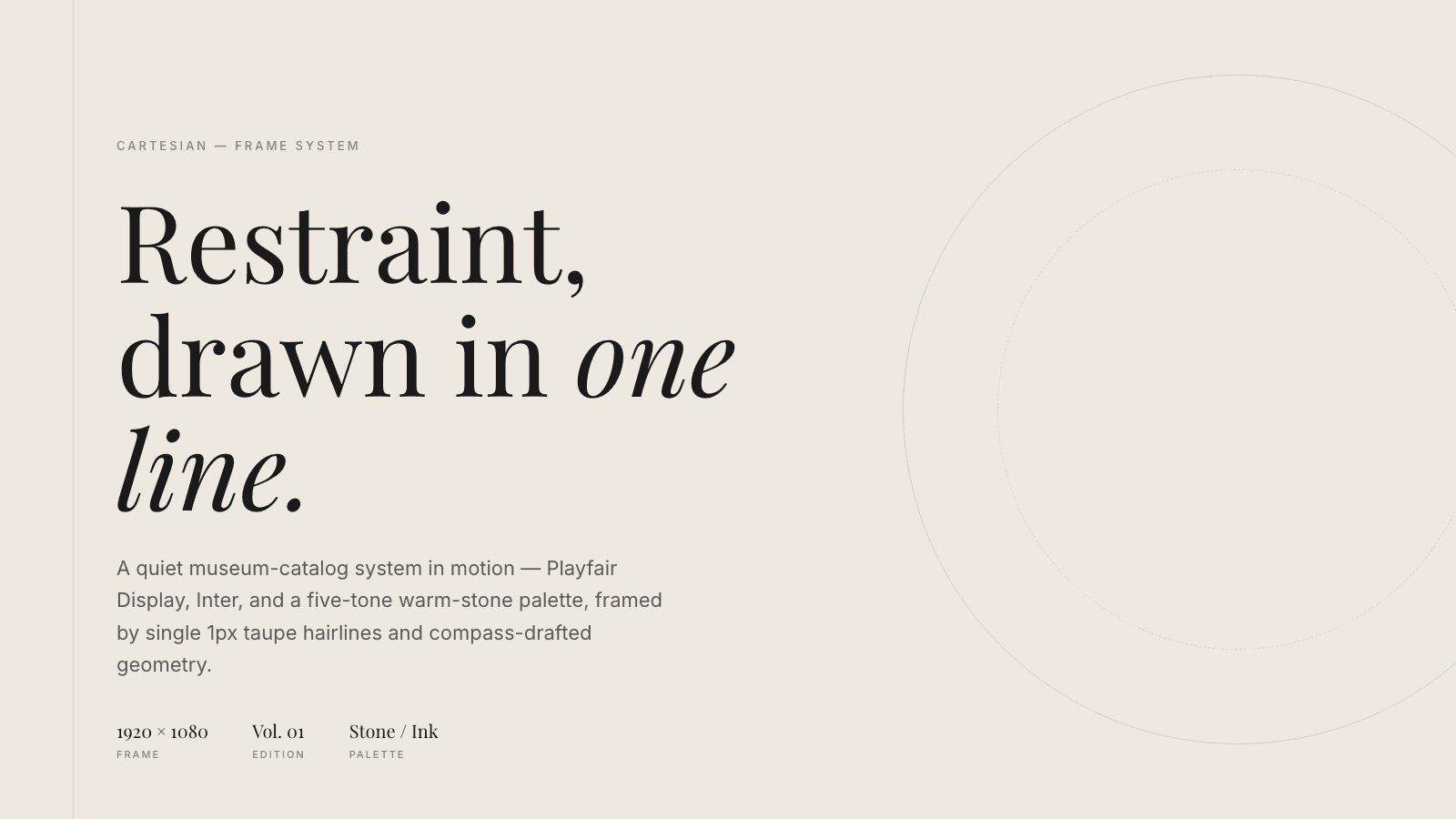
HyperFrames template frames
Two design-template stills linked from the README, downloaded on 2026-11-05. They are HTML frames from HeyGen's project, not Veo clips and not Nano AI output.

What HyperFrame is for
The README says HyperFrames turns HTML, CSS, media and seekable animation into video. Preview runs in the browser. Render seeks each frame in headless Chrome and encodes with FFmpeg, so the same input is meant to produce the same video. Requirements printed there are Node.js 22 or newer and FFmpeg. The commands it shows are npx hyperframes init, npx hyperframes preview and npx hyperframes render. The license badge and the license section both say Apache-2.0, with no per-render fee in the open project. This site has not re-run the renderer.
The same README compares HyperFrames with Remotion in its own table. Both use headless Chrome and FFmpeg. HyperFrames authors in HTML, CSS and seekable animation, with no bundler, and ships Apache-2.0. Remotion authors in React, needs a bundler, and uses the source-available Remotion License. Distributed rendering is listed as local and AWS Lambda paths on the HyperFrames side, and Remotion Lambda on the other. That table is HeyGen's summary, read on November 5, 2026. The longer guide is on their docs site.
If the job is a prompt instead of an HTML file, the form on this page calls Veo 3.1 Fast for 60 credits. It does not read an index.html, does not install HyperFrames, and does not add HeyGen credits. The design stills under the form are template frames from the README, not clips this site generated.
HyperFrame at a glance
- Project name
- HyperFrames, often searched as HyperFrame
- Repository
- github.com/heygen-com/hyperframes
- What it does
- Renders HTML compositions to MP4
- License, per the README
- Apache-2.0, no per-render fee in the open project
- Runtime, per the README
- Node.js 22 or newer, plus FFmpeg
- Authoring, per the README
- HTML, CSS and seekable animation, no bundler
- On Nano AI
- Not installed. The form runs Veo 3.1 Fast
- Veo price
- 60 credits a clip. 64 sign-up credits cover one
Pick the tool that matches the file you have
You already have HTML
HyperFrames is for a composition you can commit. The install commands and the file layout are on the HyperFrames GitHub page, not repeated here.
You have a Remotion project
The README lists a remotion-to-hyperframes skill and says Remotion's bet is React while HyperFrames' bet is plain HTML. This site does not convert either project for you.
You have a sentence, not markup
Veo 3.1 Fast invents a clip from a prompt for 60 credits. It will not turn an index.html into frames, and it is not a HeyGen avatar.
You wanted HeyGen's hosted product
HyperFrames is the open renderer. HeyGen's hosted avatar plans are a different product. The French free-plan page on this site is about that hosted plan, not this repository.
HyperFrame, Remotion, and the clip on this page
The first two columns follow the HyperFrames README table as read on November 5, 2026. The Veo column is what Nano AI runs. This site did not benchmark render time.
| HyperFrames | Remotion, per that README | Veo 3.1 Fast here | |
|---|---|---|---|
| Authoring | HTML, CSS, seekable animation | React components | A text prompt |
| Build step | None; index.html plays as-is | Bundler required | None on your machine |
| Capture | Headless Chrome and FFmpeg | Headless Chrome and FFmpeg | A generated clip |
| License in the README | Apache-2.0 | Source-available Remotion License | Not those licenses |
| Price here | Not sold on Nano AI | Not sold on Nano AI | 60 credits |
How to choose a next step
- 1
Install HyperFrames on your machine
Use the HyperFrames GitHub page for npx hyperframes init, preview and render. This page does not run those commands.
- 2
Or describe one generated shot
Stay on Veo 3.1 Fast. The price is 60 credits. Pick a prompt below. This does not compile HTML.
- 3
Generate
Sign in. Eligible new accounts receive 64 credits, which covers one Veo 3.1 Fast clip. Download the file from your creations.
Prompts for the Veo clip only
These do not render HTML. For HyperFrames, use the GitHub page and your own composition.
Paper crane
A paper crane on a wooden desk beside a window, afternoon light, the camera pushes in slowly, no people, no readable text, no logos.
Library aisle
An empty library aisle, dust in a shaft of light, the camera dollies forward, no people, no readable spines, no logos.
Rain glass
Rain on a train window at night, blurred city lights, the camera holds still, no people, no readable text.
Lanterns
Three paper lanterns over an empty alley, warm light, a slow tilt up, no people, no readable text, no logos.
FAQ
HyperFrame FAQ
Repository facts are from the README read on November 5, 2026. Prices are Nano AI credits.
Is HyperFrame the same as HyperFrames?
The repository and the README use HyperFrames. HyperFrame is the shorter search. Both mean github.com/heygen-com/hyperframes, not HeyGen's hosted avatar product.
Does Nano AI render my HTML?
No. The form runs Veo 3.1 Fast for 60 credits a clip. To render HTML, install HyperFrames yourself. The commands are on the HyperFrames GitHub page.
What license does the README print?
Apache-2.0, and it says the open project has no per-render fee. The license file in the repository is the text that applies, not this summary.
How is it different from Remotion?
The README says both use headless Chrome and FFmpeg. HyperFrames authors in HTML without a bundler. Remotion authors in React and needs a bundler. Licenses in that table are Apache-2.0 and the Remotion License.
Can the sign-up credits pay for the Veo clip?
Eligible new accounts get 64 credits. One Veo 3.1 Fast clip is 60 credits, so the grant covers one clip and leaves 4. Those credits do not install HyperFrames.
Is this HeyGen's official site?
No. Nano AI is independent. The project page is github.com/heygen-com/hyperframes, and the docs are on hyperframes.heygen.com.
More from Nano AI
Related pages
Nano AI is an independent service and is not affiliated with HeyGen or Remotion. HyperFrames facts and the Remotion table are from the README at github.com/heygen-com/hyperframes as read on 2026-11-05. The form runs Veo 3.1 Fast for 60 credits and does not render HTML.