
pavi.video · Read 2026-11-06 · A new clip
Pavi AI: generate a new short clip, apart from their editing workflow
Pavi Video, at pavi.video, is a browser editor for short-form video. The form on this page does not open that editor. It makes one new clip.
This generator runs Kling 2.6 for 55 credits a 5-second clip, with sound: false. It makes a new short clip. It is not Pavi Video, and it does not upload footage, auto-clip, write captions, or make an ElevenLabs voiceover.
Duration
Ratio
Generated Videos
No videos yet
Fill out the form and click Generate Video to create your first AI video.
Tips: Use detailed descriptions for better results
- Made by
- Pavi
- Run on Nano AI
- Kling 2.6 · from 55 credits per video
- Page updated
- November 6, 2026
Source: pavi.video
Pavi Video marketing stills
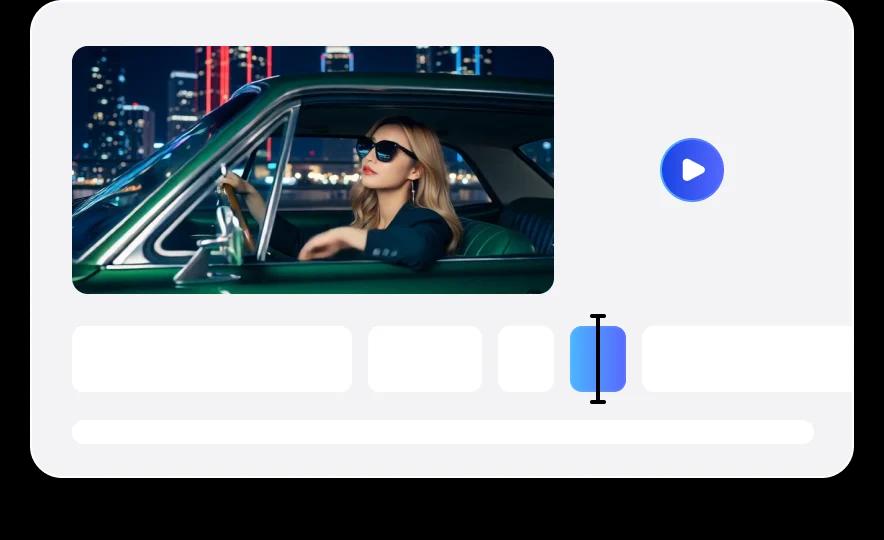
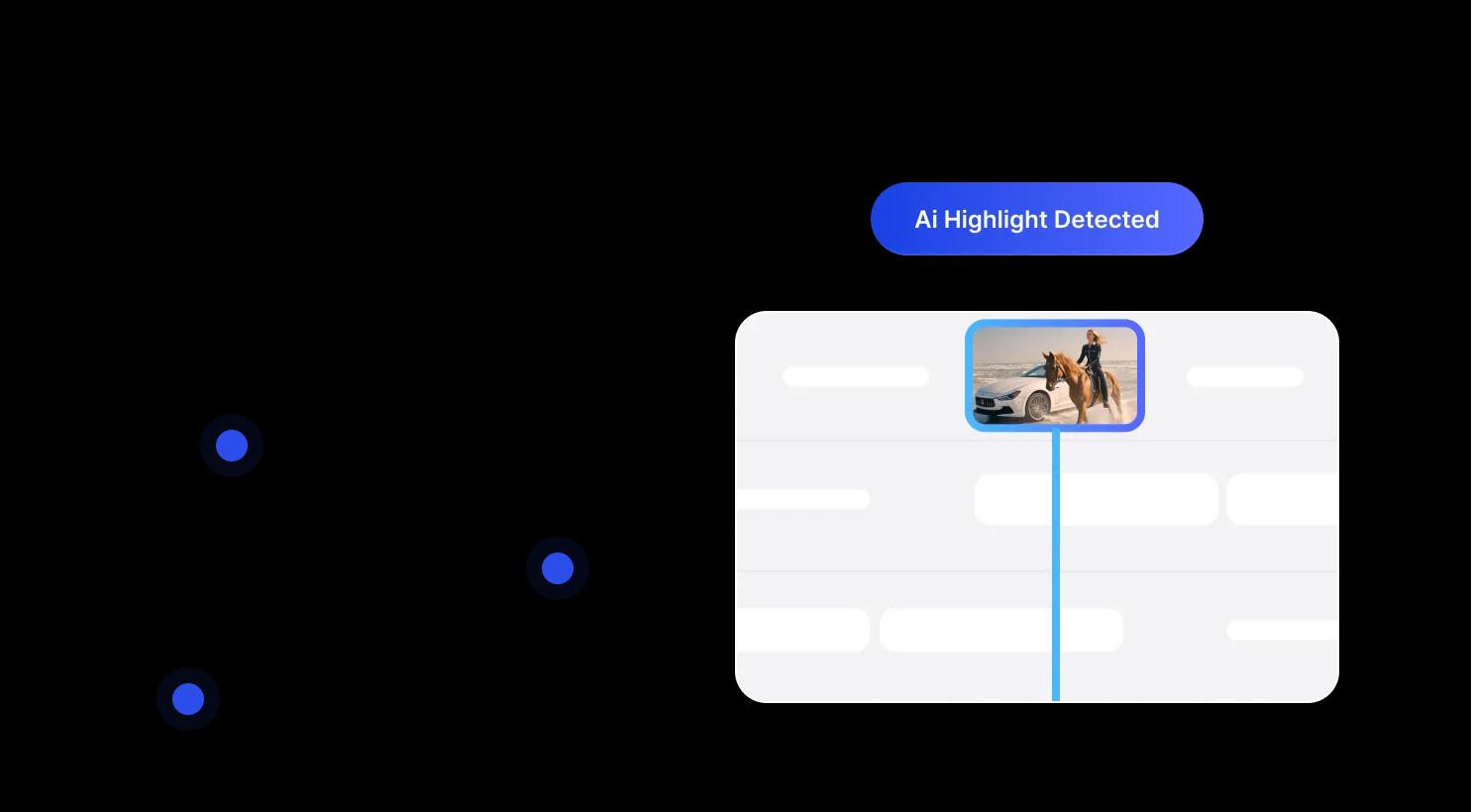
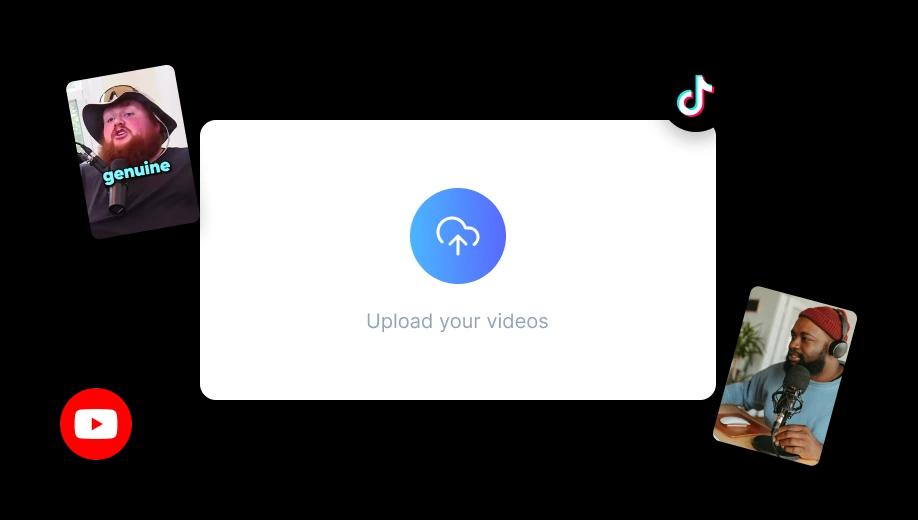
Four images from pavi.video, saved on 2026-11-06. They show their phones, timeline, highlight graphic, and upload step. They are not Nano AI clips and not verified testimonials.
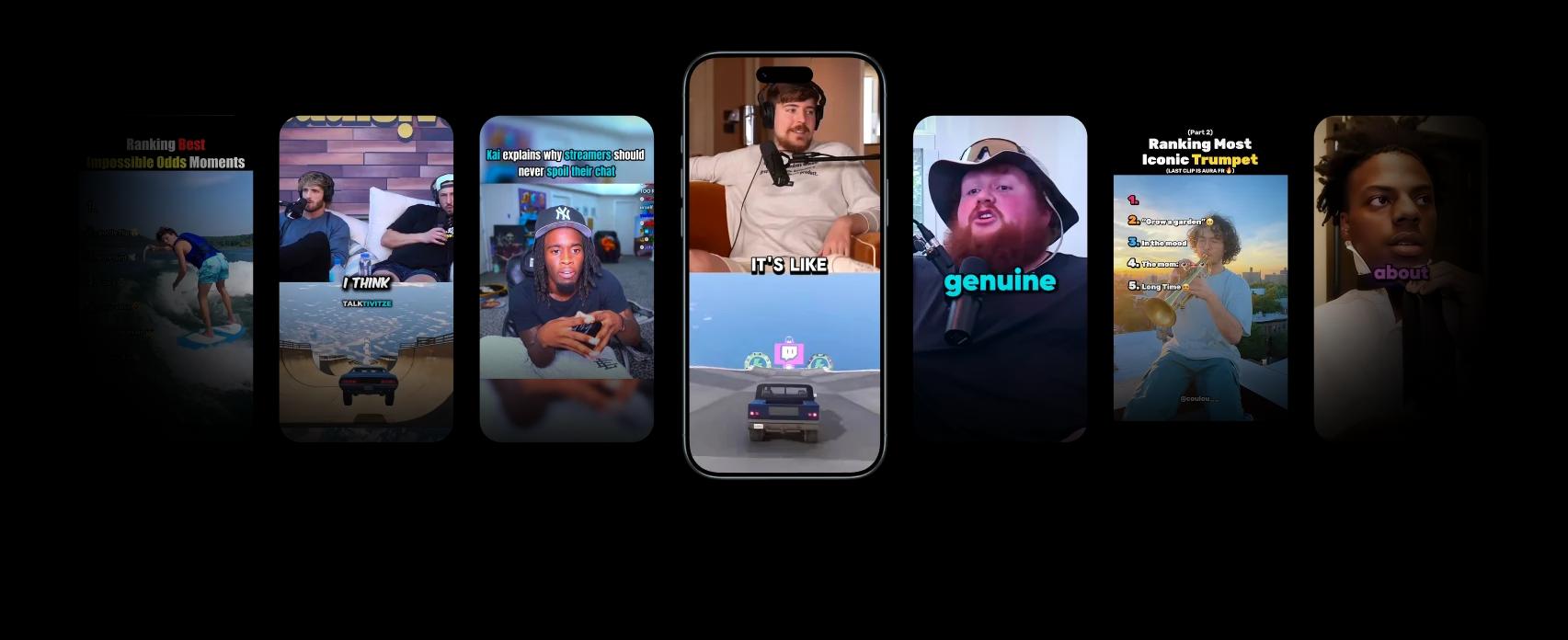
What the Pavi AI homepage says
The homepage at pavi.video, read on 2026-11-06, says you upload footage, then generate voice and captions, then edit and export. It names auto-clipping, split-screen layouts, a project editor for trim and reorder, script-to-scene commentary, prompt-to-footage, and an image tool for thumbnails. Those are their tools. This form does not upload an existing video, does not cut highlights out of it, and does not return captions.
The same page lists three monthly prices. Starter is $25 for 30 short videos and 200 credits, with Fast Mode up to 60 seconds and 35+ AI voices labeled ElevenLabs. Creator is $49 for 90 short videos and 500 credits. Business is $99 for 200 short videos and 1,200 credits. Those are Pavi credits and Pavi shorts. They are not Nano AI credits, and this site cannot add them to a Pavi account.
The page also shows creator quotes and view counts. This page does not treat those quotes as measured results. The pictures below are their marketing stills, including an upload step and a timeline graphic. The button here still only starts a new 5-second Kling clip. A 10-second Kling clip on this site is 110 credits. A new account's 64 credits cover one 5-second clip.
Pavi AI at a glance
- Page read
- pavi.video, 2026-11-06
- What they say they are
- Browser editor for short-form video
- Steps they print
- Upload footage, voice and captions, edit and export
- Starter
- $25 a month, 30 shorts, 200 credits
- Creator
- $49 a month, 90 shorts, 500 credits
- Business
- $99 a month, 200 shorts, 1,200 credits
- Voices they name
- 35+ AI voices, labeled ElevenLabs
- Kling 2.6 here
- 5 seconds 55 credits, sound: false
Pavi AI and the clip this page prices
Their first step is an upload
The homepage says upload your footage. This form has no footage upload. An optional image is a first frame for a new clip, not a source video to cut.
Voice and captions stay on their side
They list ElevenLabs voices and auto captions. The request here sets sound: false. It does not write captions and does not call ElevenLabs.
A timeline is their editor
Their project-editor graphic shows a timeline. This page does not trim, reorder, or split a screen.
The units are not the same
Their Starter plan is 200 Pavi credits and 30 shorts for $25. Kling 2.6 here is 55 credits for 5 seconds. The numbers are not interchangeable.
Pavi AI next to a new clip
Pavi figures are from pavi.video on 2026-11-06. Kling figures are prices Nano AI has set. This page has not created a Pavi account.
| Pavi Video | Kling 2.6 here | |
|---|---|---|
| What you start with | Uploaded footage, a script, or a prompt | A text prompt, or one image as a first frame |
| What comes back | A short they assemble, with voice and captions on their list | One new 5-second or 10-second clip |
| A price they print | $25, $49, or $99 a month | 55 credits for 5 seconds, 110 for 10 |
| Credits | 200, 500, or 1,200 of theirs | 55 of these credits for the short clip |
| Audio | ElevenLabs voices and auto captions | sound: false, no captions |
| Timeline | Trim, reorder, split screen | Not on this button |
How to make the new clip
- 1
Write a new scene
Use one of the prompts or replace the subject. Do not paste a clip you want cut down. This form does not auto-clip existing footage.
- 2
Leave 5 seconds and 9:16 selected
A 5-second Kling 2.6 clip is 55 credits and sets sound: false. A 10-second clip is 110. The vertical ratio matches a short, not their export settings.
- 3
Ignore their quotes
The homepage quotes are not a result you can expect here. Check the silent clip you get, then stop. This site cannot add Pavi credits.
Prompts for a new silent short
Each one is a new scene. None of them asks for captions, a voiceover, or a split screen.
Night stall
Steam rises from an empty night food stall, one continuous vertical shot, warm bulbs, no people, no readable text, no logos.
Train window
Rain moves across an empty train window, city lights outside, the camera holds still, no people, no readable text, no logos.
Desk lamp
A desk lamp switches on over an empty notebook, one continuous shot, no people, no readable text, no logos.
First frame
The camera slowly pushes toward the object in the first frame. Keep the object and the background. No captions, no logos, no people.
FAQ
Pavi AI FAQ
What pavi.video showed on 2026-11-06, and what the button on this page does.
Does this page run Pavi AI?
No. It runs Kling 2.6 for 55 credits a 5-second clip, with sound: false. It does not open pavi.video and it does not edit a video you already have.
Can I upload footage and auto-clip it here?
No. Their homepage says upload your footage and detect highlights. This form does not accept a source video, does not auto-clip, and does not offer a timeline.
Will I get an ElevenLabs voiceover or captions?
No. Their plans list 35+ AI voices labeled ElevenLabs, plus auto captions. The request here sets sound: false and returns no caption file.
Are the $25, $49, and $99 plans Nano AI prices?
No. Those monthly prices, and the 30, 90, and 200 shorts with 200, 500, and 1,200 credits, are printed on pavi.video. This site cannot sell or add them.
Do the quotes on their page prove a view count?
No. This page does not treat those quotes as measured results. The stills are marketing images.
Is Nano AI affiliated with Pavi?
No. Nano AI is not affiliated with Pavi or with ElevenLabs. Pavi AI on this page is a reading of pavi.video.
More from Nano AI
Related pages
Nano AI is an independent service and is not affiliated with Pavi or ElevenLabs. Plan prices and features are from pavi.video as read on 2026-11-06. The generator runs Kling 2.6 unless you pick another model this site sells.