
OpenAI · ChatGPT Images 2.6 · November 4, 2026
ChatGPT Images 2.6: how to prompt the new image feature
ChatGPT Images 2.6 is the name people use for Images 2.6 inside ChatGPT. OpenAI released it on November 4, 2026. On Nano AI the menu entry is GPT Image 2.6, at 12 credits a picture. A new account's 64 credits cover 5 pictures, with 4 left.
64 free credits = 8 standard images. No card required.
Output board
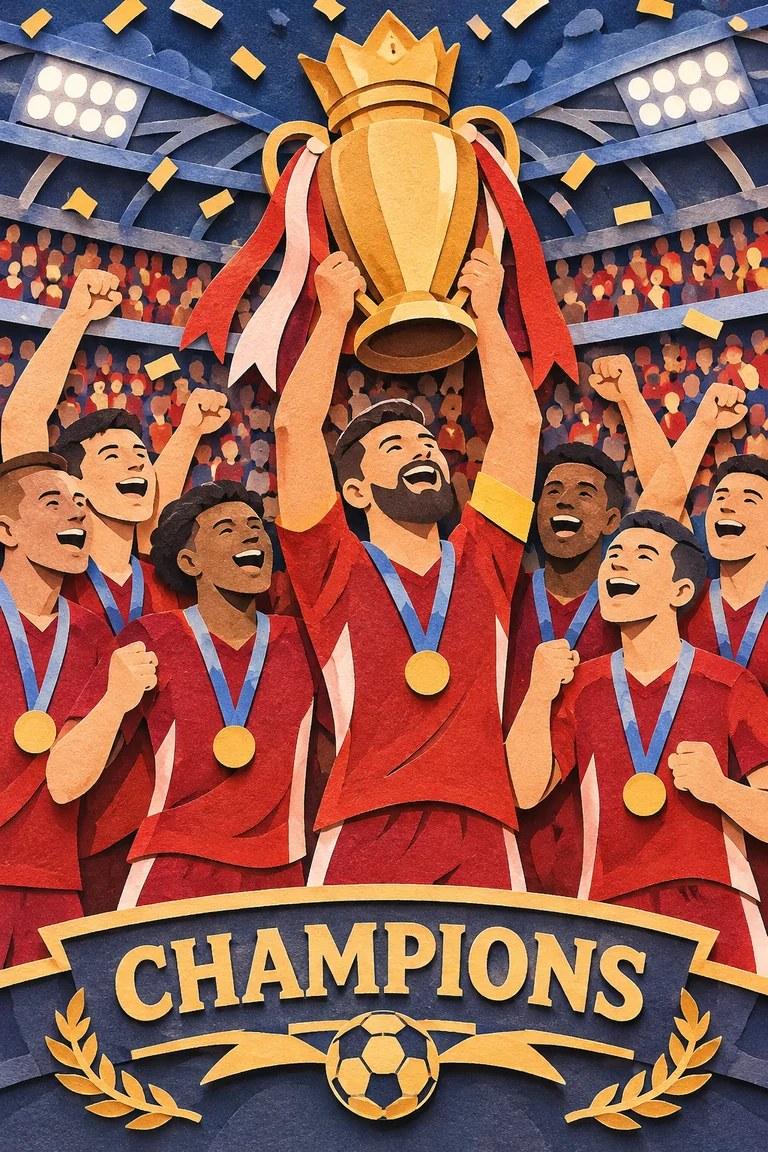
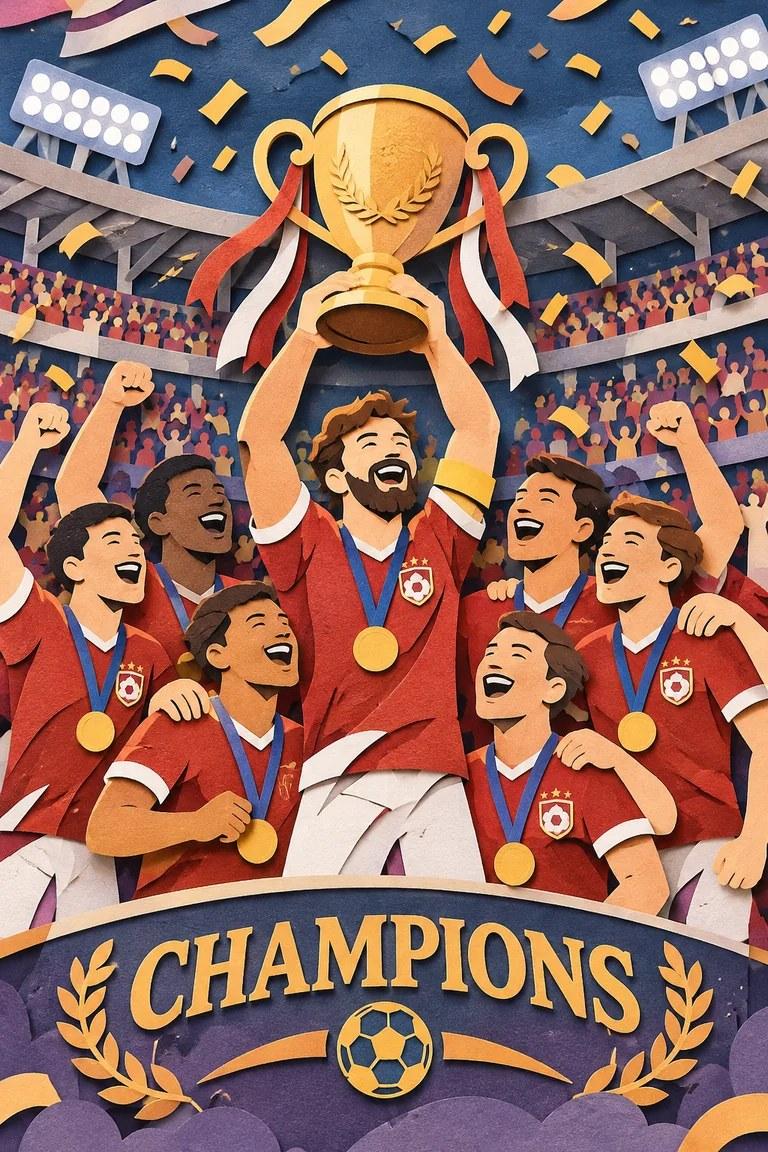
Your generated variations will appear here.
- Made by
- OpenAI
- Released
- November 4, 2026
- Price on Nano AI
- 12 credits per image
- Page updated
- November 5, 2026
Source: openai.com
Prompt patterns from OpenAI's Images 2.6 guide
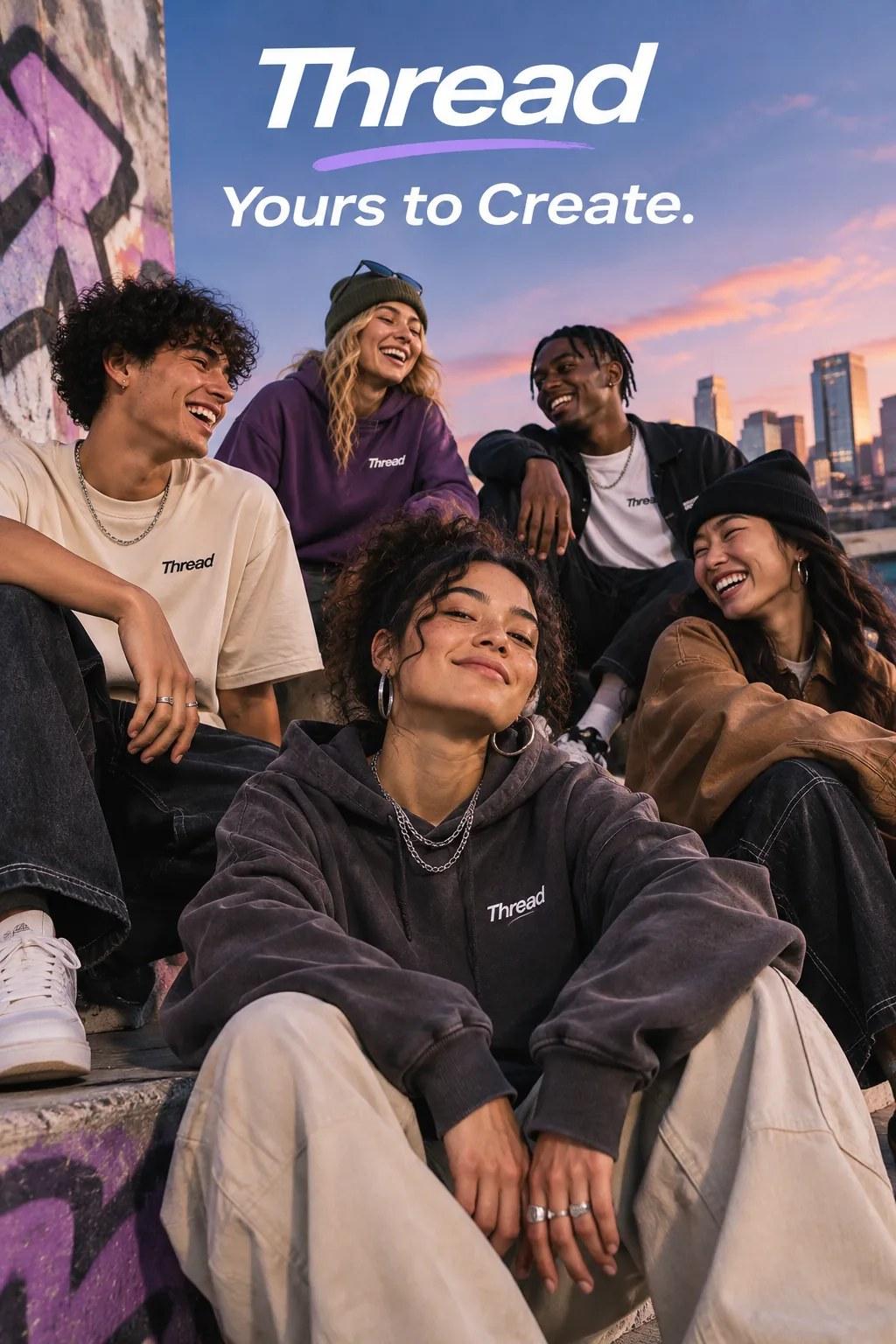
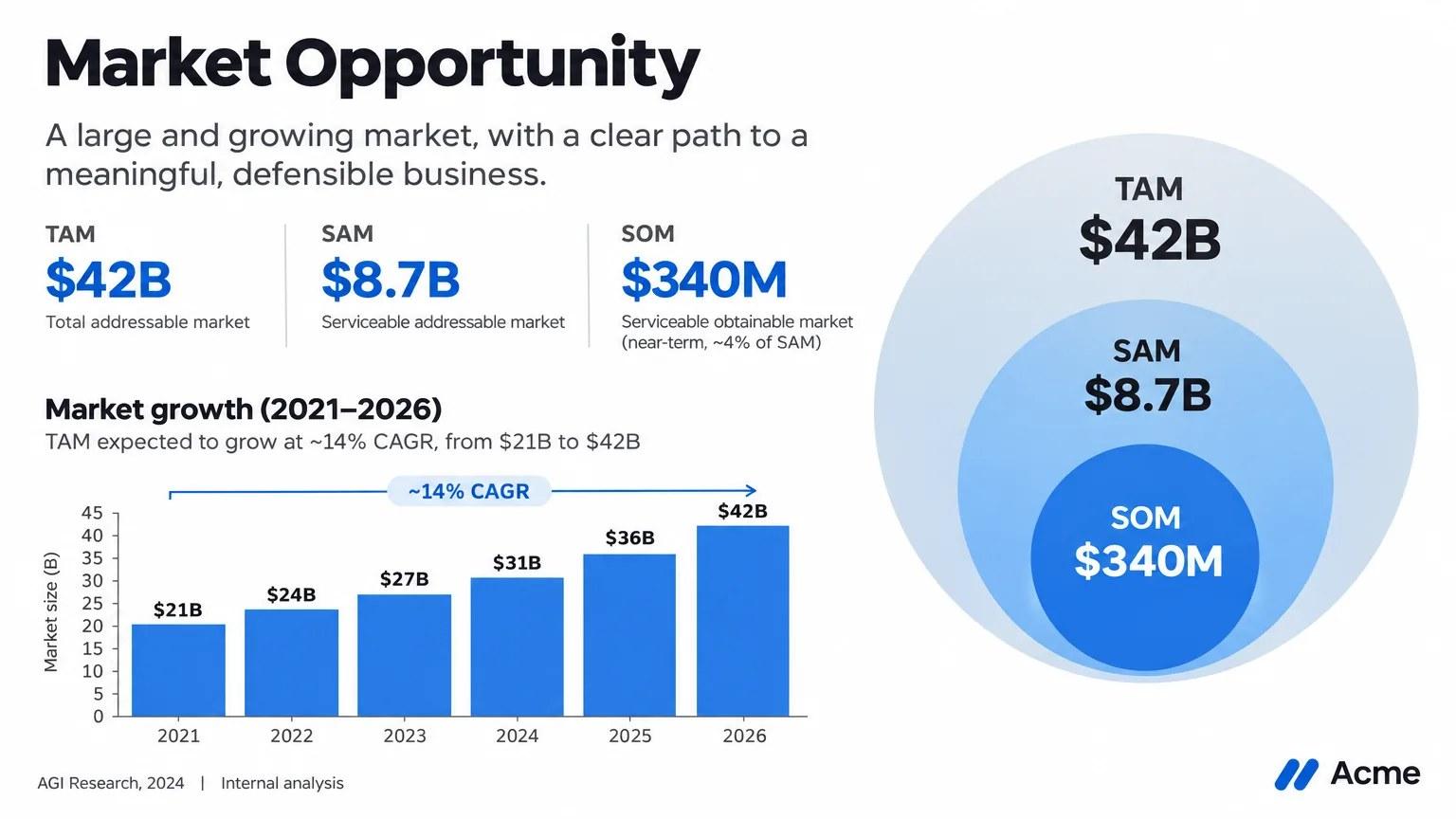
The same official examples as the GPT Image 2.6 page, read on 2026-11-05. Use them as prompt patterns: quoted text, one layout, one change. They are OpenAI's files, not a new render from this form.
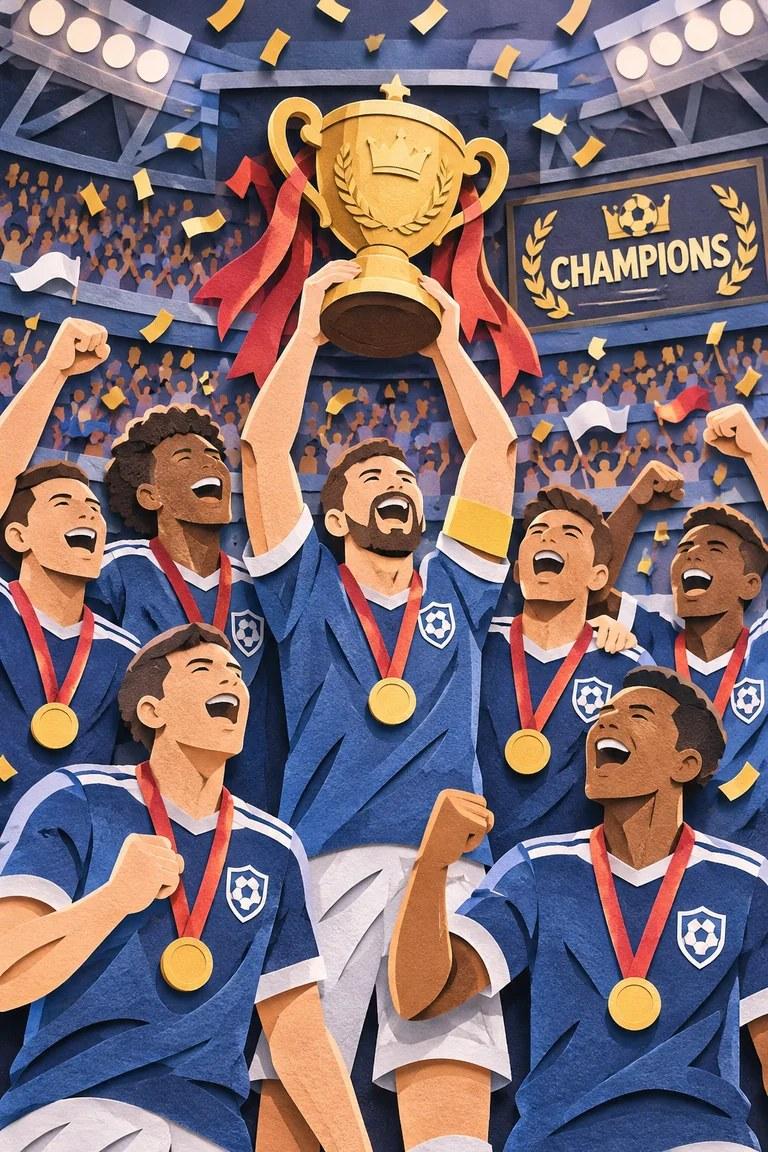
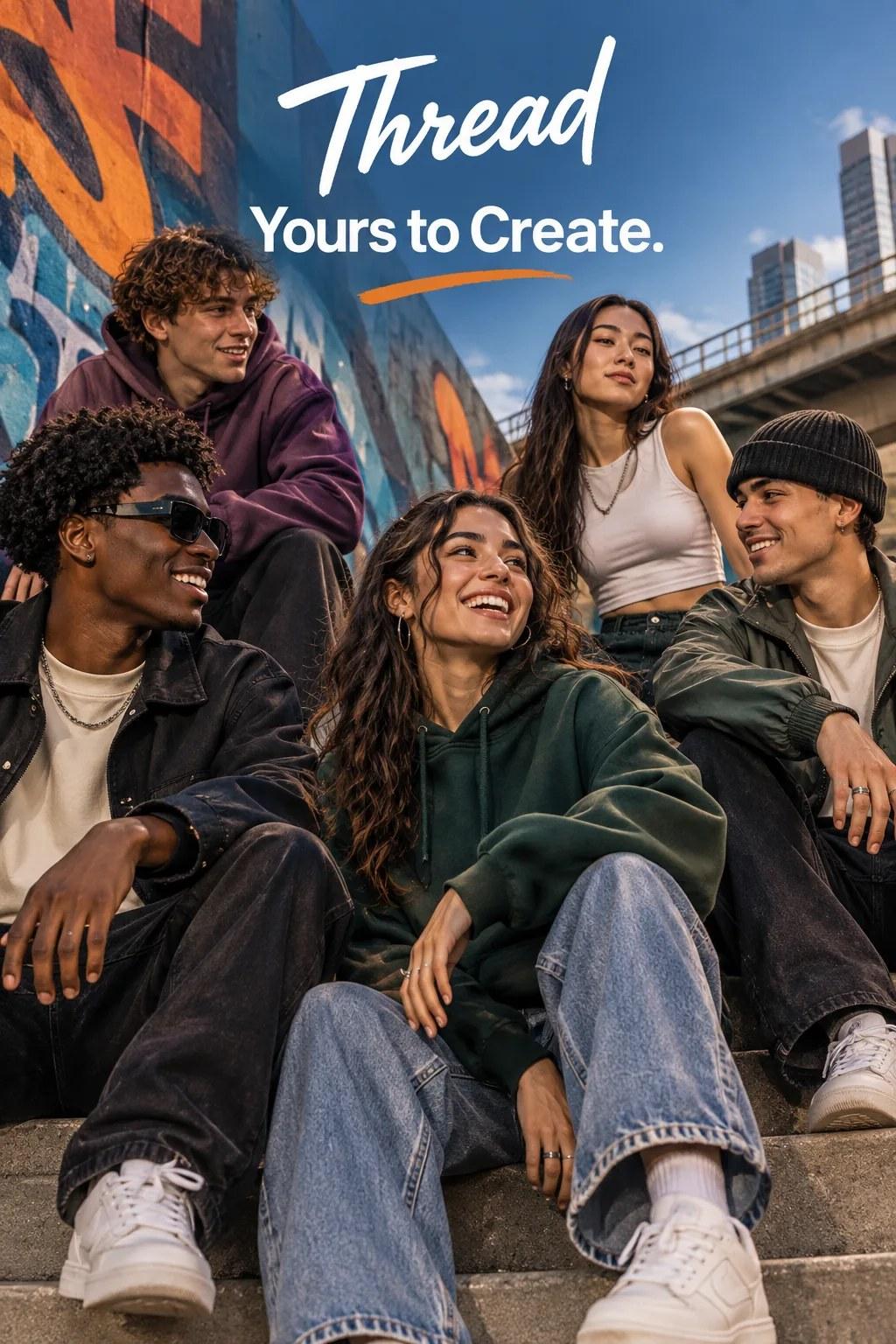
What ChatGPT Images 2.6 changes for a prompt
ChatGPT Images 2.6 is the product search for OpenAI Images 2.6, the release dated November 4, 2026. The model page on this site is GPT Image 2.6. The short name Image 2.6 has its own page for the API ids and the quality and complexity knobs. This page is the ChatGPT side: what to write when you want a still, an edit, or exact words in the picture.
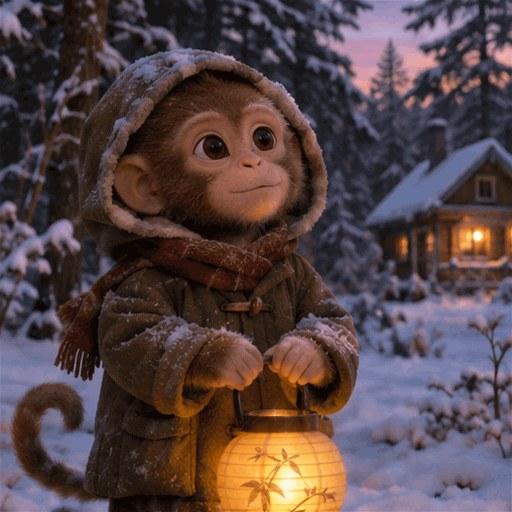
OpenAI's prompting guide, read on November 5, 2026, shows the same sentence rendered at more than one complexity, a tagline rendered by two variants, a slide with specific figures, and a lantern scene that is a frame from a GIF. Those files are the samples under the form. They are OpenAI's examples. The form here returns a still at 1K. It does not export a GIF, an SVG, or a markup edit, and it does not offer the quality or complexity menus from the API.
Write the picture as one scene. Put every word that must appear in quotation marks, and keep that text short. For an edit, say what changes and what stays. Ask for 1 to 4 variations. You can attach up to 5 reference images, PNG, JPEG or WebP, 5 MB each. The button shows 12 credits before it runs.
ChatGPT Images 2.6 on this page
- Search name
- ChatGPT Images 2.6
- OpenAI release
- Images 2.6, November 4, 2026
- Menu name here
- GPT Image 2.6
- Price here
- 12 credits a picture. 64 sign-up credits cover 5
- Output here
- 1K stills, 1 to 4 variations
- References here
- Up to 5 images, 5 MB each
- Not on this form
- GIF export, SVG export, markup edits, quality and complexity menus
- Earlier release
- GPT Image 2.5, September 8, 2026, also 12 credits, on its own page
Four ways to write a ChatGPT Images 2.6 prompt
Quote the words
The Thread examples keep one tagline, "Yours to Create.", and ask for it once. Extra slogans are how posters pick up stray text.
Name the layout, then stop
The market slide lists the title, the three circles and the years. A ChatGPT Images 2.6 prompt works the same way: the objects, then no extra text.
One change for an edit
Say the single thing that moves, then say the rest stays. The form accepts up to 5 reference images. It does not take a drawn markup layer.
A still, not a GIF
The lantern monkey is a frame from OpenAI's GIF example. Ask this form for one pose. Motion and looping files stay in OpenAI's own product.
ChatGPT Images 2.6 and the pages next to it
The left column is the ChatGPT search. The middle column is this site's menu. The right column is the previous release. API dollar prices stay on OpenAI's pricing page.
| ChatGPT Images 2.6 | GPT Image 2.6 here | GPT Image 2.5 here | |
|---|---|---|---|
| Released | November 4, 2026 | Same release, one menu entry | September 8, 2026 |
| Where people meet it | ChatGPT, plus the API | This form, model already selected | Its own page |
| Credits | OpenAI bills the API separately | 12 a picture | 12 a picture |
| 64 sign-up credits | Not an OpenAI balance | 5 pictures, 4 credits left | 5 pictures, 4 credits left |
| This form returns | ChatGPT may offer more formats | 1K stills, up to 5 references | 1K stills, up to 5 references |
How to use ChatGPT Images 2.6 on this page
- 1
Write one scene
GPT Image 2.6 is already selected. Choose an aspect ratio and 1 to 4 variations. Put required words in quotation marks.
- 2
Or attach references
Switch to the edit control, add up to 5 images, and say what changes. Keep the sentence shorter than the scene.
- 3
Generate
Sign in. The button shows 12 credits. Eligible new accounts start with 64, enough for 5 pictures. Results are saved with your other creations.
ChatGPT Images 2.6 prompts to copy
Each one is a single scene with short quoted text. They are written for this form, not copied from a ChatGPT screenshot.
Cafe card
A square card on warm cream paper for a neighborhood cafe. The only words are "Sunday Loaf" in a large serif and "baked at 7" underneath. One line drawing of a loaf, no other text, no logo.
Trail sign
A wooden trail sign at a forest junction, morning mist, no people. The sign reads "Cedar Loop" on the top board and "2.4 km" on the lower board. Nothing else is written.
Three lines
A clean slide titled "This week" with three lines only: "Draft the page", "Ask five readers", "Cut one feature". White background, one blue rule, no photos, no extra text.
Edit the cup
Change only the cup color to deep green. Keep the table, the light and every other object exactly as they are. Add no text.
FAQ
ChatGPT Images 2.6 FAQ
Release facts are from OpenAI's November 4, 2026 announcement and the image prompting guide read on November 5, 2026. Prices are Nano AI credits.
Is ChatGPT Images 2.6 the same as GPT Image 2.6?
On this site, yes. ChatGPT Images 2.6 is the search for the ChatGPT feature. The menu says GPT Image 2.6. Both use the same form, the same samples and 12 credits a picture.
How many pictures do 64 credits buy?
Five. Each picture is 12 credits, and 5 times 12 is 60, so 4 credits remain. The grant is once per eligible new account, with no card. It is not an OpenAI balance.
Can I get the GIF from the lantern example?
Not from this form. The sample is one frame of OpenAI's GIF. The file you download here is a still. GIF, SVG and markup edits are described in OpenAI's API, not as controls on this page.
Where are Flare and Sunburst explained?
On the Image 2.6 page. Those are OpenAI's two API names for Images 2.6. This page keeps one menu entry, GPT Image 2.6, and does not ask you to pick a variant.
What resolution do I get?
1K. A square picture is 1024 by 1024. You can ask for 1 to 4 variations and up to 5 reference images. Larger masters and the API quality menu are not on this form.
Is Nano AI part of ChatGPT?
No. Nano AI is independent and is not affiliated with OpenAI. Signing in here does not open a ChatGPT account or spend OpenAI credits.
More from Nano AI
Related image pages
Nano AI is an independent service and is not affiliated with OpenAI. ChatGPT Images 2.6 facts come from OpenAI's announcement dated November 4, 2026 and the image prompting guide read on November 5, 2026. The form is GPT Image 2.6 at 12 credits a still. It does not export GIF or SVG files.