
Read 2026-11-15 · not their local app
ClipShip cuts long videos on your computer. This form makes one new clip
ClipShip, for this search, is the local OpusClip alternative at https://clipship.co/, read on 2026-11-15. It is for Windows 10/11 and Apple Silicon Macs on macOS 15 or newer. Linux and Intel Macs are not supported. Email is hello@clipship.co. The privacy policy was last updated September 11, 2026. The FAQ says “I'm one person building ClipShip on my own.” No legal company name is printed. https://www.clipship.ai/ is a different site. Nano AI is not affiliated with ClipShip.
The form is Kling 2.6, opened on text, starting at 9:16. 5 seconds is 55 credits and 10 seconds is 110, with sound: false. Text-to-video sends aspect_ratio (16:9, 9:16, or 1:1) and does not send a resolution field. Image-to-video is still 55 or 110, with sound: false, and the server omits aspect_ratio. Eligible new accounts get 16 credits. The grant falls short of both clip prices. A prompt is not a source video. It does not install ClipShip or unlock a Pro license.
Duration
Ratio
Generated Videos
No videos yet
Fill out the form and click Generate Video to create your first AI video.
Tips: Use detailed descriptions for better results
- Made by
- ClipShip
- Run on Nano AI
- Kling 2.6 · from 55 credits per video
- Page updated
- November 15, 2026
Source: clipship.co
Hardware stills, not their installer
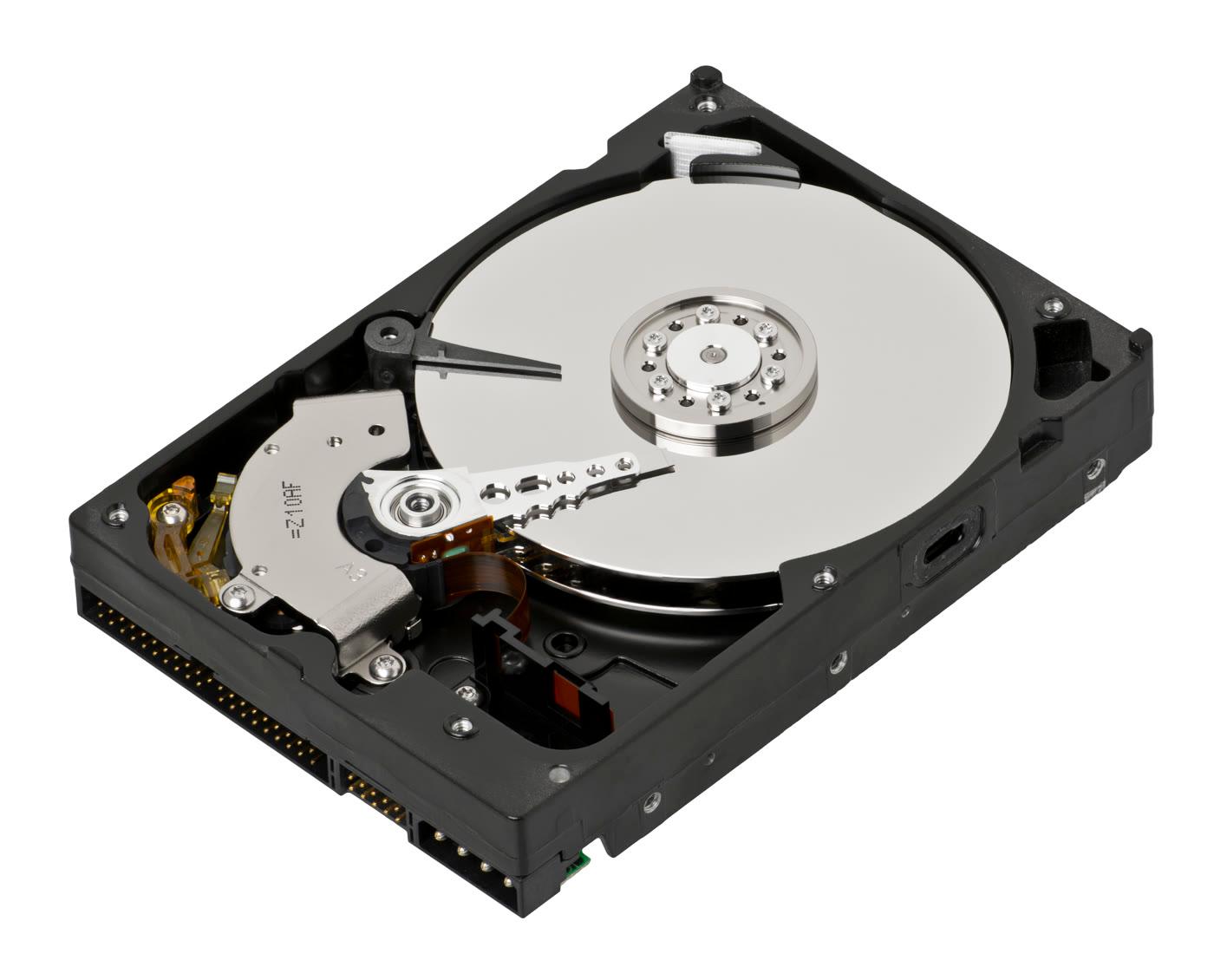
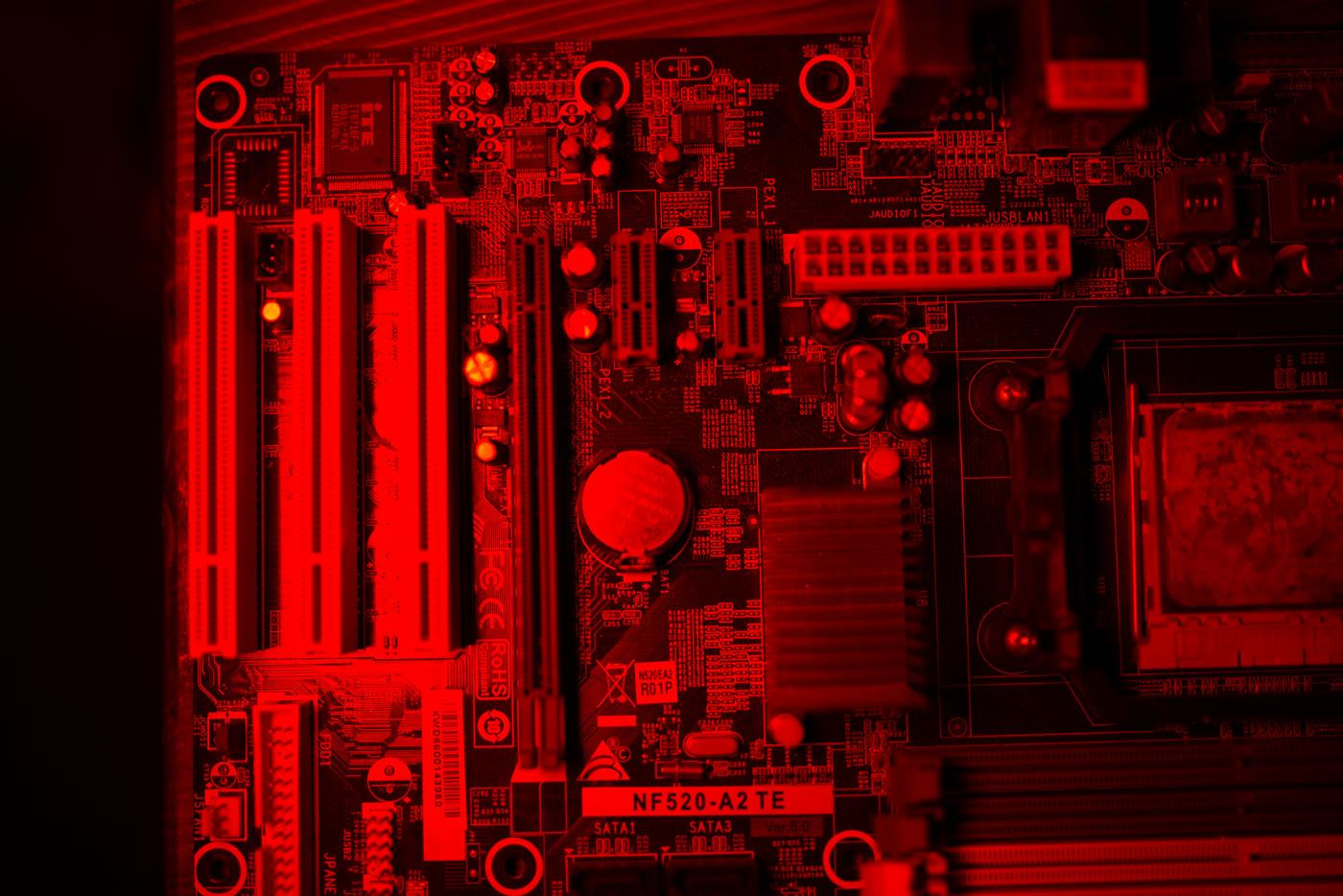
Downloaded on 2026-11-15 from Wikimedia Commons and looked at one by one. An open hard drive and a red-lit motherboard. No people. Not a ClipShip installer, not a face-tracking demo, and not a Nano AI clip.
What ClipShip publishes
The homepage, read 2026-11-15, says drop a long recording in, for example 90 minutes, and AI finds about 10–15 clips: vertical, captioned, and face-tracked, for Reels, Shorts, and TikTok. The pitch is “Runs on your PC. No cloud. No usage credits.” It also says you can paste a YouTube link, and the steps name YouTube, Twitch, or Kick. It is a repurposing tool, not a full editor like Premiere, DaVinci, or CapCut. Local AI mode keeps the video, transcript, clip selection, captions, and exports on the computer. Optional API mode keeps the source video local and sends transcript text to a provider the user picks: OpenAI, Claude, Gemini, Groq, or OpenRouter. API keys stay in the OS keychain, not on ClipShip servers. The Mac page names the local stack as MLX Whisper with Metal, and Qwen through llama.cpp with Metal. They claim 99-language transcription.
The same homepage says internet is still required for first setup (models and CUDA libraries), sign-in, a daily license check (trial and Pro: one successful verification per rolling 24 hours; Free can use the last verdict for up to 7 days), device switching, updates, link imports, publishing, and optional cloud AI. The comparison table also says processing is “Your PC (offline)” and “Never leaves your machine.” Those sentences stay side by side with the internet list. The privacy policy, last updated September 11, 2026, names the keychain as Windows Credential Manager, macOS Keychain, or Linux Secret Service, while the product pages say Linux is not supported. That pair stays unsmoothed.
Pricing, in their words: a free tier; a 7-day Pro trial on every new install, no credit card, one trial per computer by hardware fingerprint. Pro is $5/month for the first 50 paid subscribers, and founding subscribers keep $5 while the subscription stays active, or $99 founder lifetime for the first 100 lifetime customers, then $149. The comparison table prints “$5/mo or $99 once” and “Founder price. Then $149.” Pro: no watermark, 1080p exports, custom styled captions, no usage caps and no per-video charges. One Pro license activates one computer at a time. An extra device slot is a one-time fee, and no public dollar amount was found. The refund line is 7-day money-back, one refund per device; monthly renewals are not refundable, and you can cancel anytime. The Windows SmartScreen and EV-certificate explanation is their published note. This page does not invent a legal entity from “I'm one person building ClipShip on my own.”
https://www.clipship.ai/, read the same day, is titled “ClipShip · Clip it, Ship it”. It describes cloud clips from Meet, Loom, and Zoom recordings to 9:16, and “Free 30-minute trial · No card”. That is a different product. https://clipship.com/ did not resolve on that read. https://clipship.app/ served a script that sets the browser to /lander. This page is only about the local app at clipship.co. There is no /clipship-ai alias and no /clip-ship alias. This form does not download or install ClipShip, does not run local Whisper or Qwen, does not keep a source video on the user’s PC, does not paste a YouTube link into their app, does not face-track, does not burn captions, and does not unlock a Pro license or trial. /openshorts and /ssemble-ai are other new clips on this site.
Their pages and this form
- Read on
- 2026-11-15. Homepage, Mac page, local clipper, OpusClip comparison, no-upload page, support, privacy
- Legal name
- Not printed. “I'm one person building ClipShip on my own.”
- Machines
- Windows 10 and 11. Apple Silicon, macOS 15+. Intel Macs and Linux unsupported
- Local stack
- Mac page: MLX Whisper + Qwen via llama.cpp with Metal. 99-language transcription
- Cloud line
- “No cloud” and “offline” on the homepage. Internet still listed for setup, license, updates, links, publishing, and optional API mode
- Pro
- $5/month for the first 50, or $99 founder lifetime then $149. Extra device slot: no public dollar amount
- Other site
- clipship.ai: Meet, Loom, Zoom, Free 30-minute trial. Not this page
- This form
- Kling 2.6, 5 seconds 55 credits, 10 seconds 110, 9:16, sound: false. Text sends aspect_ratio and no resolution field
What the form does
One new clip
Kling 2.6, opened on text, starting at 9:16. 5 seconds is 55 credits and 10 seconds is 110, with sound: false.
Not their installer
No Windows or Mac download, no local Whisper or Qwen, and no source video kept on the computer.
Not a license
A five-second clip costs 55 credits. Signing up here gives you 16 Nano AI credits. They do not start the 7-day Pro trial or the $5, $99, or $149 license.
A different clipship.ai
clipship.ai is a cloud site with a Free 30-minute trial. This page does not send you there as if it were clipship.co.
Their local cutter and this form
ClipShip cells are public sentences read on 2026-11-15. The offline lines and the internet exceptions both stay. This site did not install the app.
| ClipShip at clipship.co | This form | |
|---|---|---|
| Input | A long local file or a pasted link | A text prompt. No source video |
| Where it runs | Their words: on your PC, and also the internet list | Kling 2.6 on this site |
| Captions | They describe burned captions and face tracking | sound: false. No captions |
| Price | Free tier, $5, $99, then $149 | 55 or 110 credits. 16 credits at sign-up |
Make one new clip here
- 1
Read the note
It names Kling 2.6, 55 or 110 credits, 9:16, and sound: false. It does not download ClipShip.
- 2
Use a prompt from this page
The four sentences were written here. They are not a recording. The buttons stay on text and do not attach a file.
- 3
Generate one clip
5 seconds spends 55 credits. Eligible new accounts start with 16 credits. The grant falls short of one clip's cost. 10 seconds is 110 and does not fit in 16. It does not start their 7-day Pro trial.
Prompts written here
Vertical, with no people. Written for Kling 2.6: 5 seconds is 55 credits, 10 seconds is 110, sound: false. The buttons stay on text and do not upload a file. Not copied from their site.
Hard disk
An open hard-disk platter turning on a white table, vertical frame, one continuous shot, no people, no logos, no readable text
Red board
A red-lit circuit board with empty memory slots, vertical frame, no people, no logos, no readable text
Empty case
An empty metal computer case standing on a concrete floor, vertical frame, no people, no logos, no readable text
Coiled cable
A coiled black cable resting beside an empty keyboard, vertical frame, no people, no logos, no readable text
FAQ
ClipShip questions
Their sentences are dated 2026-11-15. This form is a different product. clipship.ai is a different site.
Is this the ClipShip app?
No. Nano AI is not affiliated with ClipShip. This page is about the local app at clipship.co. The form makes a new Kling 2.6 clip. It does not download the app, run Whisper or Qwen, or unlock Pro.
Is clipship.ai the same product?
No. Read 2026-11-15, clipship.ai says “Clip it, Ship it”, turns Meet, Loom, and Zoom recordings into 9:16, and offers a Free 30-minute trial with no card. This page does not add a /clipship-ai alias, because that would mix the two.
Does “no cloud” mean it never uses the internet?
Their homepage says “No cloud” and the table says offline. The same page lists internet for first setup, sign-in, the daily license check, device switching, updates, link imports, publishing, and optional API mode. Both stay. This form does neither job.
What prices did clipship.co print?
Free tier. 7-day Pro trial, no card, one per computer. Pro $5/month for the first 50 paid subscribers, kept while the subscription stays active. Founder lifetime $99 for the first 100, then $149. 7-day money-back, one refund per device. Monthly renewals are not refundable. The extra device slot has no public dollar amount. This site did not install it.
Which computers do they name?
Windows 10 and 11, and Apple Silicon Macs on macOS 15 or newer. The Mac page says Intel Macs and Linux are not supported. The local Mac stack they name is MLX Whisper and Qwen via llama.cpp with Metal. They claim 99-language transcription.
What do 16 credits buy here?
The 16 sign-up credits fall short of both prices. Five seconds costs 55 credits and ten seconds costs 110. Not a ClipShip license and not their trial. /openshorts is another new 9:16 clip on this site.
More from Nano AI
Related pages
Nano AI is not affiliated with ClipShip. Prices, features, and limits were copied from clipship.co on 2026-11-15 and can change. clipship.ai is a different site. This page does not use their logo or installer. The form runs Kling 2.6 and does not call their app.