
magnific.com/ai/docs/move read 2026-11-18
Magnific Move edits motion graphics. This form makes one new clip
Magnific Move is Magnific's text-to-motion-graphics editor. The help page, read 2026-11-18, says it is on paid plans, including Enterprise, and not on free accounts. Nano AI is not affiliated with Magnific.
The form is Kling 2.6, opened on text, starting at 16:9. 5 seconds is 55 credits and 10 seconds is 110, with sound: false. Text-to-video sends aspect_ratio and does not send a resolution field. Eligible new accounts get 16 credits. The grant falls short of both clip prices. It does not call Magnific.
Duration
Ratio
Generated Videos
No videos yet
Fill out the form and click Generate Video to create your first AI video.
Tips: Use detailed descriptions for better results
- Made by
- Magnific
- Run on Nano AI
- Kling 2.6 · from 55 credits per video
- Page updated
- November 18, 2026
Source: magnific.com
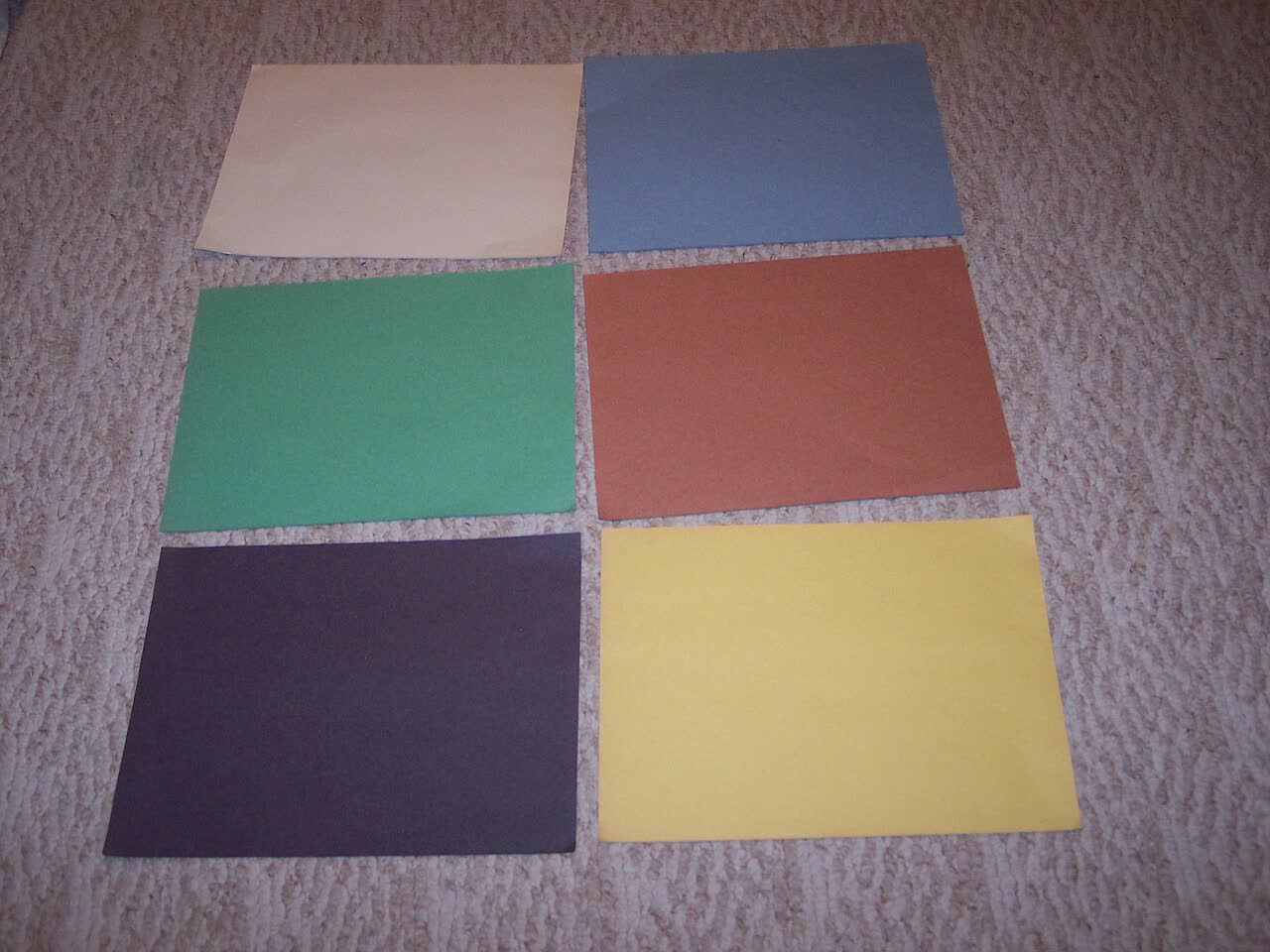
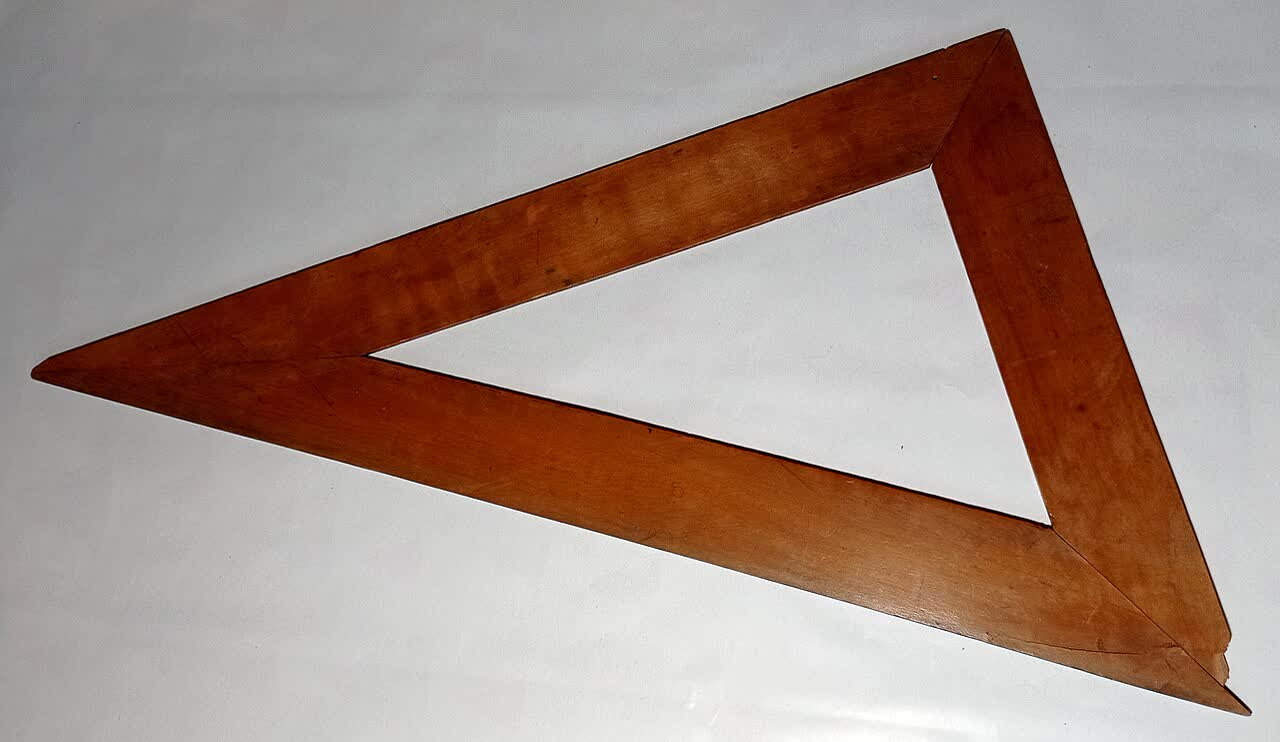
Colored sheets and a wooden triangle
Dancer204, six blank sheets of construction paper, public domain, 2006-02-28. Czeva, a wooden triangle, CC BY-SA 4.0, 2022-12-04. Reviewed 2026-11-18. Reference photographs, not Magnific Move frames.
What Magnific Move publishes
https://www.magnific.com/ai/docs/move, read 2026-11-18, says Move turns a description into a motion graphic and downloads the chosen version as an MP4. It is for animated text, shapes, layouts, charts, logos, and transitions. The same page says to use the Video Generator when the goal is to generate footage. Aspect ratios listed are 16:9, 9:16, 1:1, 4:5, 4:3, and 21:9. Length is up to 180 seconds. Download frame rates are 24, 30, or 60 fps. 4K is not available for every canvas. Edits use few credits, generating media uses more, and the MP4 render cost is shown before it starts. No dollar price was printed, so none is added. Move is on paid plans, including Enterprise, and is not available on free accounts.
The blog post by Martin LeBlanc, published October 28, 2026, calls Move an agent-based motion graphics editor and says HyperFrames, the open-source framework from HeyGen, is the format the agent writes. That is the blog's statement. This page did not run HyperFrames.
This form makes one new 16:9 clip. It does not edit a motion, does not write HTML, and does not download their MP4. /magnific-one is the image-model page. /magnific-spaces is the node canvas. This page does not rewrite them. /magnific stays 404. There is no alias.
Magnific Move and this form
- Read on
- 2026-11-18. Help page magnific.com/ai/docs/move. Blog by Martin LeBlanc, October 28, 2026
- What they do
- A description becomes a motion graphic. Download is MP4. Paid plans, including Enterprise. Not on free accounts
- Settings they list
- 16:9, 9:16, 1:1, 4:5, 4:3, 21:9. Up to 180 seconds. 24, 30, or 60 fps. 4K is not on every canvas
- Credits they describe
- Edits use few. Generated media uses more. The render cost is shown before download. No dollar amount was printed
- This form
- Kling 2.6, text to video, 16:9 to start, 55 credits for 5 seconds, 110 for 10, sound: false
- Still 404
- /magnific. No alias
What the form does
One new clip
Kling 2.6, opened on text, starting at 16:9. 5 seconds is 55 credits and 10 seconds is 110, with sound: false.
Not their editor
No motion graphic, no Brand Kit, and no Magnific credit. Their tool edits versions and exports MP4. This form does not.
16 credits fall short
A new account has 16 credits. A 5-second clip costs 55. That is not a Magnific credit.
Paid on their side
The help page says Move is not on free accounts. No dollar price was printed, so none is added.
Magnific Move and this clip
The middle column is the Magnific help page as read on 2026-11-18. /magnific-one stays the image model.
| Magnific Move that day | Kling 2.6 here | |
|---|---|---|
| What it is | A motion-graphics editor | One new 16:9 clip from a sentence |
| Output | MP4, up to 180 seconds, 24, 30, or 60 fps | 5 or 10 seconds, sound: false |
| Who can open it | Paid plans, including Enterprise. Not free accounts | A Nano AI account. 16 credits fall short of 55 |
| Nearby page | /magnific-one is the image model | This page does not rewrite it |
Make one new clip here
- 1
Stay on text
The form is Kling 2.6, 16:9, 5 seconds, 55 credits, sound: false. It does not open Move.
- 2
Use a scene from this page
The four sentences describe new shots of paper and a wooden triangle. They are not a Magnific template.
- 3
Leave their credits there
This form does not call Magnific. Sixteen credits on this site do not buy the 55-credit clip.
Scenes for the new clip
Original scenes for Kling 2.6, text to video, starting at 16:9. They do not build a motion graphic.
Sheets
Six blank colored sheets on carpet, no text, no person, no logo.
Triangle
A wooden triangle on a white table, no numerals, no person, no logo.
Boards
Four empty pencil rectangles on gray paper, no figures, no words, no person.
Squares
Colored paper squares overlapping on a gray table, no text, no person, no logo.
FAQ
Magnific Move questions
The editor is on Magnific. This form does not call it.
Does this form run Magnific Move?
No. Magnific Move edits motion graphics on magnific.com. This form makes one new 16:9 Kling 2.6 clip. It does not call Magnific.
Is Move free?
The help page says Move is on paid plans, including Enterprise, and is not available on free accounts. No dollar price was printed, so none is added.
Does it export 4K?
The help page says 4K is not available for every canvas. This form does not send a resolution field and does not export their MP4.
What is /magnific-one?
That page is the Magnific One image model. /magnific-spaces is the node canvas. This page does not rewrite them.
Does 16 credits buy the clip?
No. A 5-second clip costs 55 credits and a 10-second clip costs 110, with sound: false. Sixteen credits fall short.
More from Nano AI
Related pages
Nano AI is not affiliated with Magnific or HeyGen. Move facts are from magnific.com as read on 2026-11-18. The form runs Kling 2.6 and does not call Magnific.