
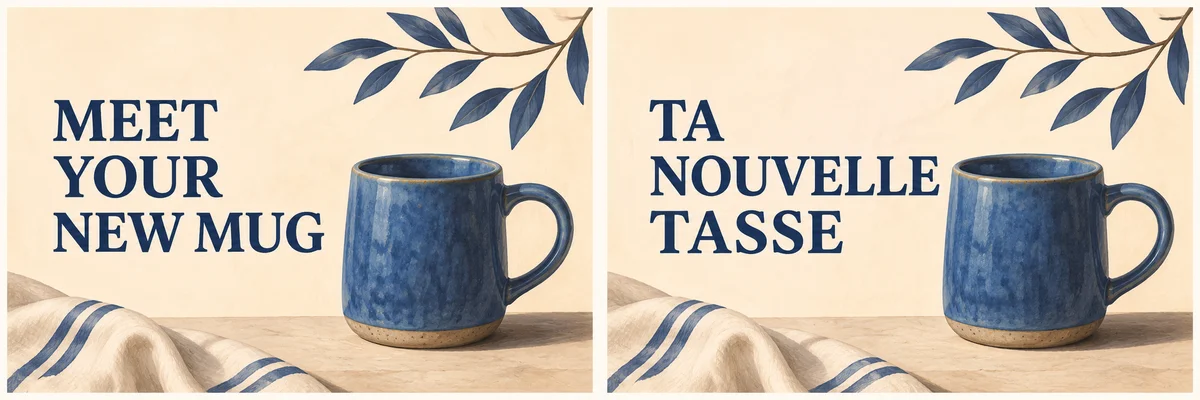
To localize an ad image with AI, start with approved copy for the target market. Keep the product photo and brand assets available separately, remove or replace the original headline, and rebuild the layout around the localized wording. Review each exported version at its actual display size. A translation can be accurate and still need a different line break, more space, or a different call to action.
Adobe’s November 10, 2026 Firefly announcement included Edit Text among its image editing tools. It gives teams another way to work on an existing image. For a campaign, the larger job is making sure the copy, artwork and destination page tell the same story in each market. This guide uses a fictional blue mug campaign to walk through that process. Adobe Firefly announcement
- Approve the copy and the source artwork
- Rebuild the layout around the copy
- Review the exported ad in context
- Frequently asked questions
Approve the copy and the source artwork
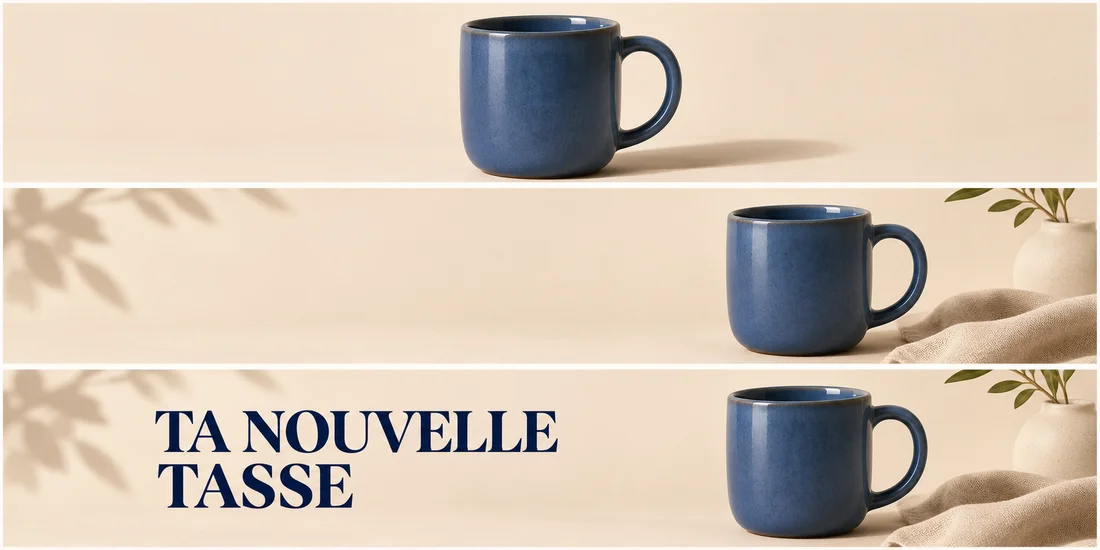
Write down every message a viewer can read in the image. Include the headline, call to action, offer and any small print. Decide which lines can be adapted and which facts need to stay exact. For a reusable visual, store the product image, editable layout and approved wording together so the next market can work from the same source.
| Element | What to prepare | What to verify |
|---|---|---|
| Headline | A short line approved for the audience | Tone, meaning and line breaks |
| Call to action | The wording used in the campaign | The destination supports the action shown |
| Offer | Approved local price, dates and conditions | Each detail matches the destination and the campaign brief |
| Product photo | An approved original or cutout | Shape, color and markings match the actual product |
In the mug example, “Meet your new mug” becomes “Ta nouvelle tasse” for a brand that uses informal French. The shorter wording focuses on the same product introduction and fits the design differently. A formal brand might choose “Votre nouvelle tasse.” Have a fluent reviewer confirm the phrasing and tone before placing it in the ad.
Keep prices and offers in the copy brief. If a destination page uses a specific price or subscription condition, copy the verified value into the layout as editable text. That also makes it easier to correct or retire the offer without rebuilding the artwork.
Rebuild the layout around the copy
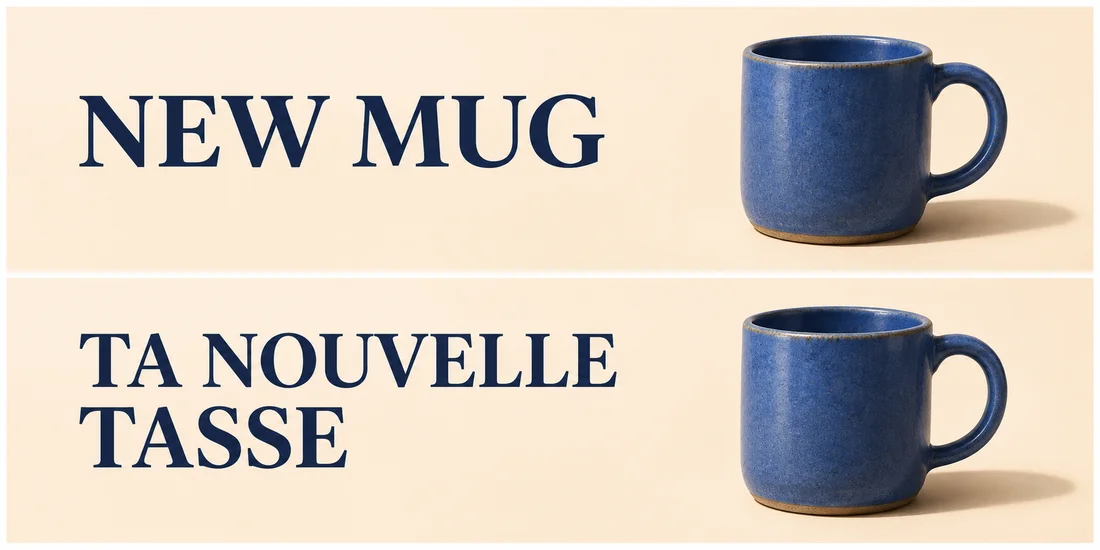
If you have the layered design, swap the headline in its text layer and adjust the space around it. If the only source is a flattened image, make a clean background where the old headline sat. Add the approved wording as editable text when it needs to be reproduced exactly across several placements. For an integral sign or short line in the artwork, try a text replacement and inspect the result character by character.
- Identify the region that contains the old wording and keep a copy of the original.
- Prepare a clean area for the new text. Use the original product image if the edit changes a handle, logo or label.
- Add the approved line and adjust its position, width and line breaks for each placement. Check that it leaves enough space around the product.
- Export a draft and keep the editable file alongside it.
For a flattened mug banner, a prompt for the artwork pass might read as follows.
Remove the headline from the empty space on the left. Extend the existing ivory background through the cleared area with the same lighting and texture. Preserve the blue mug, handle and shadow on the right. Leave the cleared space open for a two-line headline.
Use Image Edit to draft this cleanup with a model that accepts the source image. Then place the approved copy in your layout editor and compare against the original artwork before export. NanoAI Image Workbench
Review the exported ad in context
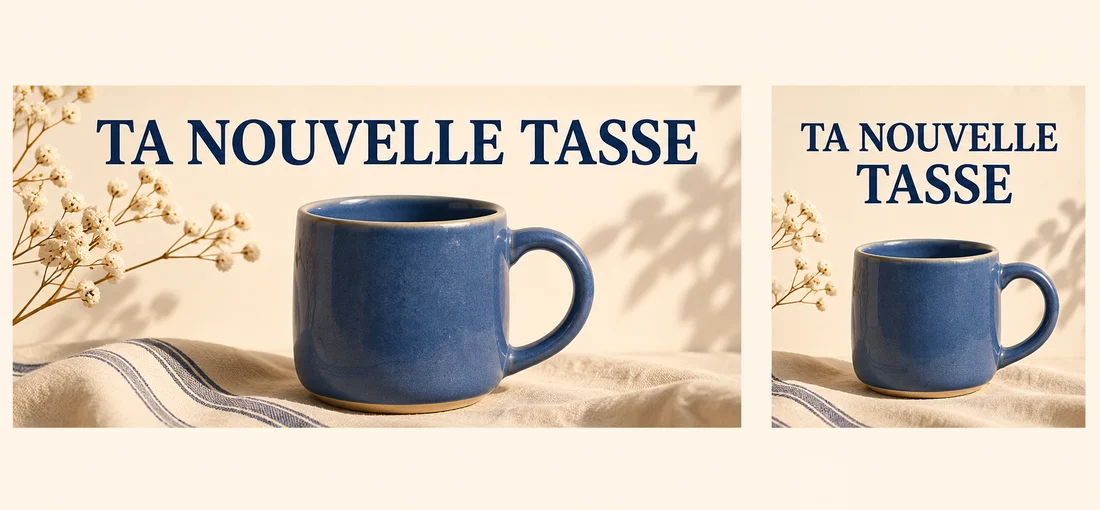
Open the actual export, then preview it at the size viewers will see. The words may fit in a horizontal banner and become crowded in a square crop. Rewrap the headline or move the mug if the placement needs room. A design can keep the same message and visual hierarchy through different arrangements.
Read the ad from top to bottom and compare it with the target landing page. Check spelling, accents, punctuation, currency and any dates or units. For scripts that read right to left, verify reading order and inspect the layout with mixed numerals or Latin brand names. Confirm the product still matches the approved photo and that the call to action describes what users can do on the page.
Before publishing, ask a fluent reviewer to open the export and the destination together. They should see how the headline reads at feed size and whether the image implies a different offer from the one on the page. Apply their changes to the master so every crop uses the same approved wording.
Frequently asked questions
Can I localize a flattened ad image?
Yes. Start from an approved copy, clear the area containing the original wording and add the localized text. If the old words overlap a product or detailed texture, check the repaired area closely or rebuild it from the original product asset.
Should I translate the brand name or product label?
Use the brand’s approved naming for that market. Keep the actual product label visible when the ad needs to show what the buyer receives. Add localized explanatory text beside the product when helpful.
How do I handle a headline that gets longer?
Try a wider text area or a deliberate line break first. If it still crowds the image, ask for a shorter approved line that preserves the message. Compare the result at the smallest intended display size.
What should I keep for future language versions?
Save the original artwork, approved copy, editable layout and exports for each placement. Keep the destination URL and offer details with the copy brief so future revisions can be checked against the right campaign.